About Services Tools Blog Contact us

Text-to-image Generation

Makes a picture from a written brief using Stable Diffusion, FireRed-Image-Edit or Google Gemini, at a size and shape you choose. It can also put a subject on a white background or make one picture per section of a long text.

  • Image Generation
  • Cross-sector
  • Tool
  • Productised
  • Hybrid
  • 2026

The problem

Decks, advertisements and product pages often need a still when no photograph exists. Each job meant a fresh setup and a different size. Nobody had recorded whether Stable Diffusion or FireRed-Image-Edit gave the better result.

What it does

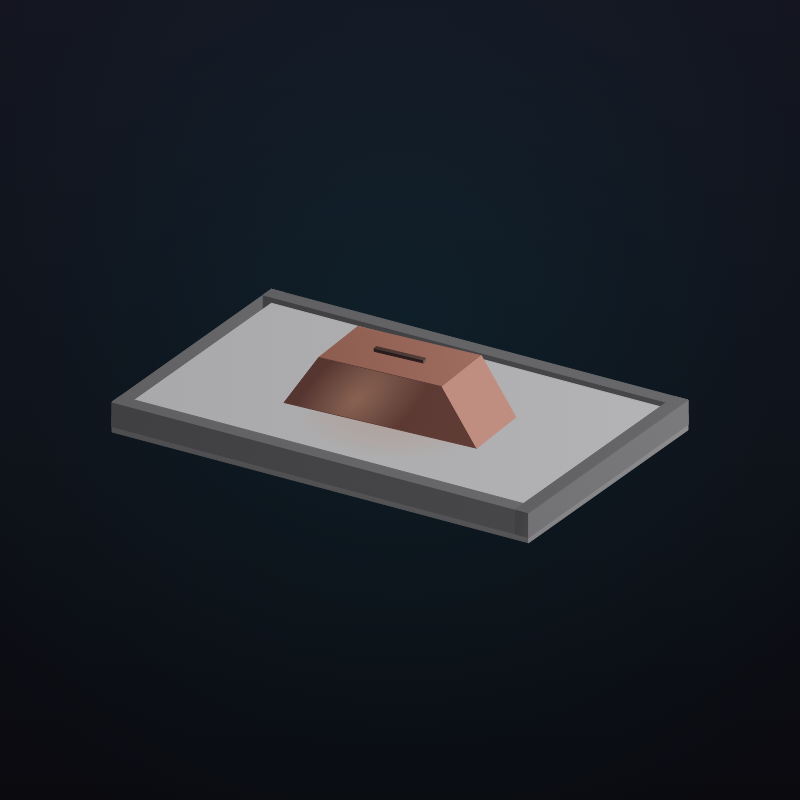
You write a brief and pick a shape and size. The brief goes to Google Gemini, or to Stable Diffusion or FireRed-Image-Edit when the picture must stay on the machine, and the picture is saved. A described subject can be painted onto a white background for a product-photo style frame. Long text can be split into sections with one picture each. A set of briefs can run through Stable Diffusion and FireRed-Image-Edit side by side, so the better one is recorded before a production job.

Outcomes

  • Any other tool can ask for a picture without a new setup.
  • White-background subjects are made without the image leaving the machine.
  • A long text becomes a set of pictures in one batch.
  • The choice of model comes from a recorded side-by-side test.

Simplified mockup

Interactive preview with sample data. Nothing is sent to a server.

White-ground still

Brief

Aspect

Frame 1:1
White ground

Ready

One picture per passage

Passage 1 Inbox

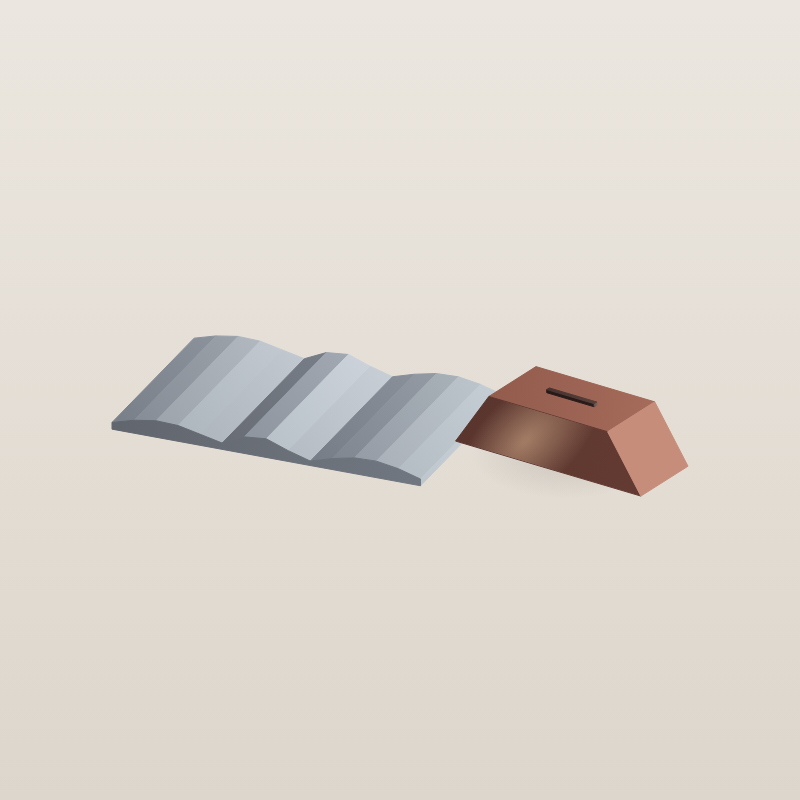
The ingot is cast in a single pour and left to cool on a steel tray. The surface takes a dull rose colour once the heat leaves it.

28 words · chunks 1 and 2

Passage 2 Inbox

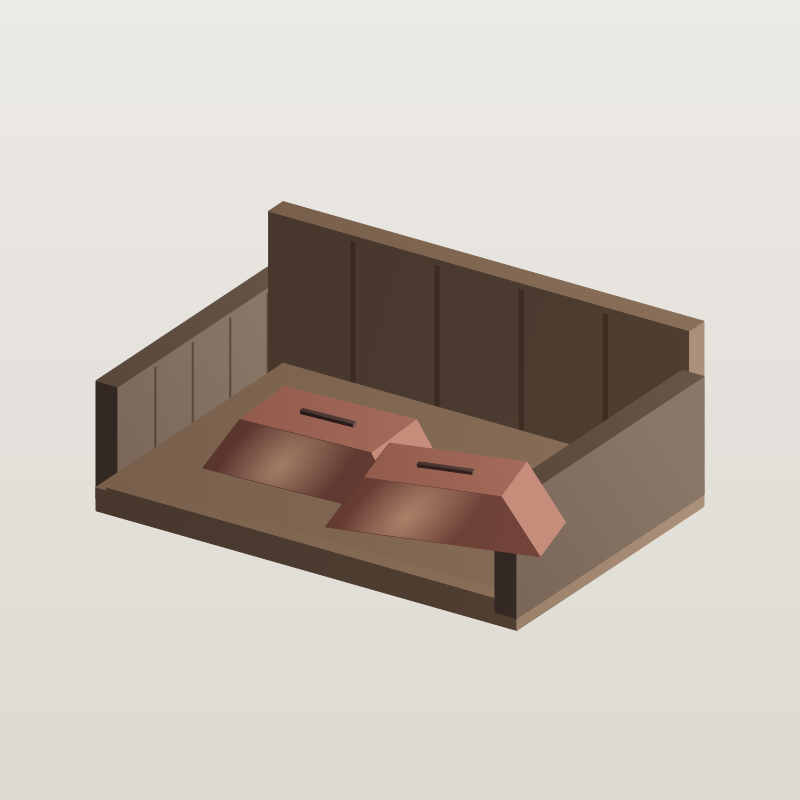
Store the pieces in a dry crate. Wipe each one with a dry cloth before it is photographed for the catalogue.

21 words · chunks 3 and 4

Batch · 12 words a chunk
Two passages in the inbox

Same three prompts

Click a column, or record the higher score

How it works

  1. Set a brief, a shape and a size.
  2. Send the brief to Google Gemini, Stable Diffusion or FireRed-Image-Edit and save the picture to a chosen location.
  3. Paint a described subject onto a blank canvas on the machine in white-background mode.
  4. Split long text dropped in an inbox by word count and illustrate each section.
  5. Run one set of briefs through Stable Diffusion and FireRed-Image-Edit side by side and record the better one.
  6. Keep finished pictures as standard image files, and as a layered file where a design file is needed.

Pipeline

flowchart LR
  A["Prompt"] --> B{"Where to run"}
  B -->|Hosted| C["Google Gemini"]
  B -->|Local| D["Stable Diffusion or FireRed-Image-Edit"]
  C --> E["Still at size"]
  D --> E
  F["Long text"] --> G["Chunks"]
  G --> D
  E --> H["Chosen file"]

Output