About Services Tools Blog Contact us

Multi-angle Catalogue Stills

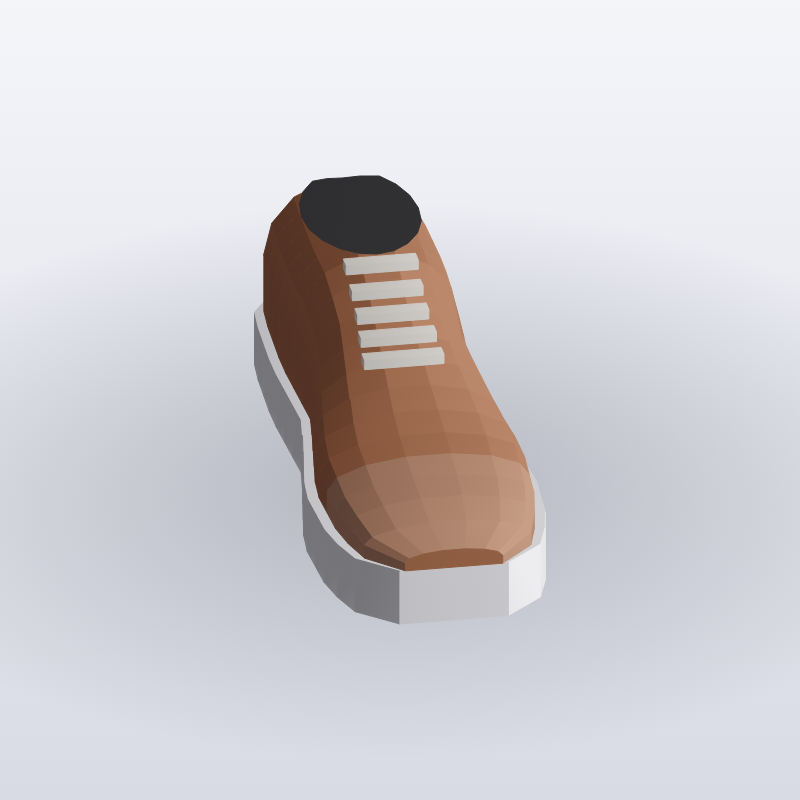
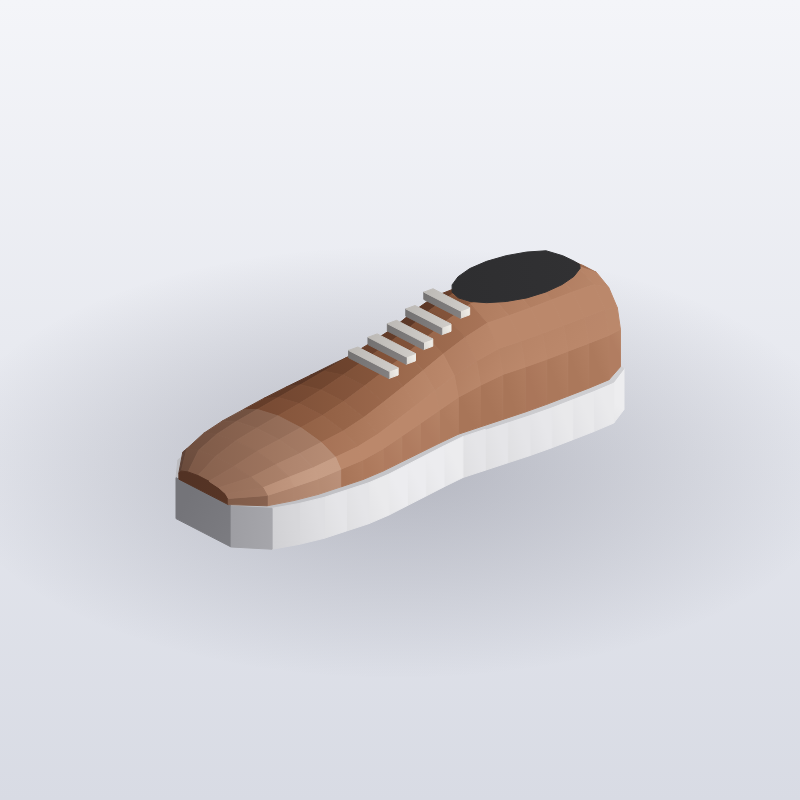
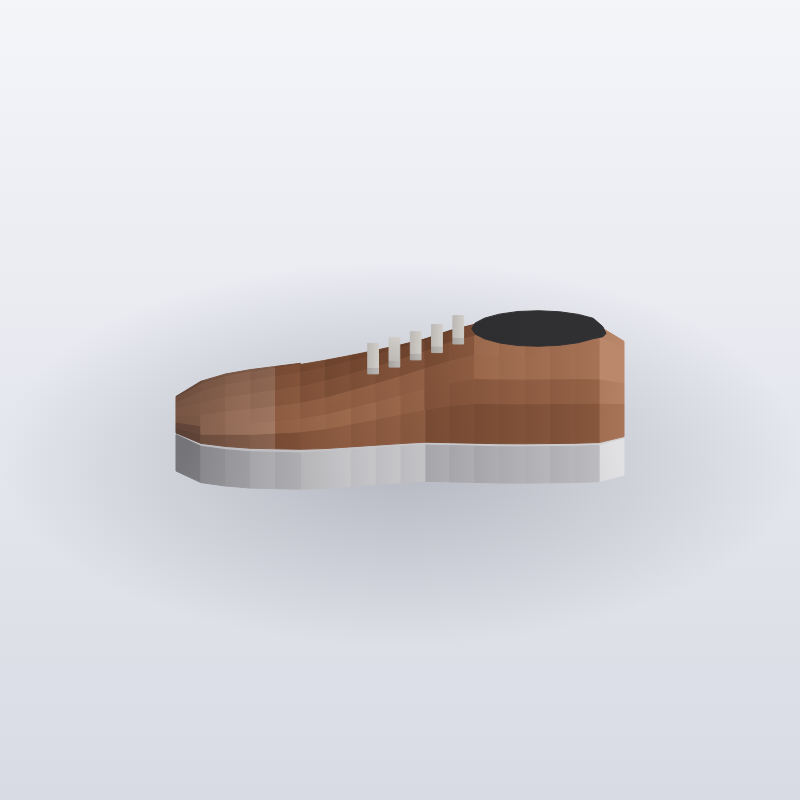
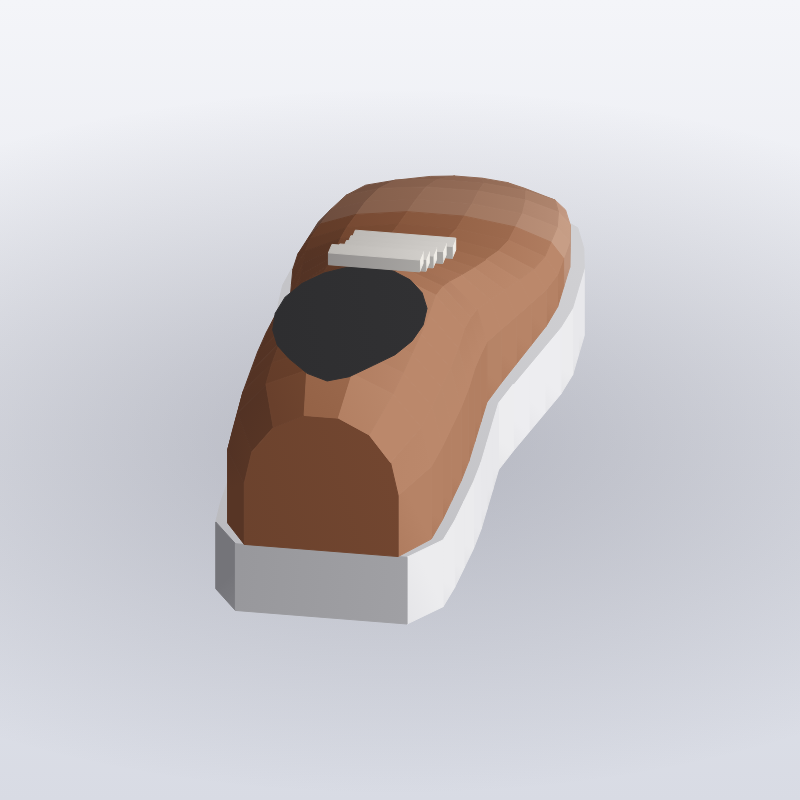
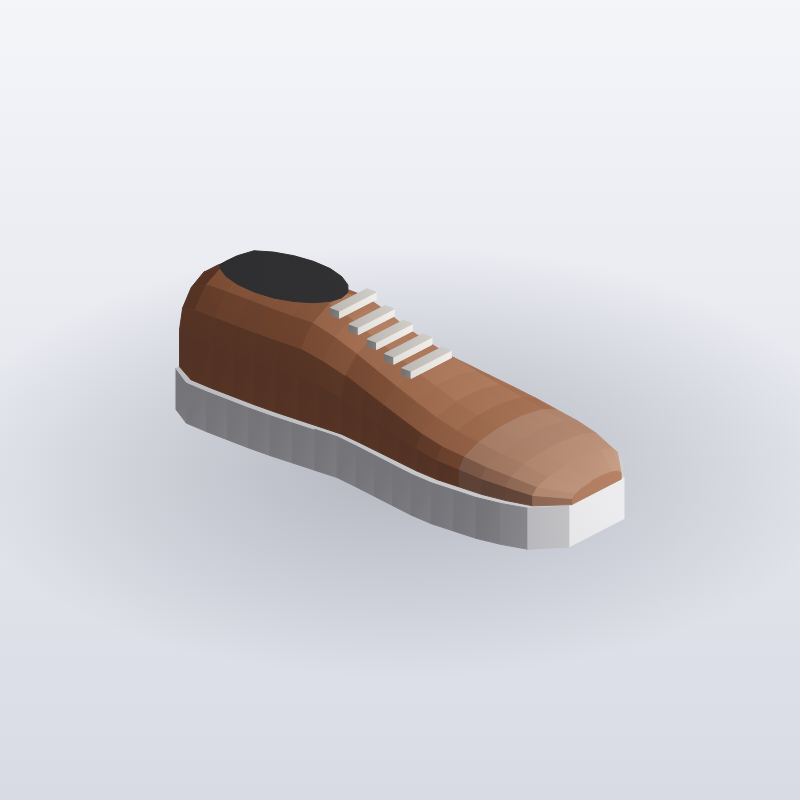
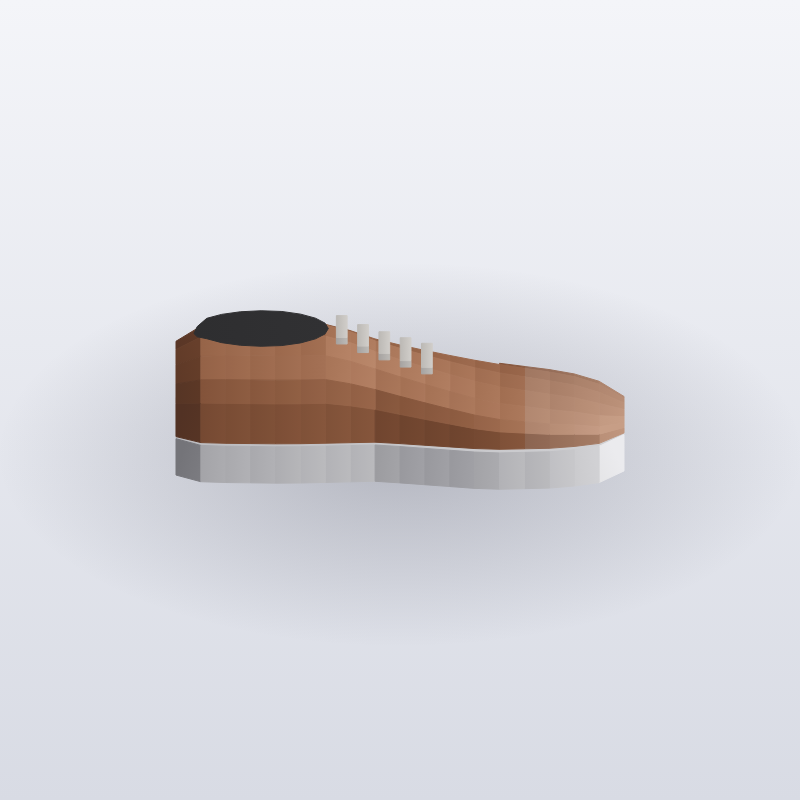
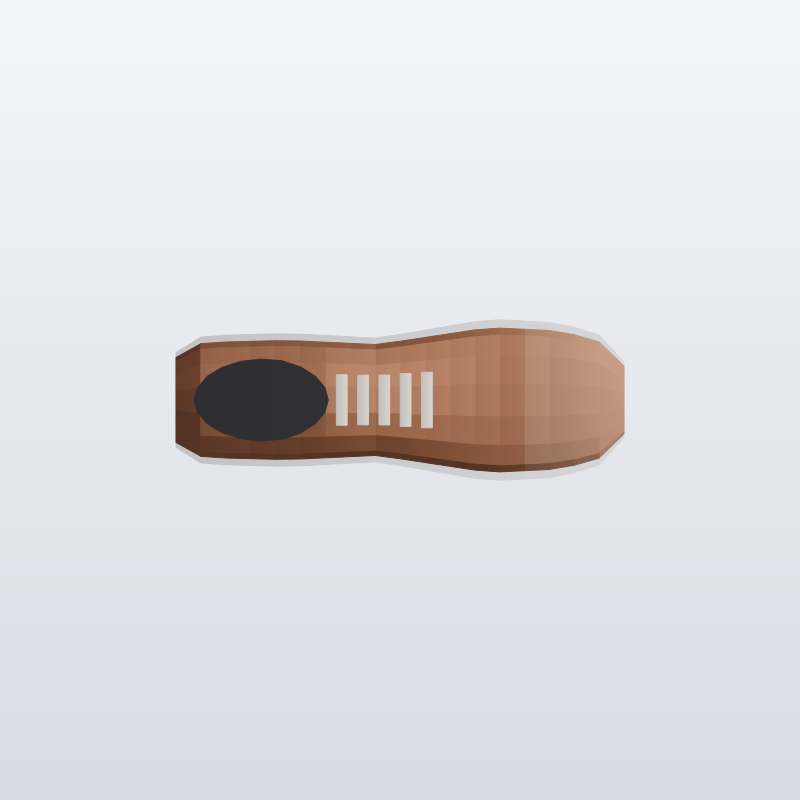
Turns one or more product photographs into eight square catalogue stills on a white ground, each from a fixed angle, with studio lighting and a soft contact shadow.

  • Image Generation
  • Cross-sector
  • Pipeline
  • Productised
  • Hybrid
  • 2026

The problem

One photograph cannot fill a gallery that expects front, side and back views. Shooting an eight-angle set needs a rig and a studio day. Even then the white, the shadow and the crop drift from frame to frame.

What it does

You upload JPG, PNG or WebP photographs and the first image is sent to Google Gemini once for each standard angle. The instructions fix an eye-level view, a tight product crop and an even white ground with a soft contact shadow. Each returned image is saved as its own PNG against the job. If one angle fails, that failure is recorded and the others are kept.

Outcomes

  • One photograph becomes a set of eight angles on white.
  • Every angle has the same crop, light and shadow.
  • One failed angle does not lose the other seven.
  • The stills are square and ready for a catalogue gallery.

Simplified mockup

Interactive preview with sample data. Nothing is sent to a server.

Eight-angle orbit · style RC-204

1. Photograph
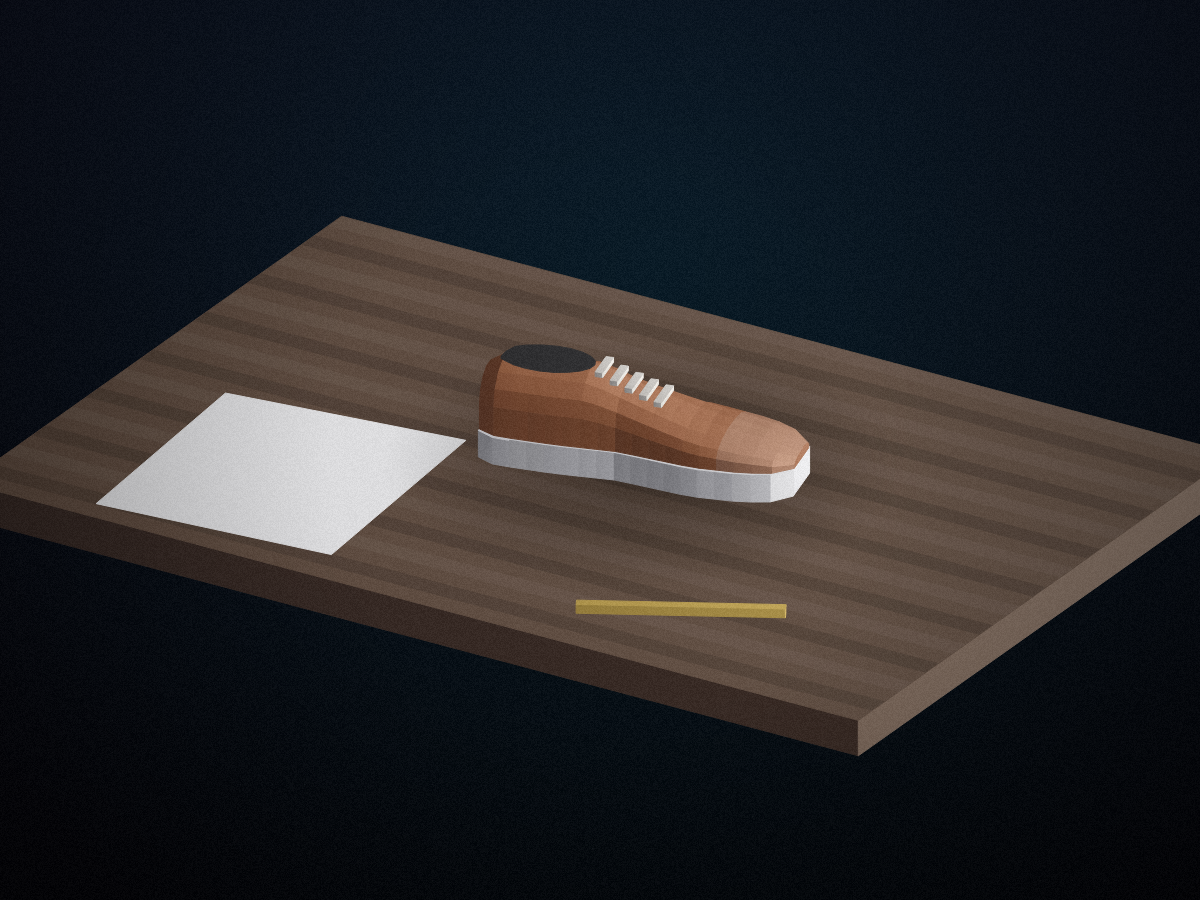
Click to load the table photograph
2. Angles
Load a photograph to start
Front Three-quarter left Side left Back Three-quarter right Side right Top Back three-quarter right

Job 1842

Angles on the job
AngleFilepxStatus
Front01_front.png1024kept
Three-quarter left02_three_left.png1024kept
Side left03_side_left.png1024kept
Back04_back.png1024kept
Three-quarter right05_three_right.png1024kept
Side right06_side_right.png1024kept
Top07_top.png1024kept
Back three-quarter right08_back_right.png–failed

What every angle must share

Camera
Eye level
Crop
Tight
Ground
White
Shadow
Contact
Kept out of the frame
people logos scenery text

The same lock is sent with every angle, so the white, the shadow and the crop do not drift.

Kept angles this week

How it works

  1. Store the uploaded JPG, PNG or WebP images against the job.
  2. Send the first image once for each standard angle.
  3. Fix eye level, a tight crop, a white ground and a contact shadow in the instructions.
  4. Keep people, logos and scenery out of the frame.
  5. Save each angle as its own PNG.
  6. Record a failed angle and keep the rest.

Pipeline

flowchart LR
  A["Product photo"] --> B["Create job"]
  B --> C["Front"]
  B --> D["Three-quarter"]
  B --> E["Side"]
  B --> F["Back"]
  C --> G["Square PNGs"]
  D --> G
  E --> G
  F --> G

Output