IMG_4412.jpg Rotation 90°
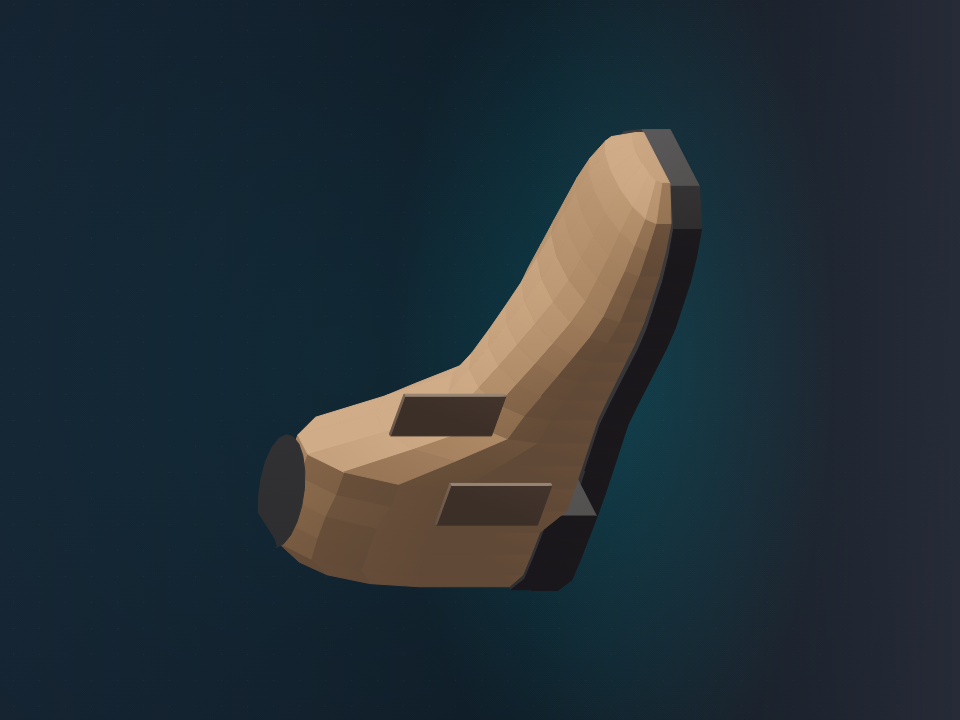
Phone · 4032 × 3024 · rotation not honoured
Turns phone photos and supplier stills into web-ready images: upright, brightened and placed on a square white frame at the shop size.
Buying photos arrive sideways, too dark and at whatever size the phone chose. Someone had to resize each brand batch, tile and one-off frame to the shop sizes by hand. A missed rotation or a grey corner then showed up on the product page.
Each phone photograph is turned upright, brightened and saved as a 2048 pixel working image. The original is kept. Packshots are then placed on white with a tight margin and saved as a square at the shop size, typically 900 pixels. A batch gives back the finished frames and a list of any that failed.
Interactive preview with sample data. Nothing is sent to a server.
Four files. Originals stay in the drop. Shop size for this list is 900.
Phone · 4032 × 3024 · rotation not honoured
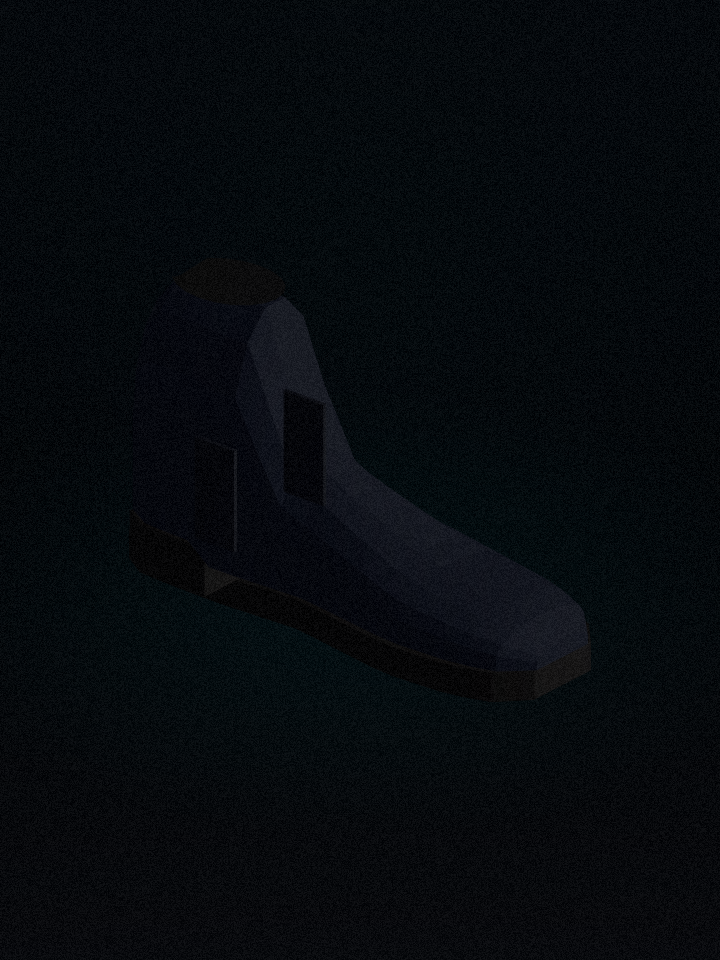
Phone · border median 41 · wall metered grey
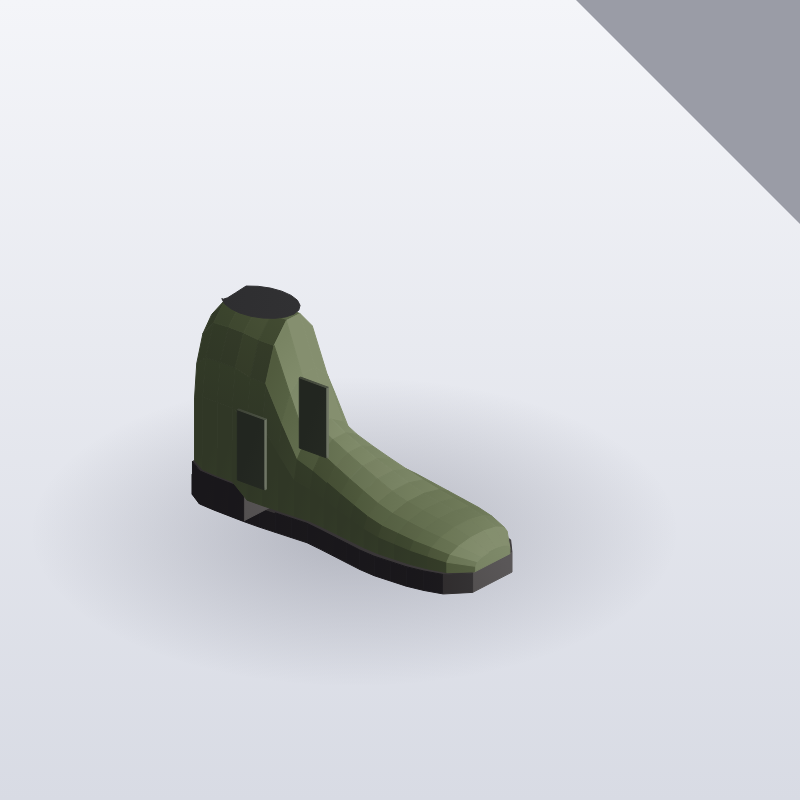
Supplier still · 1800 × 1800 · margin too wide

Email · no subject in the frame
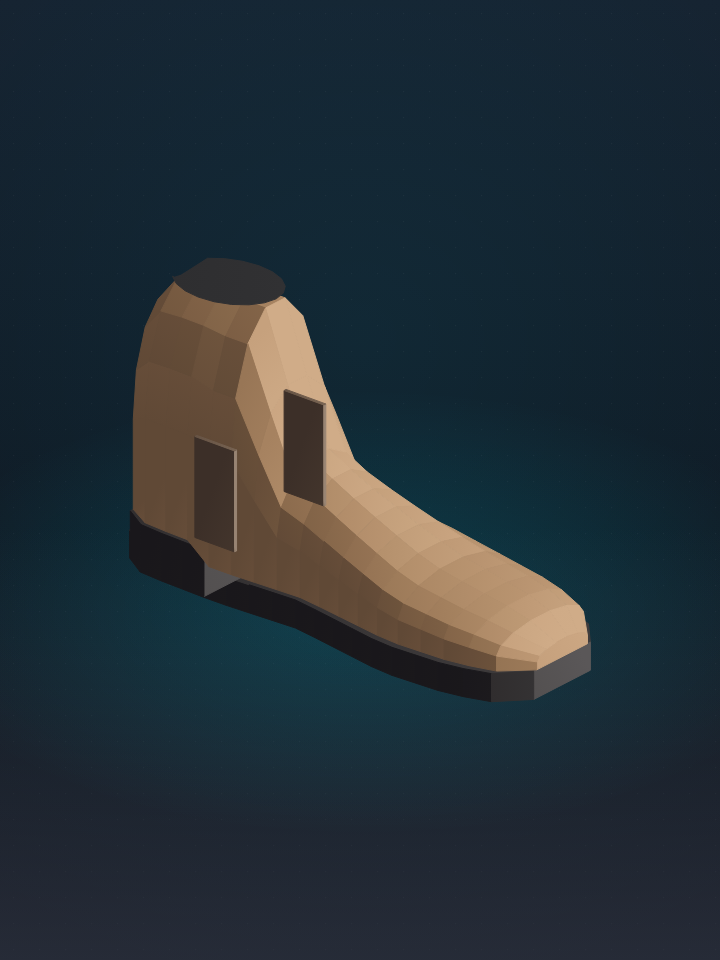
2048 long edge · original kept
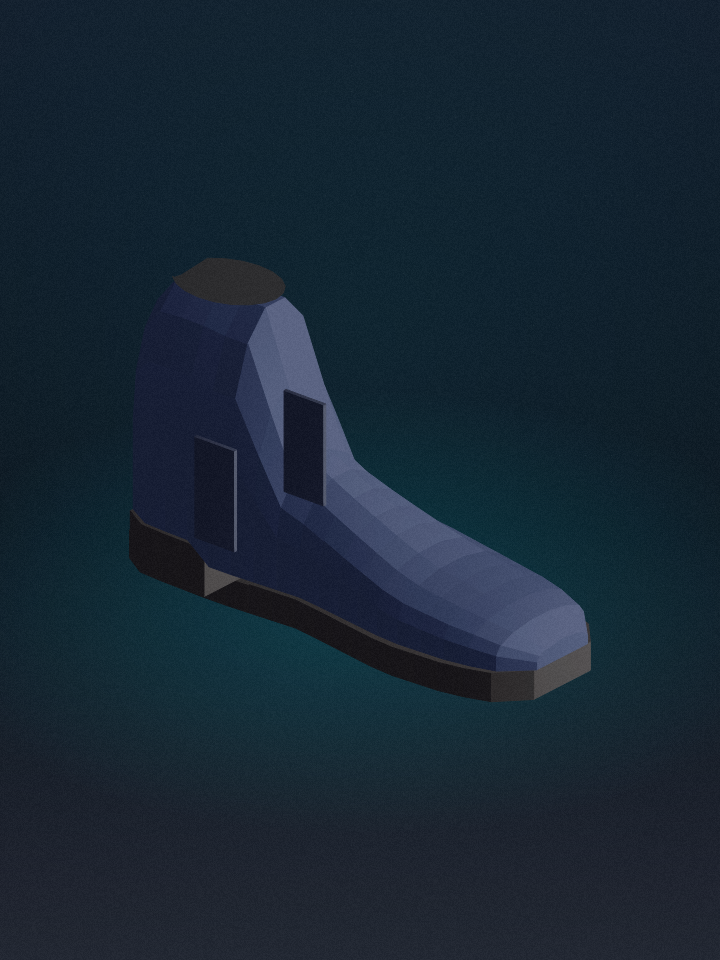
Wall brought back up · subject readable
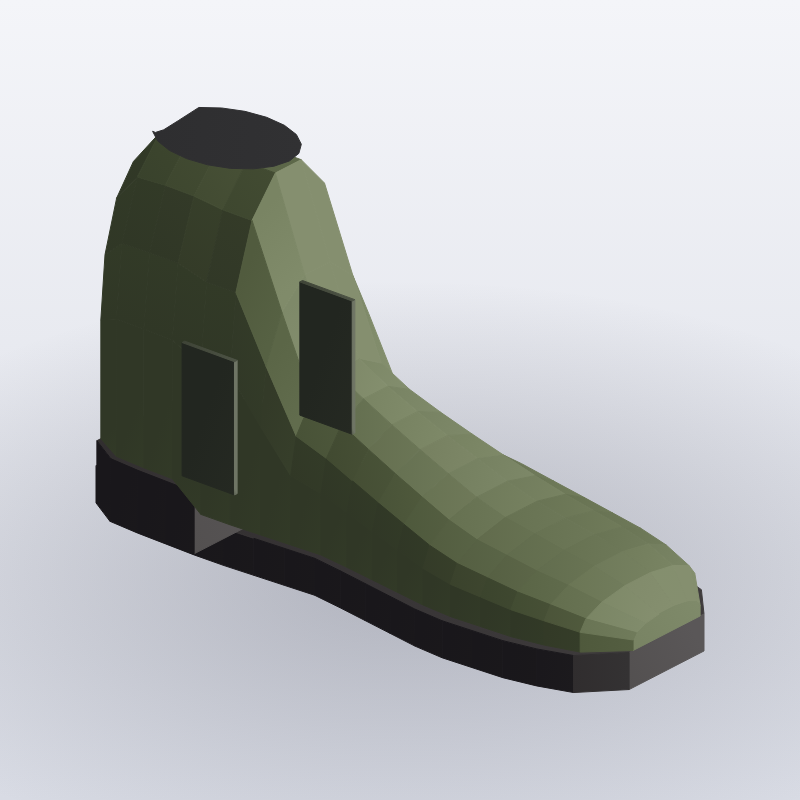
White ground · tight margin · grey corner gone
Could not find a subject
After rotation and exposure, each success is placed on white at 900 pixels. The working JPEG stays beside the original.
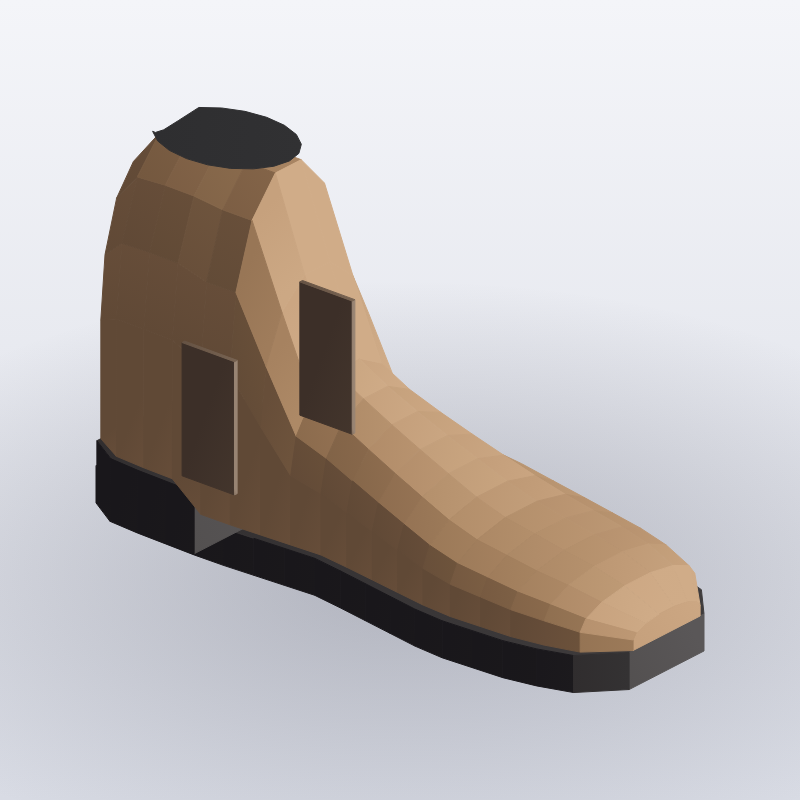
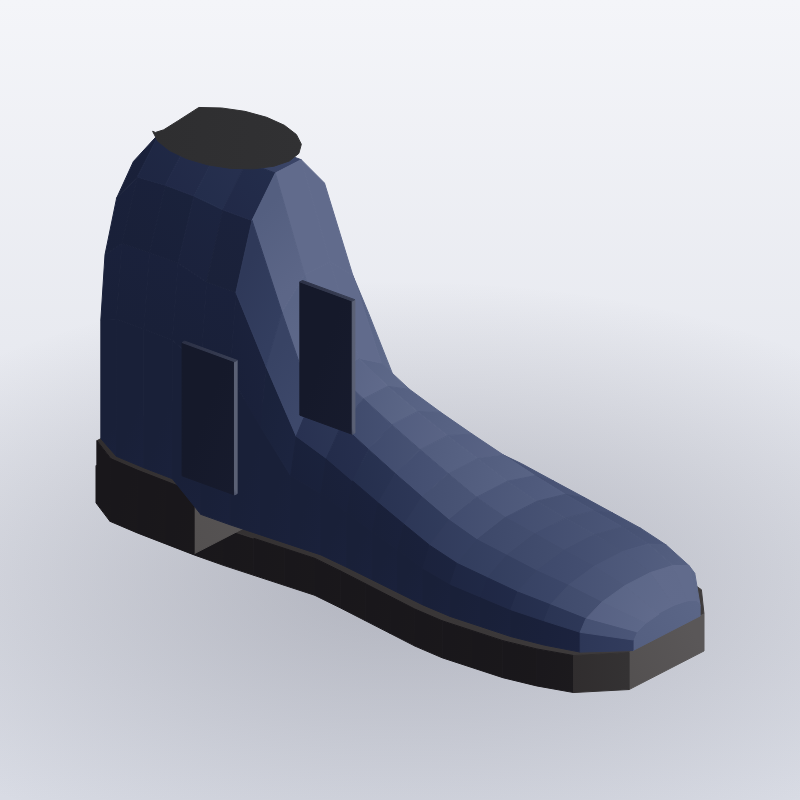
| Output | Edge | Ground | When |
|---|---|---|---|
| Working JPEG | 2048 | as shot | beside the original |
| Catalogue frame | 900 | white | tight margin |
| Tile | 900 | white | same list |
Nothing in this list was skipped quietly. The buyer can answer the query and drop a replacement.
| File | Reason | Ask |
|---|---|---|
| SCAN-004.jpg | Could not find a subject | Reshoot on a plain ground |
| IMG_4390.jpg | Truncated file | Ask the sender to export again |
| NOTE-12.jpg | Only a sleeve | Not a product frame |
flowchart LR
  A["Phone or supplier photo"] --> B["Keep original"]
  B --> C["Honour rotation"]
  C --> D["Correct exposure"]
  D --> E["White square"]
  E --> F["Shop size JPEG"]
  F --> G["Failure list"]