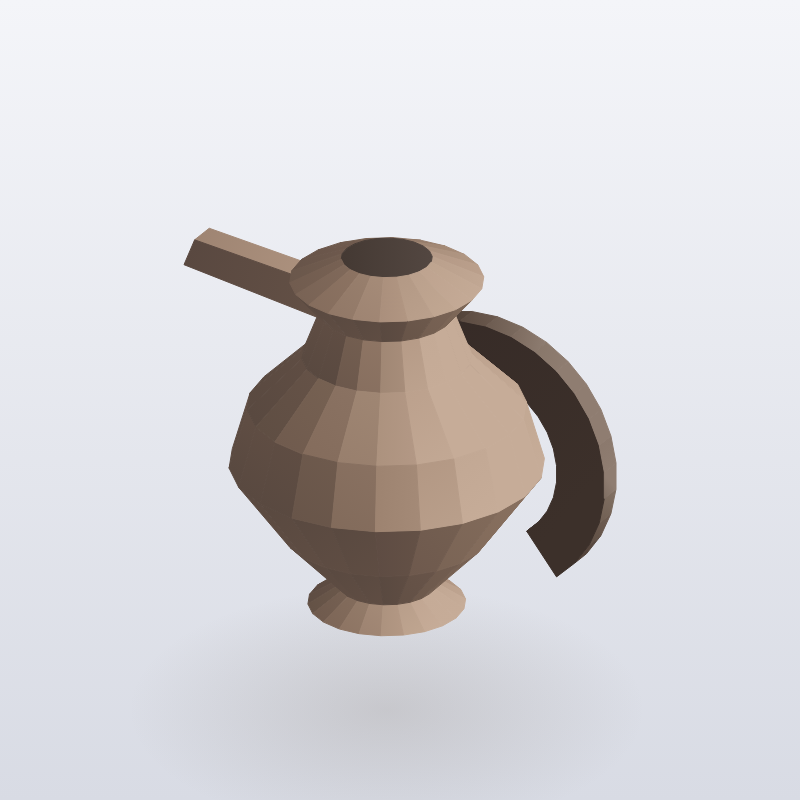
IMG-1841 root
White sweep, three-quarter jug
still-local · 1024 × 1024
A gallery of images made with Google Gemini that keeps each prompt and model, with a trail of edits and alternative versions leading back to the original.
Generated images pile up in a folder with no record of the prompt, the model or the earlier picture they came from. An edit and a fresh generation look the same there. So a good version, once passed over, could not be found again.
Each image is stored with its file, prompt, model, size and an optional task. Later details record the earlier image it came from, the input images, an edit prompt and a version number. The gallery follows the trail back to the original and lists alternative versions of the same image.
Interactive preview with sample data. Nothing is sent to a server.
IMG-1841 root
White sweep, three-quarter jug
still-local · 1024 × 1024
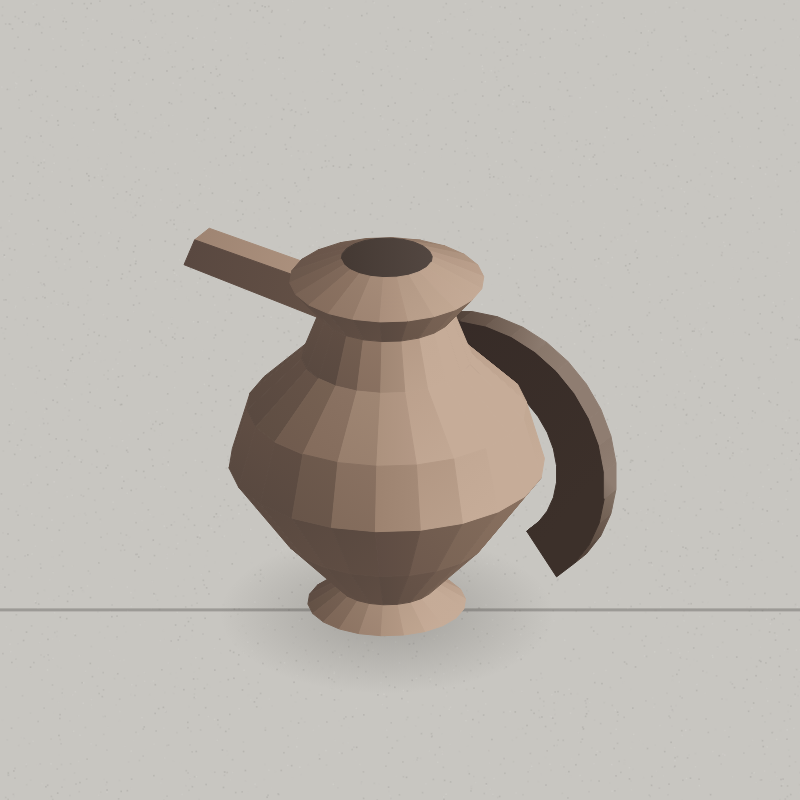
IMG-1904 rev 2
Ground changed to pale concrete
edit-local · parent IMG-1841 · rev 2
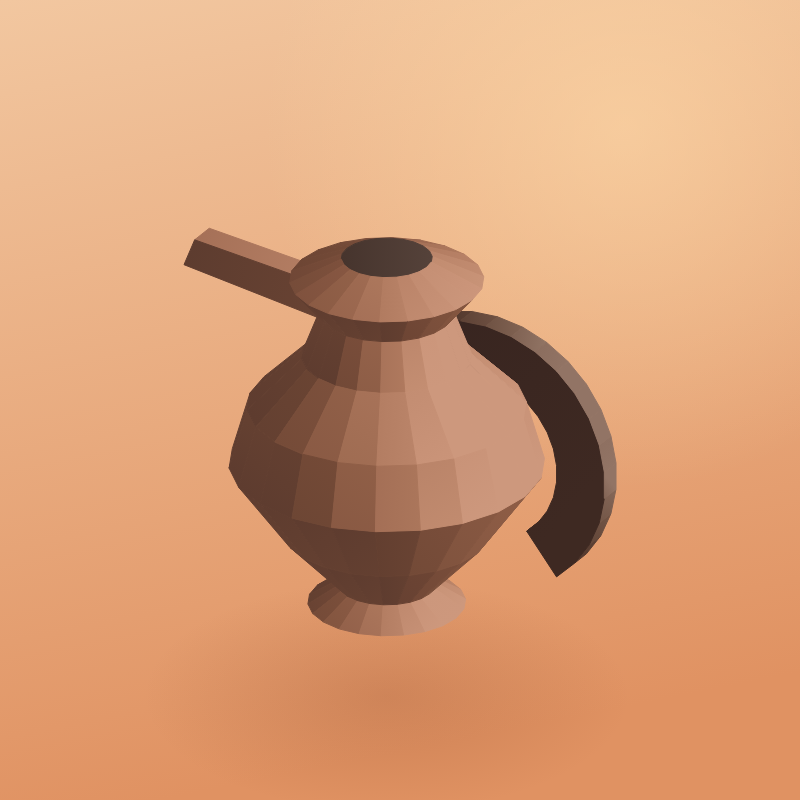
IMG-1908 sibling
Warmer afternoon light, same jug
edit-local · parent IMG-1841 · rev 3
Same root. The concrete edit and the warm revision do not overwrite each other.
| Prompt | White sweep, three-quarter jug |
|---|---|
| Model | still-local |
| Size | 1024 × 1024 |
| Parent | none |
| Revision | 1 |
| Task | Spring stills |
| Prompt | Ground changed to pale concrete |
|---|---|
| Model | edit-local |
| Size | 1024 × 1024 |
| Parent | IMG-1841 |
| Inputs | IMG-1841 |
| Edit prompt | Change the ground to pale concrete |
| Revision | 2 |
| Task | Spring stills |
| Prompt | Warmer afternoon light, same jug |
|---|---|
| Model | edit-local |
| Size | 1024 × 1024 |
| Parent | IMG-1841 |
| Inputs | IMG-1841 |
| Edit prompt | Warmer afternoon light, keep the jug |
| Revision | 3 |
| Task | Spring stills |
| File | Rev | Parent | Model | Prompt |
|---|---|---|---|---|
| IMG-1841 | 1 | none | still-local | White sweep, three-quarter jug |
| IMG-1904 | 2 | IMG-1841 | edit-local | Ground changed to pale concrete |
| IMG-1908 | 3 | IMG-1841 | edit-local | Warmer afternoon light |
Siblings share a parent. A later edit can reopen either child without losing the other.
flowchart LR
  A["Generated file"] --> B["Store prompt and model"]
  B --> C["Optional parent"]
  C --> D["Revision number"]
  D --> E["Ancestor walk"]
  E --> F["Sibling list"]
  F --> G["Gallery"]