About Services Tools Blog Contact us

Background Removal and Cut-out

Cuts a product or a piece of equipment out of its photograph and places it on white or a transparent ground, with a soft shadow when it is for print.

  • Image Editing & Compositing
  • Cross-sector
  • Pipeline
  • Productised
  • Local/private
  • 2026

The problem

Catalogue and brochure jobs need the object on its own. A near-white product photo still has a grey corner, a render sits on a studio backdrop, and a site photograph has the yard behind the machine. Masking each image by hand does not survive a seasonal drop.

What it does

A person points it at a folder of photographs or renders. A neural cut-out, or a simple near-white removal for clean product photos, separates the subject. Catalogue images go onto white. Renders are trimmed and saved as transparent images up to a maximum size, and equipment cut-outs for print keep a soft shadow so they drop onto a brochure page.

Outcomes

  • A messy folder becomes separate subjects on white or transparent.
  • The originals stay where they were.
  • Brochure artwork can reuse the same equipment cut-out.
  • Renders and photographs get the same finish.

Simplified mockup

Interactive preview with sample data. Nothing is sent to a server.

Background Removal and Cut-out

Three frames in the drop folder
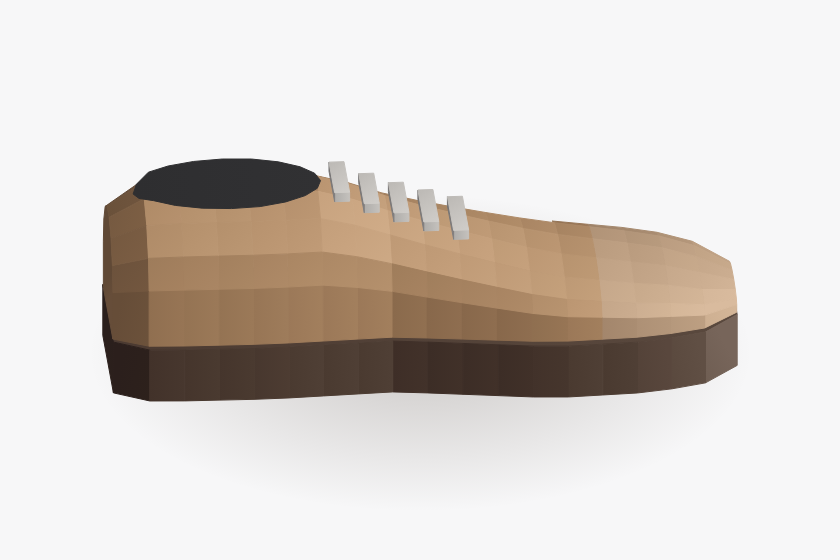
Trainer creased cloth
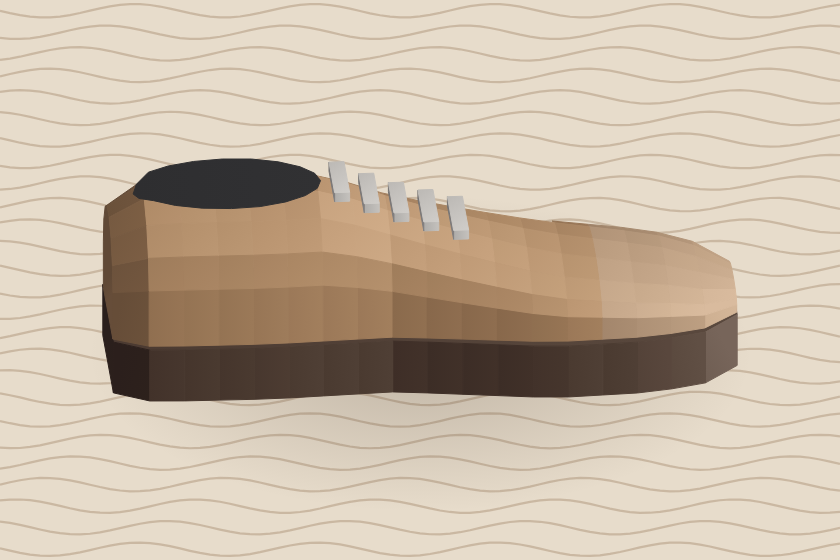
Tan trainer lying on creased cloth
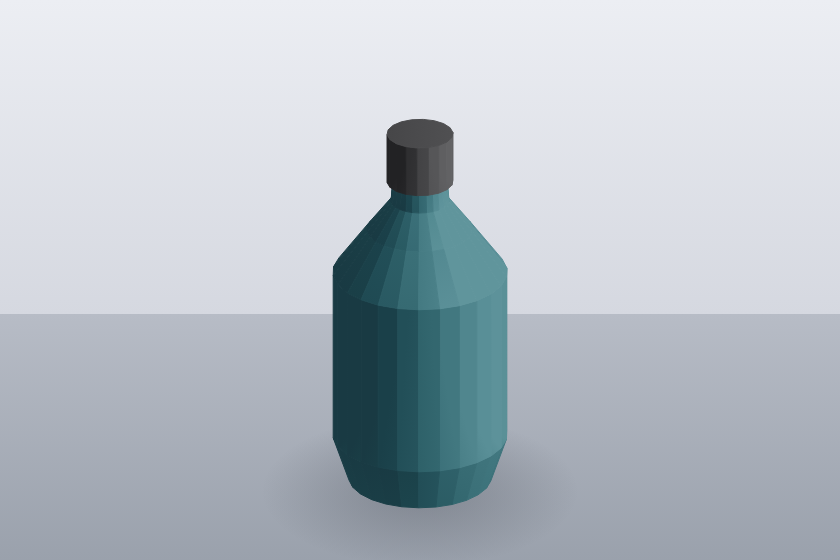
Render grey sweep
Teal bottle render standing on a grey studio sweep
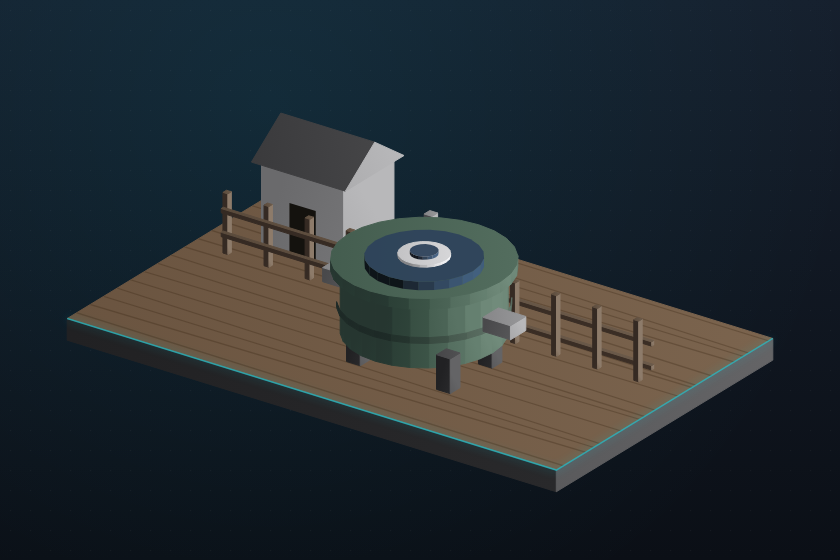
Settlement tank yard
Green settlement tank standing in a yard

Three finishes, one folder

Catalogue white
Trainer finished on a white catalogue ground

Centred on white. The cloth is gone, including the grey corners a near-white packshot usually keeps.

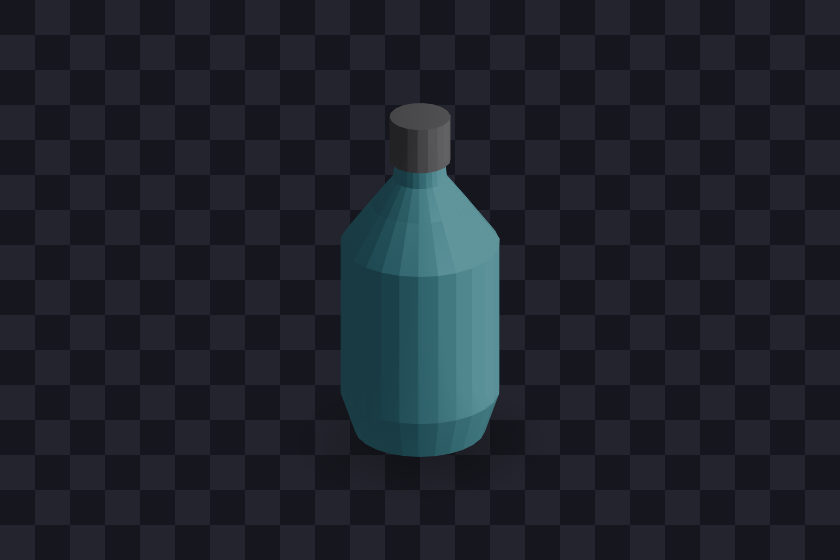
Render clear
Bottle render on a transparent ground

Transparent PNG, trimmed to the bottle, at a maximum edge length for the web slot.

Brochure shadow
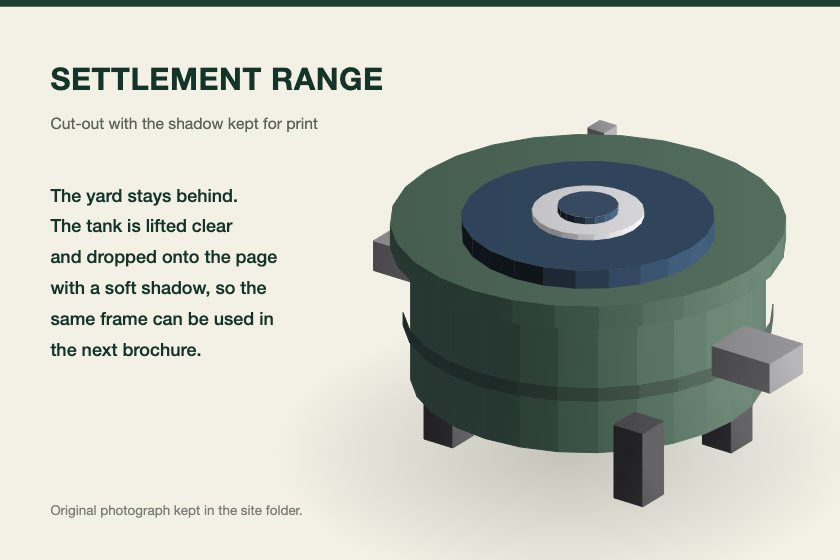
Brochure page with the tank and a soft shadow

The yard is gone. The shadow stays, so the cut-out can drop onto the next layout.

This drop

Cut-outs
0
from one folder
Originals kept
0
nothing overwritten
Print files
0
shadow retained
Routes
FileSceneRouteFinishOriginal
trainer-01.jpgCreased clothNear-whiteOn whitekept
bottle-render.pngGrey sweepNeuralTransparent PNGkept
tank-yard.jpgYardNeuralPrint with shadowkept

How it works

  1. A folder of photographs or renders is walked, and the originals are left in place.
  2. Near-white packshots lose the background by colour, and busier scenes use a neural cut-out.
  3. The subject is centred on white for catalogue frames.
  4. Renders are trimmed to the subject and exported as transparent PNGs.
  5. Print cut-outs keep a soft shadow and are filed for the next layout.

Pipeline

flowchart LR
  A["Photograph"] --> B{"Clean packshot?"}
  B -->|Yes| C["Remove near-white"]
  B -->|No| D["Neural cut-out"]
  C --> E["Subject on white"]
  D --> F["Transparent PNG"]
  D --> G["Print cut-out with shadow"]

Output