Removes products from a campaign photograph, or erases a retired label from a map, and restores the background so the repair does not show.
Image Editing & Compositing
Cross-sector
Pipeline
Productised
Hybrid
2026
The problem
Campaign sets stay useful long after the products in them have changed, but the shoes are part of the photograph. A retired label on a map has the same problem. If you just delete it, a flat patch gives the edit away.
What it does
You name the image and what to remove. For a campaign photograph, Nano Banana (Google Gemini) removes the products and keeps the set, the light and the props, and the clean background is stored for the theme. For a hard-edged patch such as a label, line and marker, the gap is filled from the surrounding colour and fine texture is copied from a clean area. The repair then holds up at print size.
Outcomes
A campaign set can be reused without the old products.
A removed label leaves no smeared rectangle.
Each background is stored once and skipped on the next run.
The repaired file is ready for print or for the site.
Simplified mockup
Interactive preview with sample data. Nothing is sent to a server.
Spring window
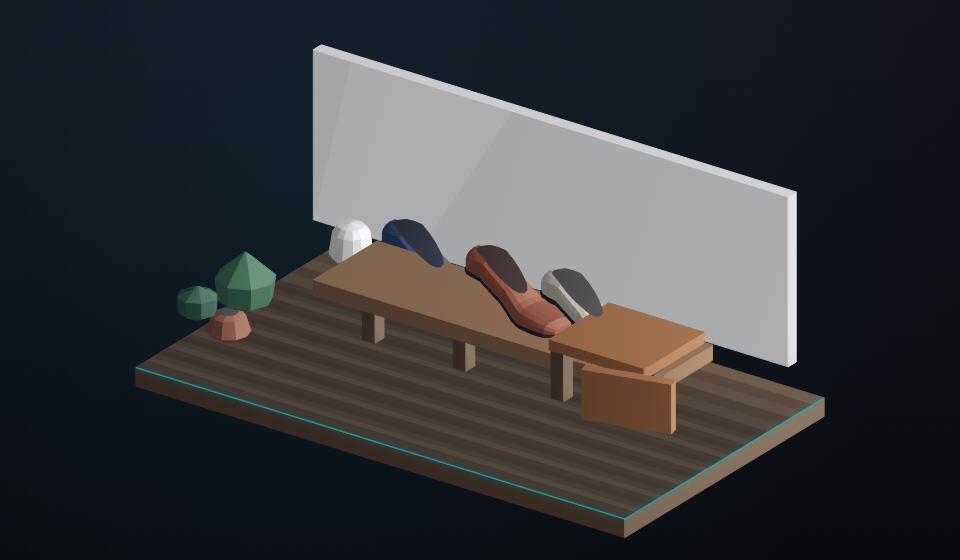
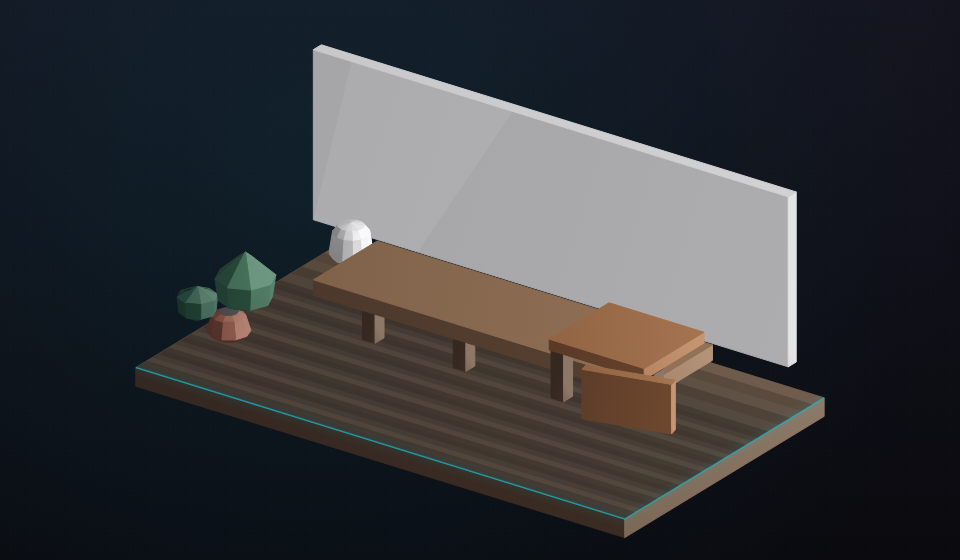
Three court shoes on the bench. The cup, the throw and the plant stay.
Products still in the set
Products removed
0
Props kept
0
Plate
stored
Empty set skip next run
Props kept. Next run skips this theme unless forced.
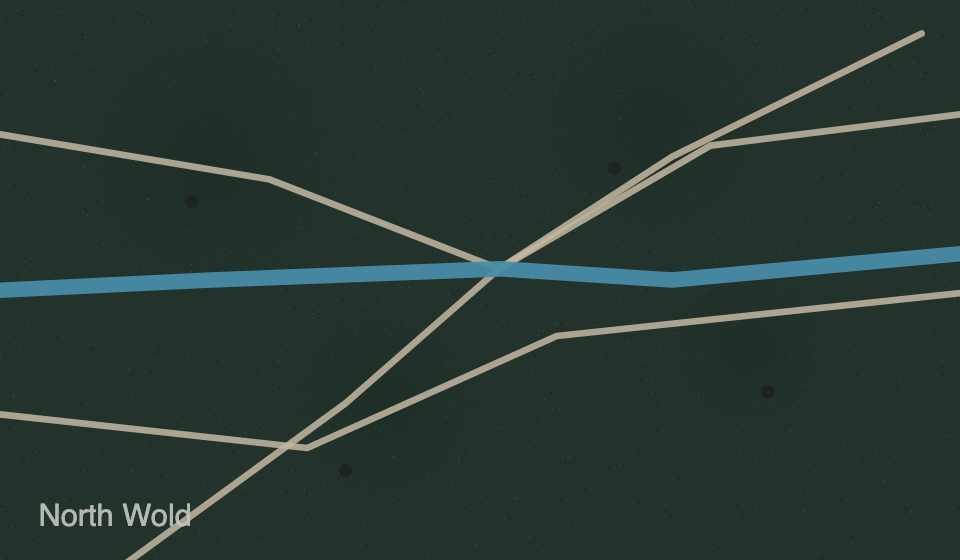
North Wold sheet
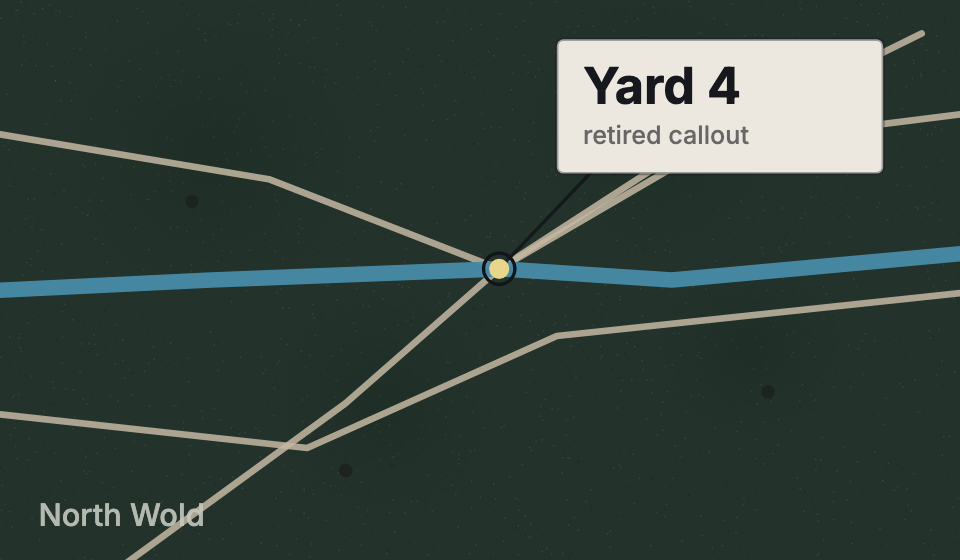
Retired callout Yard 4, with its leader and marker.
Label still on the sheet
Flat filldrag to compareTexture pass
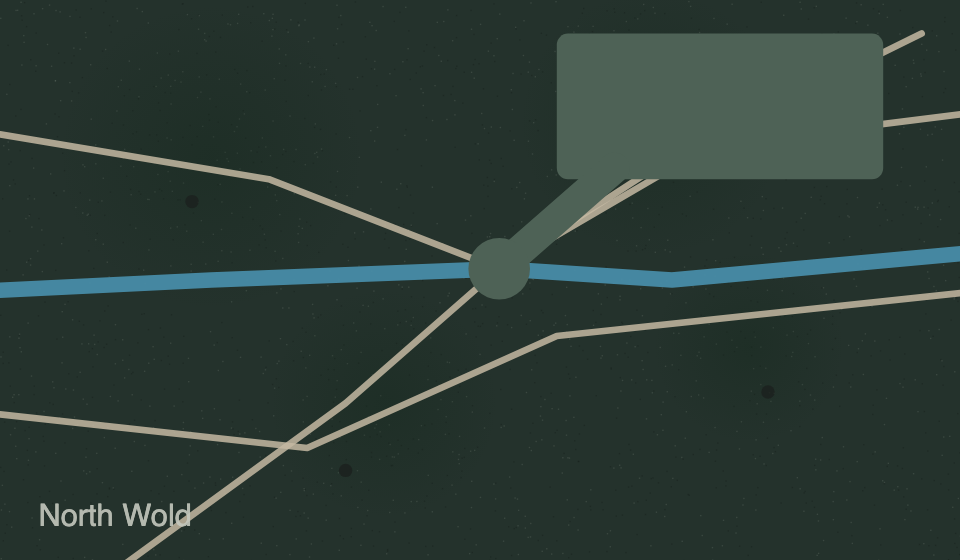
Left is the flat fill. Right restores grain from a clean donor.
Stored plates
Force is on. Spring window and North Wold will be rebuilt even though plates exist.
Theme
What was removed
Plate
Next run
Spring window
Three court shoes
bench, empty
skip
North Wold
Yard 4 callout
sheet, repaired
skip
Autumn porch
Boots on the step
none yet
will run
How it works
Name the image and the thing to remove: products in a scene, or a label and its line.
Produce a clean campaign background with Nano Banana, which keeps the light, set and props.
Skip a theme that already has a background unless a re-run is forced.
Fill a map-style patch from the surrounding colour.
Add texture back from a clean area so the fill is not flat.
Save the repaired image at the size needed next.
Pipeline
flowchart LR
  A["Source frame"] --> B{"What to remove"}
  B -->|Products| C["Nano Banana"]
  C --> D["Empty set plate"]
  B -->|Label| E["Fill from neighbours"]
  E --> F["Restore texture"]
  D --> G["Stored plate"]
  F --> G
Output
Campaign bench with three shoes still in the setThe same bench with the shoes removed and the props keptNorth Wold sheet after the retired callout is repaired