About Services Tools Blog Contact us

Virtual Clothing Try-on

Puts chosen garments onto a webcam photo of the shopper, and can show a live try-on when the live option is switched on.

  • Image Editing & Compositing
  • Footwear retail
  • Pipeline
  • Productised
  • Local/private
  • 2026

The problem

A shopper can see a garment on a model and still not know how it will look on them. If they have to go to a fitting room or guess from a product photo, the sale can be lost before they decide.

What it does

The booth sends the shopper's photo, the chosen products, a style theme and a body area. Only products for that area are used. An image generator takes the garments as the visual guide and returns a photo of the shopper wearing them. A live option can redraw each webcam frame and blend it back, so the parts that did not change stay as the original photo. Live mode stays off until it is switched on.

Outcomes

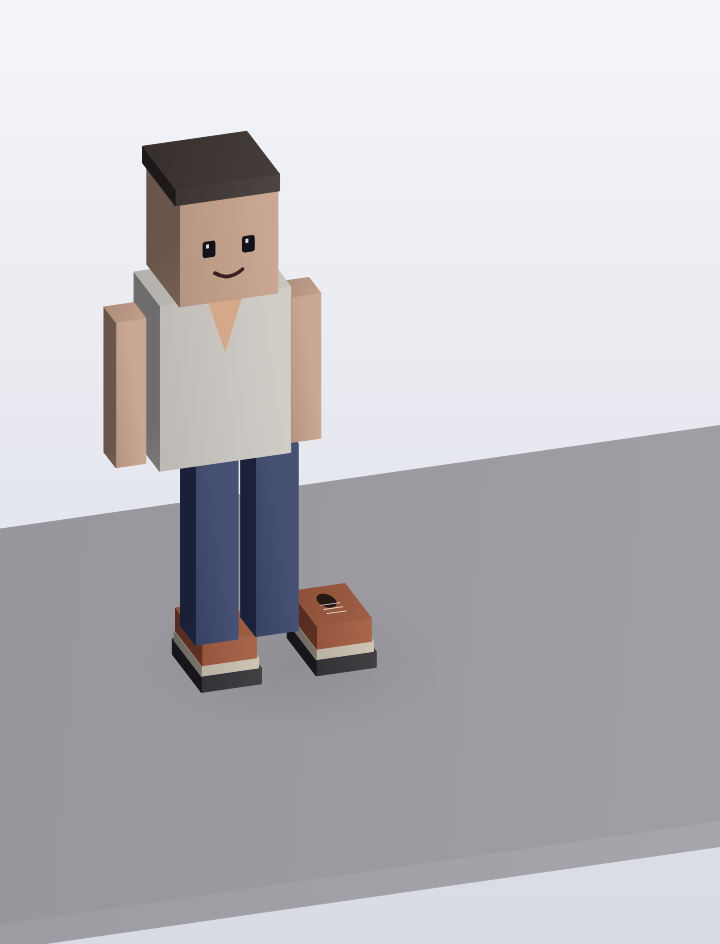
  • The shopper sees the chosen outfit on their own still photo.
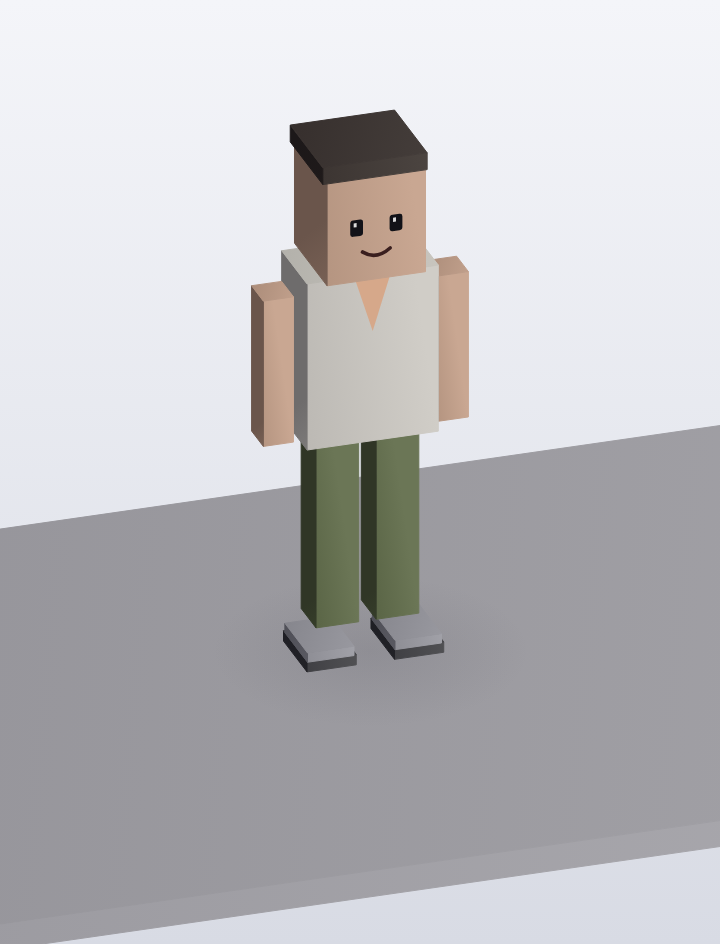
  • A second garment replaces only the selected region.
  • Live preview is available but is not the default.
  • Untouched parts of the person stay photographic.

Simplified mockup

Interactive preview with sample data. Nothing is sent to a server.

Booth still · style RC-204

Captured still sharp
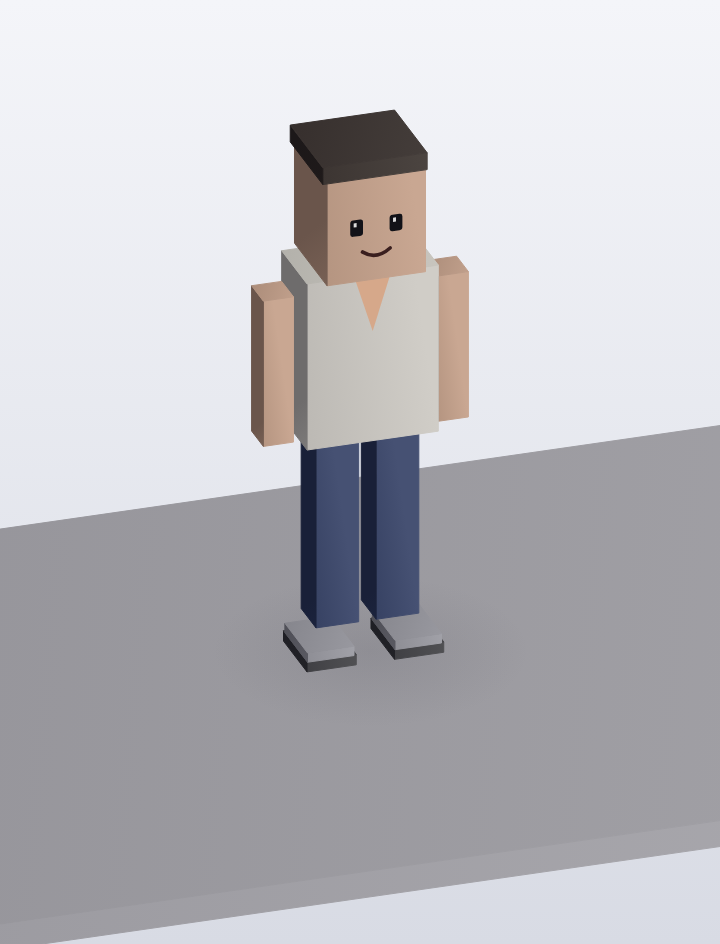
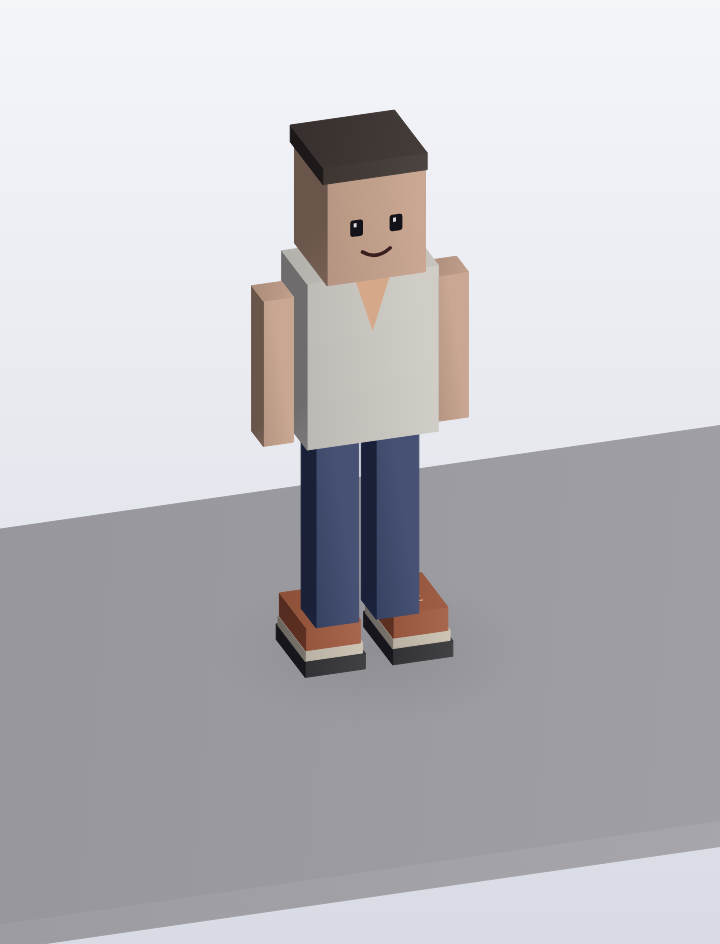
Webcam still of the shopper before try-on
Garment tray

Theme

Only the garment for the chosen region is sent. The rest of the still stays as captured.

Composite
Ready when the shopper is

Live preview

Stream optional
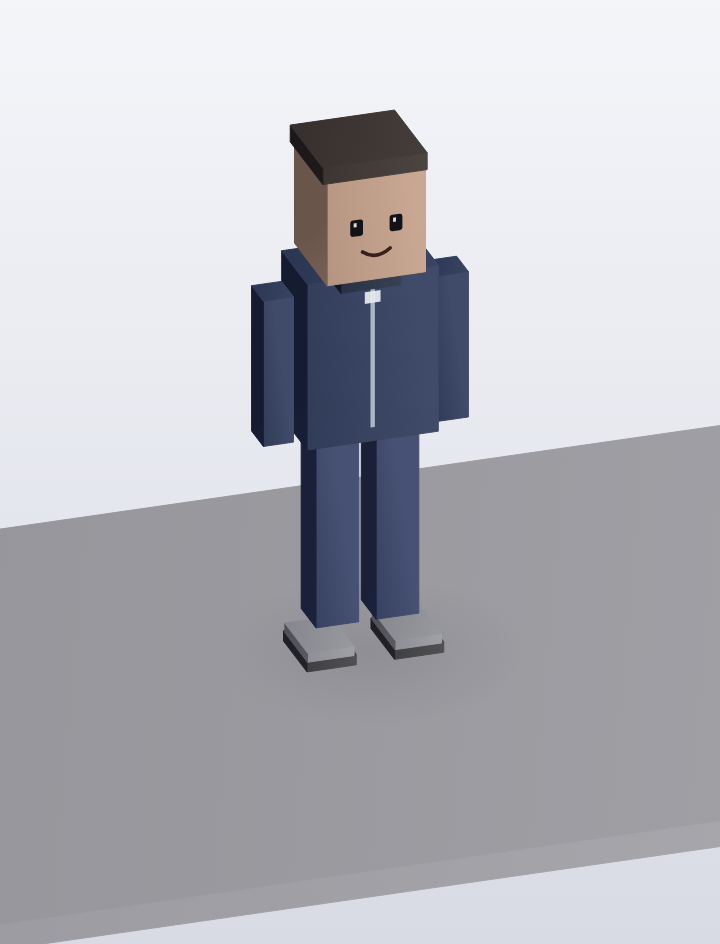
Live frame, weight on the left

Live mode is optional and stays off until it is switched on.

Engine
  • Body mask keeps the face photographic
  • Each frame uses the trainer reference
  • The stream stops on the last still
Live is off

Booth sessions today

Stills
0
Live switched on
0
JPEGs kept
0
Counter 2
SessionRegionThemeModeStatus
B-1042FeetStudioStillJPEG ready
B-1041Upper bodyStreetStillJPEG ready
B-1038LegsWarmLiveoptional, off
B-1033FeetStudioStillJPEG ready

How it works

  1. Take a sharp photo at the booth, or open a live session.
  2. Let the shopper pick garments, a style theme and a body area.
  3. Drop products that do not suit that area.
  4. Crop the photo to a square and use the garments as the visual guide.
  5. Return a photo with those garments on the shopper.
  6. If live mode is on, blend each frame with the original so the rest of the person stays untouched, and show it as it happens.

Pipeline

flowchart LR
  A["Webcam still"] --> B["Pick garments"]
  B --> C["Match body region"]
  C --> D["Stable Diffusion"]
  D --> E["Composite JPEG"]
  A --> F{"Live on?"}
  F -->|Yes| G["StreamDiffusion"]
  E --> H["Booth preview"]
  G --> H

Output