About Services Tools Blog Contact us

Product Lifestyle Image Studio

Turns footwear and clothing packshots into square catalogue photographs, with separate choices of background, model and view, including on-model crops.

  • Image Generation
  • Footwear retail
  • Dashboard feature
  • Productised
  • Hybrid
  • 2026

The problem

A style arrives as a manufacturer packshot or a buying photograph, but the site needs it on a model, in a setting and from more than one angle. Writing instructions for each image by hand and then filing it took most of a season's studio time.

What it does

Staff pick a workflow, drop in reference photos and choose the background, model and camera view as separate pieces, so one shoe can be rendered several ways. Presets keep the product's colour, materials and construction. Studio shots leave out the model even if a wearer was selected. Worn frames wait until the chosen garments have been left alone. Finished frames go back to the OpenCart gallery, and work can move from Google Gemini to a local model when credits run low.

Outcomes

  • One packshot becomes a set of on-model and studio frames.
  • Background, model and view can be changed without rewriting the brief.
  • The product's colour and materials stay the same across the set.
  • Frames are filed on the product and not left in a download folder.

Simplified mockup

Interactive preview with sample data. Nothing is sent to a server.

Style RC-204

Credits 120
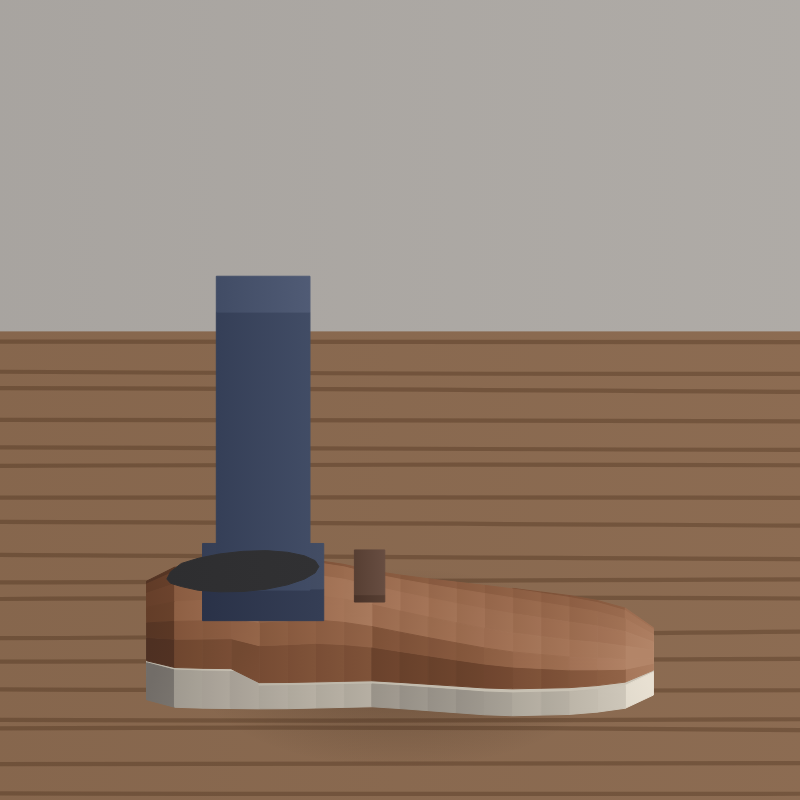
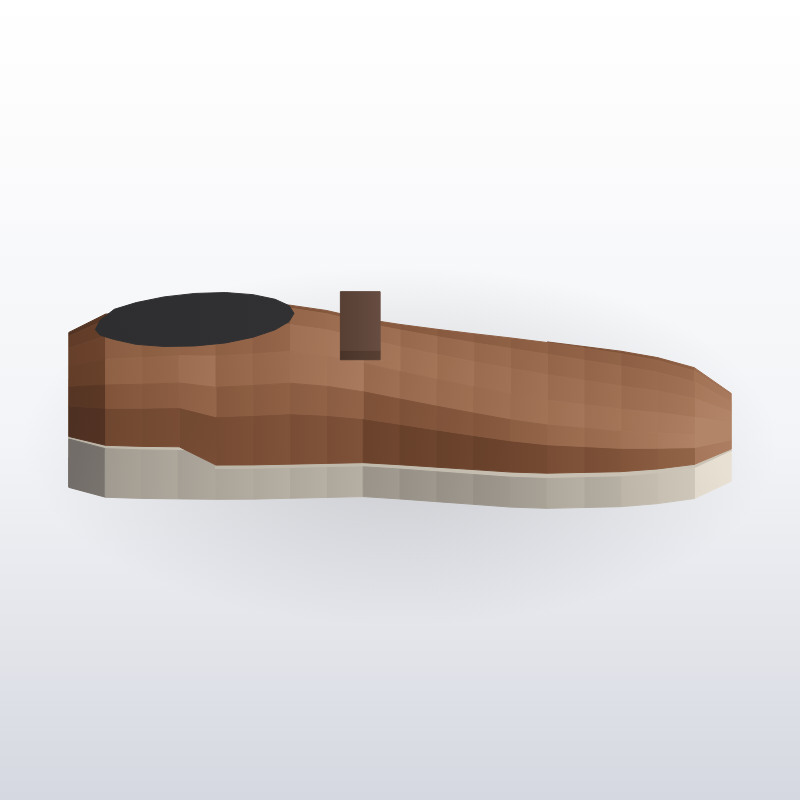
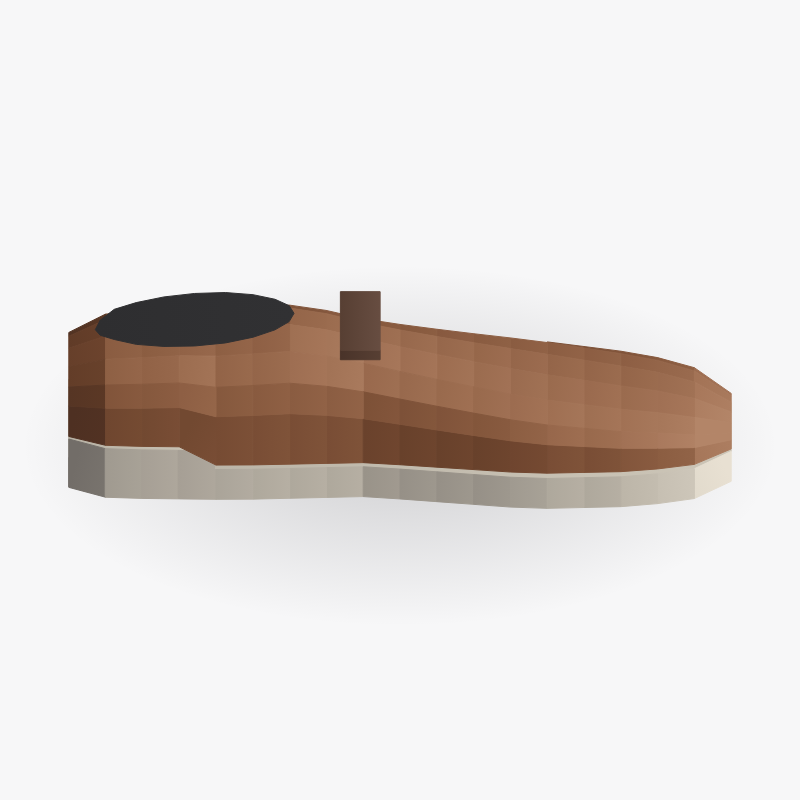
Packshot, side
Side
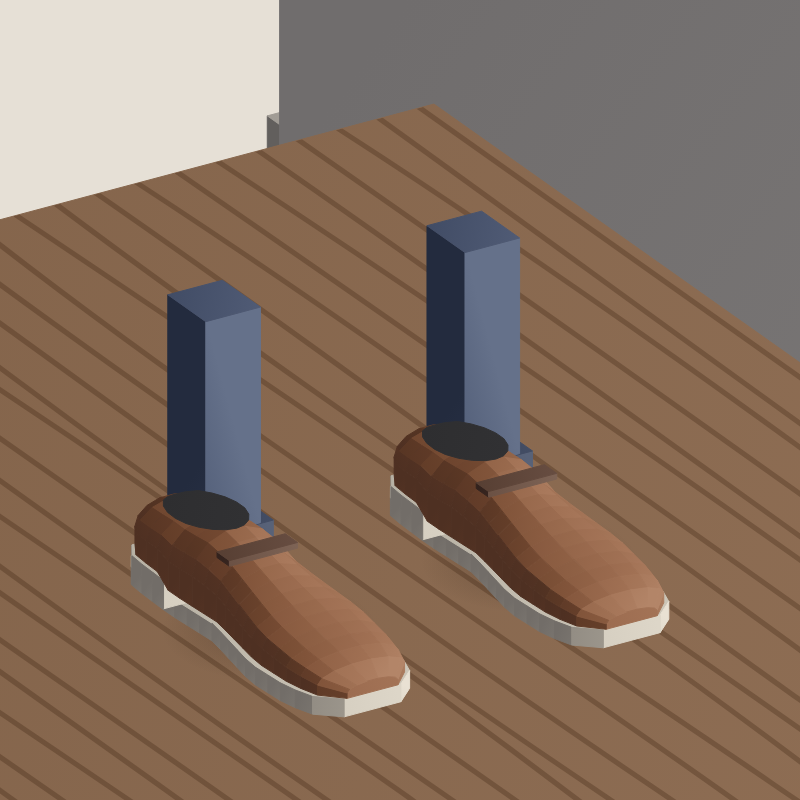
Packshot, front
Front
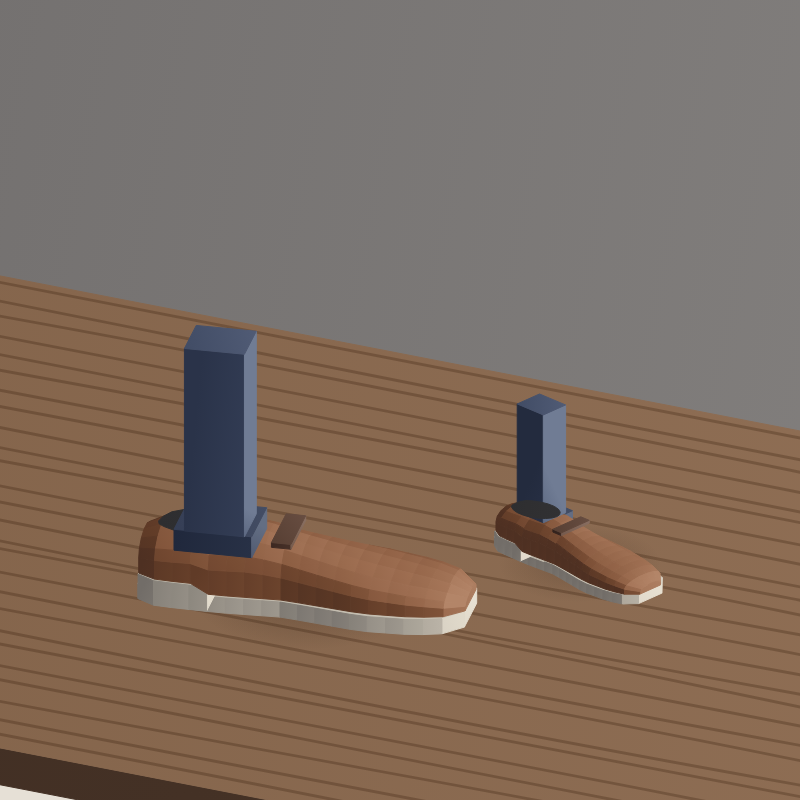
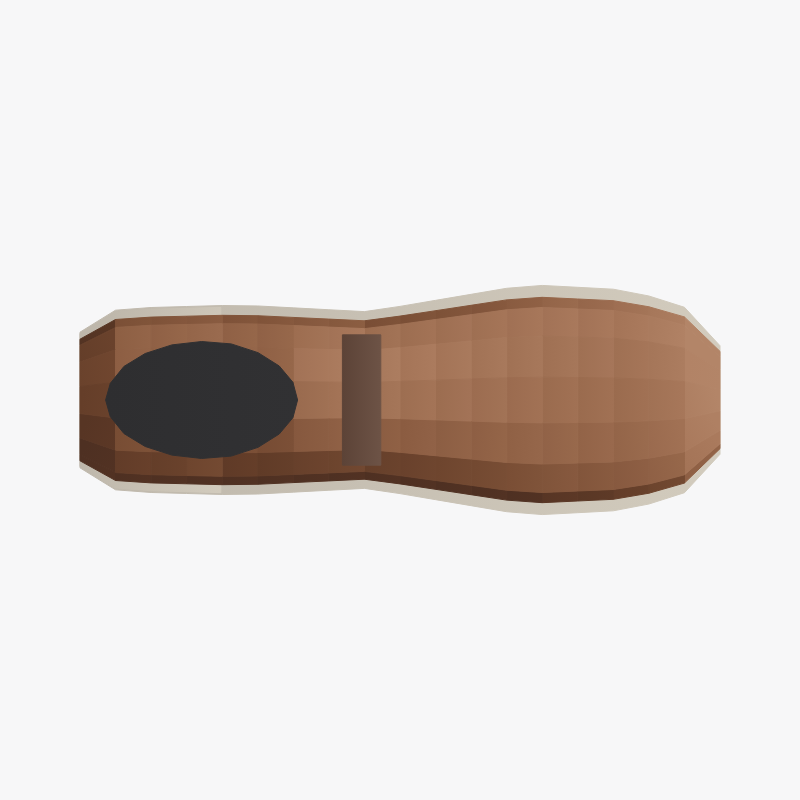
Packshot, top
Top
Fragments
Prompt

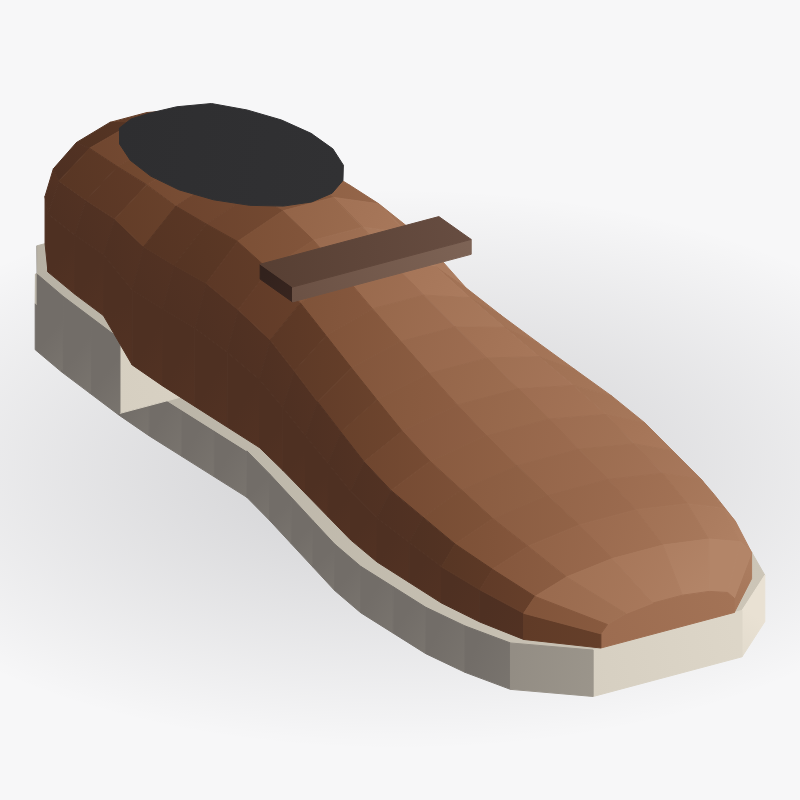
Worn crop. Background: limestone studio. Model: adult, cropped at the shin. View: side, then front. Keep the rust upper, the cream sole and the dark laces. Do not change the last or the stitching.

Ready to generate

Six-shot footwear set

Shot plan
Six angles queued
AngleSettingStatus
1SideOn-modelQueued
2FrontOn-modelQueued
3Three-quarterOn-modelQueued
4SideStudioQueued
5SweepWhiteQueued
6BackStudioQueued

Shot queue

Waiting
0
Hosted credits left
0
Local, no credit
0
Style RC-204
ShotPresetEngineCredits
Side, on-modelWorn cropHosted1
Front, on-modelWorn cropHosted1
Three-quarterWhite studioWill not use hosted credits0
Frames filed this week

How it works

  1. Use a packshot, a phone photo or a buying photograph as the reference.
  2. Choose background, model and view from stored options, or pick a whole workflow card.
  3. Send one shot at a time from the browser with the reference photos and the written instructions.
  4. Receive a square JPEG from the Nano Banana image model, with the product's colour and construction kept.
  5. Generate worn frames only after the chosen garments have been left untouched for a few minutes.
  6. Write finished frames to the OpenCart product gallery and record the run in a usage log.

Pipeline

flowchart LR
  A["Packshot"] --> B["Choose preset"]
  B --> C["Background"]
  B --> D["Model"]
  B --> E["View"]
  C --> F["Nano Banana"]
  D --> F
  E --> F
  F --> G["Square JPEG"]
  G --> H["OpenCart gallery"]

Output