Site brief
Site typePumping station
DutyIron removal
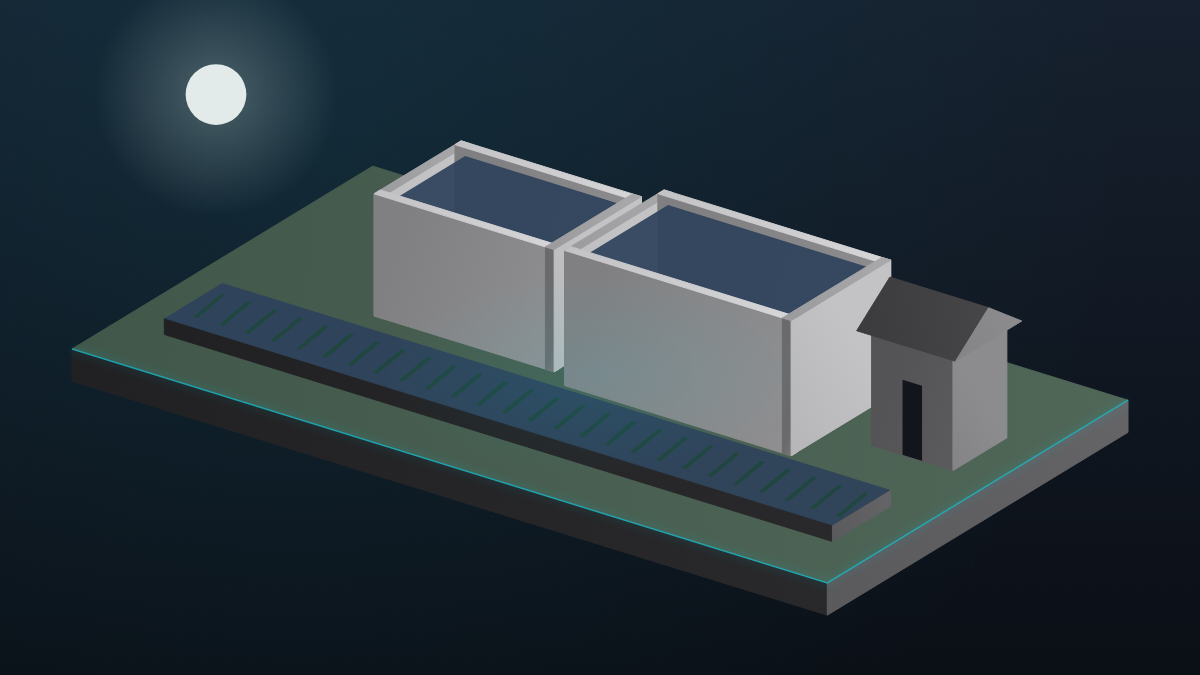
UnitsTwo settling tanks
WhereReedbank, Kent
Iron in1.8 mg/l
Iron out0.08 mg/l
Treated flow120 litres per second
ShutdownShort, no new building
Photograph
Attach the site photograph
One finished-job photo. The draft uses it as the hero.
Agent
Attach a photo to draft
Draft page In review
Iron reduced at Reedbank
Pumping station · Kent · two settling tanks
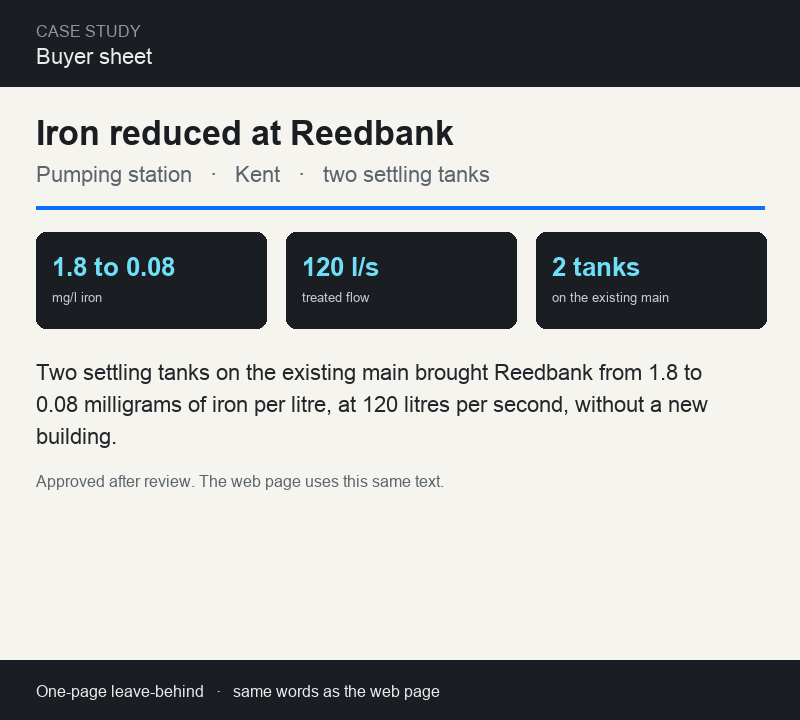
1.8 to 0.08mg/l iron
120 l/streated flow
2 tankson the existing main
Reedbank pumping station was passing iron above its limit whenever the borehole ran hard. Two settling tanks were set on the existing main, during a short shutdown, with no new building. Treated flow is 120 litres per second and outlet iron now holds near 0.08 milligrams per litre.
Two settling tanks on the existing main brought Reedbank from 1.8 to 0.08 milligrams of iron per litre, at 120 litres per second, without a new building.
Reviewer: lead with the result
Publish
The approved text updates this page. It does not start a new one.
Stories the sales team can send
| Project | Page | Sheet | Updated |
|---|---|---|---|
| Reedbank iron removal | Live | Buyer sheet | Today |
| Hillside tank clean | Live | Nov 2025 | |
| Fen pump storm screen | Live | Jan 2026 | |
| Old quay dosing | Draft | Not yet | Oct 2025 |
Reedbank buyer sheet Same text as the page
The reviewer cut is in this sheet: the opening leads with the result. A later amendment edits this page, it does not add another.