About Services Tools Blog Contact us

Shareholder Update Packs

Turns a bullet brief and photographs into a shareholder update in the house tone, with a Microsoft Word copy for reviewers and a link from the website.

  • Copywriting & Text Generation
  • Mining and exploration
  • Agent skill
  • Productised
  • Local/private
  • 2026

The problem

Each investor update was rewritten from a rough brief, then corrected again once the images, the tone and the public link were checked. The next quarter rarely started from the last approved file, so the same tone fixes were made twice.

What it does

A short brief and the latest photographs are set in Adobe InDesign, then a tone pass rewrites stiff lines and leaves the facts alone. Reviewers get a Microsoft Word copy, and the approved piece is linked from the site. The next quarter starts from that file, and meeting papers for the same period can travel in the same pack.

Outcomes

  • A quarterly update starts from the last approved file and not a blank layout.
  • The tone can be tightened without rewriting the facts.
  • Reviewers get a Microsoft Word copy, and the site links to the same piece.

Simplified mockup

Interactive preview with sample data. Nothing is sent to a server.

Q2 shareholder update

Bullet brief
  • 1,840 metres drilled at Wold Basin, in 14 holes.
  • Six holes are still with the assay laboratory.
  • Cash £4.2 million. No lost-time injury.

Tone note: loosen the stiff lines. Do not change a figure. Previous file: Q1 2026, approved.

Photographs
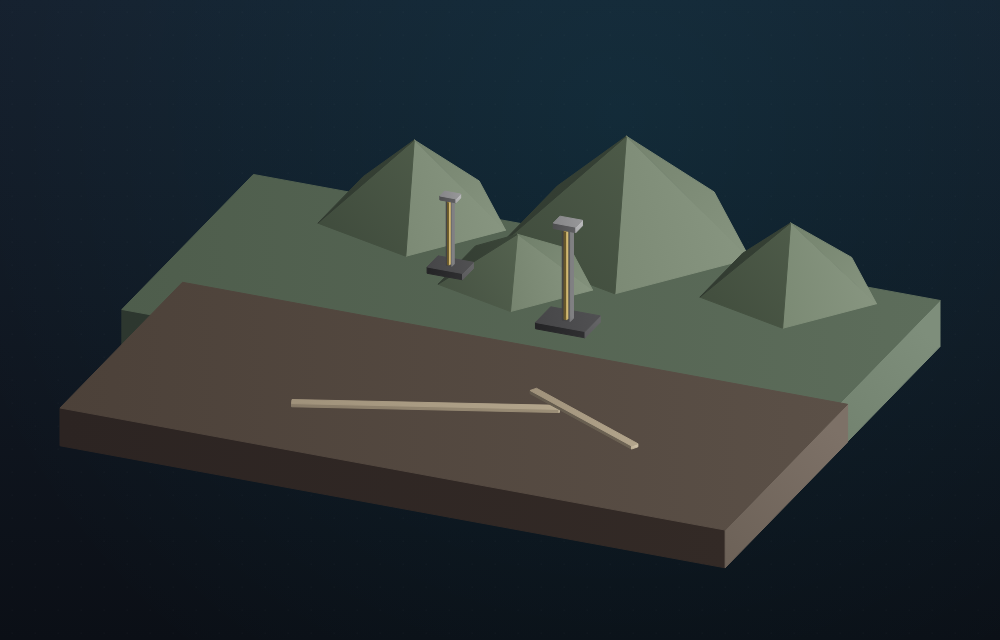
Two drill pads on a ridge
Ridge pads
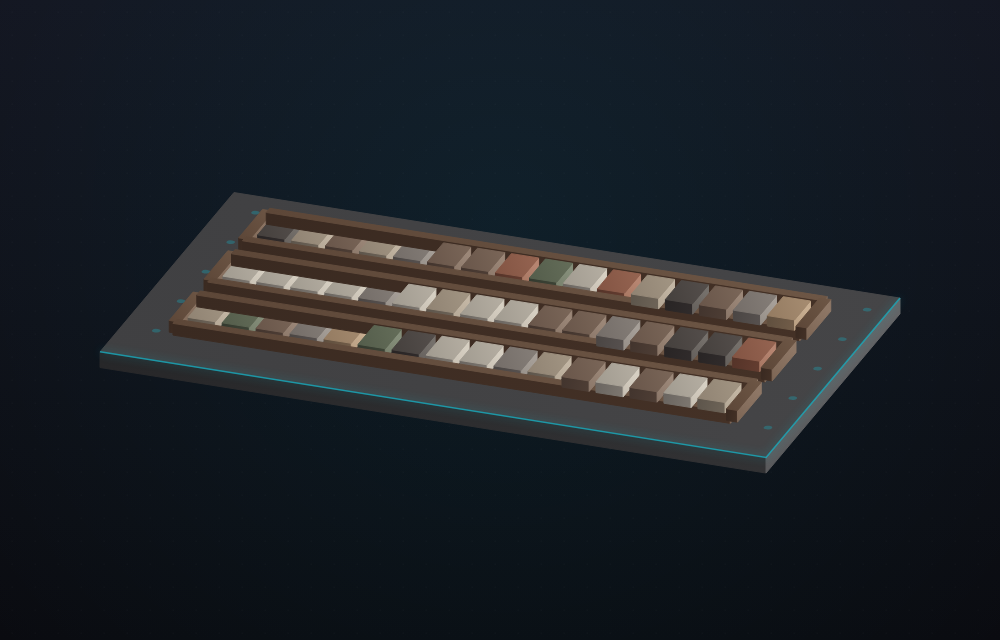
Three trays of drill core
Core trays
Ready to set from the last approved file

Same-period pack

In the folder now
PieceForStatus
2026-q2-updateOne-page layoutset
2026-q2-update.docxReviewersword copy
Q2 meeting paperSame periodnot in the pack
Public linkWebsitewaiting
The update is in. The meeting paper is not.

Q3 starts here

Approved file
Locked from Q2
ItemHeld
Metres drilled1,840
Holes14
Awaiting assay6
Cash£4.2m
Lost-time injuries0
What Q3 may change
  • The opening line, if it reads stiff.
  • The two photographs, when the next set arrives.
  • The meeting paper for the new period.

The layout, the word-copy export and the link path stay. A figure changes only when the brief says so.

How it works

  1. Collect a bullet brief, photographs and the previous update.
  2. Set the brief in Adobe InDesign as a one-page update.
  3. Run a tone pass that rewrites stiff lines and leaves the facts unchanged.
  4. Export a Microsoft Word copy for reviewers who will not open the Adobe InDesign file.
  5. Link the approved update from the website.
  6. Start the next quarter from that approved file.

Pipeline

flowchart LR
  Brief[Bullet brief and photos] --> Layout[Adobe InDesign]
  Layout --> Tone[Tone pass]
  Tone --> Word[Microsoft Word]
  Word --> Link[Public link]
  Link --> Next[Next quarter starts here]

Output