About Services Tools Blog Contact us

Campaign Photography Briefs

Looks at a season's existing campaign pictures and writes a photography brief for that theme that later shoots can reuse.

  • Visual Question Answering
  • Footwear retail
  • Pipeline
  • Bespoke
  • Local/private
  • 2026

The problem

A new season's shoot starts from memory of last year's pictures. The set, the light and the crop are in the pictures but not written down. A photographer has nothing to follow, so the look drifts from season to season.

What it does

Each theme is tied to folders of campaign pictures. The script sends a sample of them to Google Gemini with a note on the season, and Gemini returns a photography brief. Later shoot plans can reuse that brief. One theme can be redone on its own, and image sets with no theme can be given the theme their pictures match.

Outcomes

  • Each season's look is written down as a brief.
  • One theme can be refreshed without touching the others.
  • A test run lists the sample before any brief is written.

Simplified mockup

Interactive preview with sample data. Nothing is sent to a server.

Early autumn

Early autumn Outdoor · low sun · six tiles in the folder
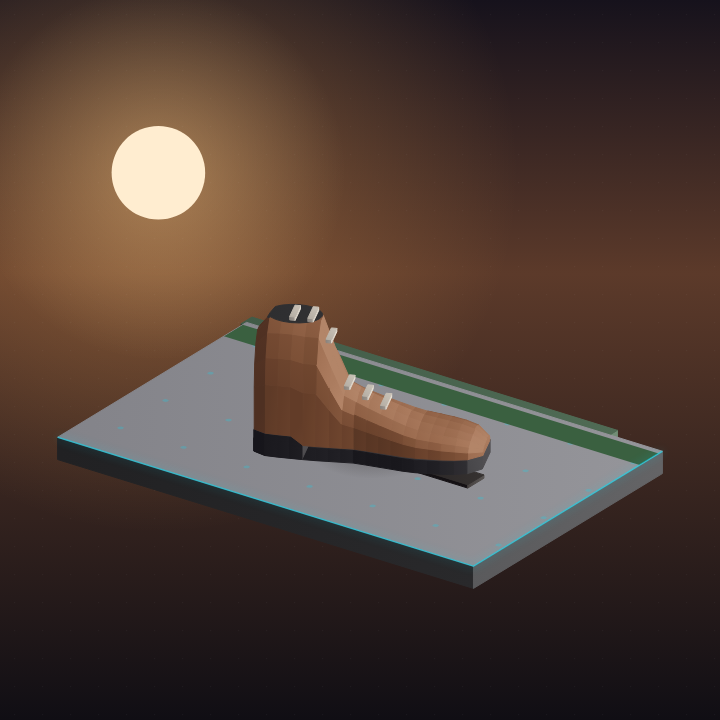
Brown boot on concrete under a low sun
Tile 01 · concrete
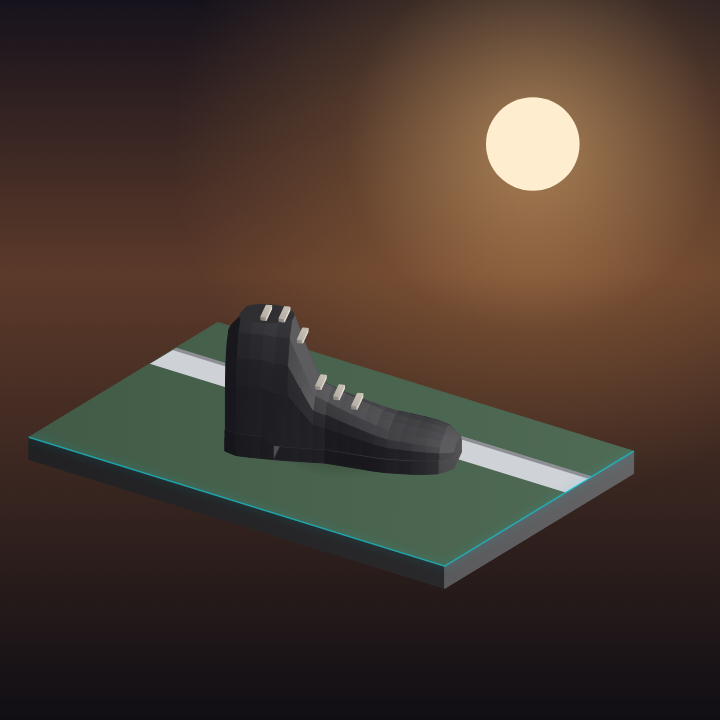
Black boot on grass beside a kerb
Tile 02 · grass and kerb
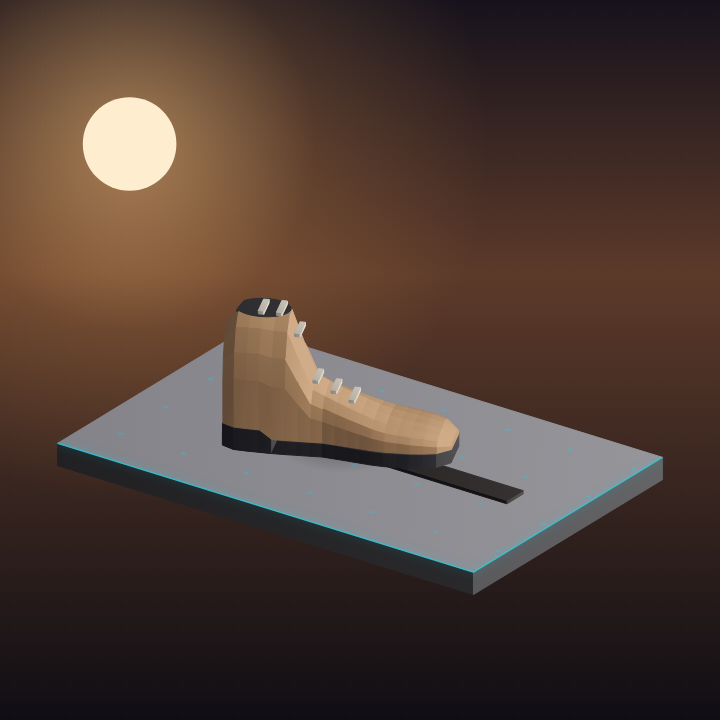
Tan boot centred with a long shadow
Tile 03 · one pair
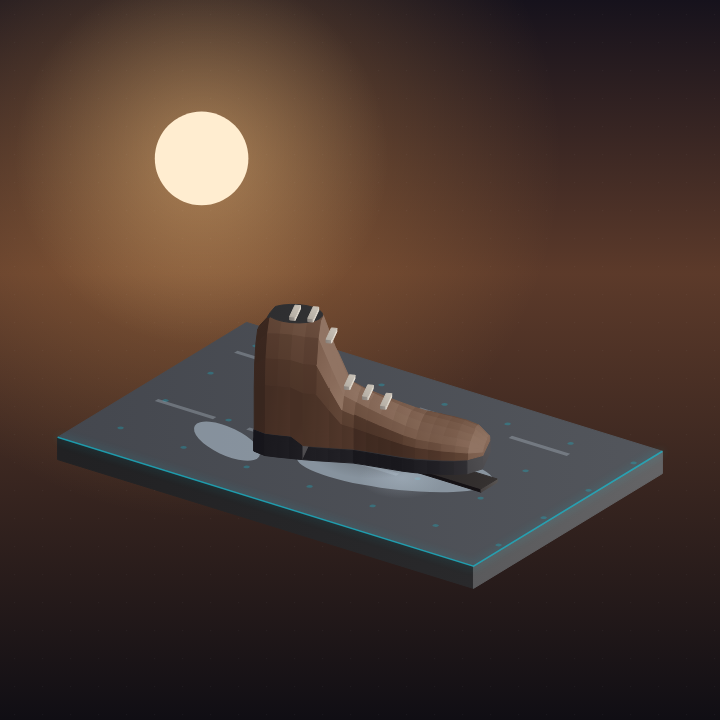
Boot on wet concrete
Tile 04 · wet concrete
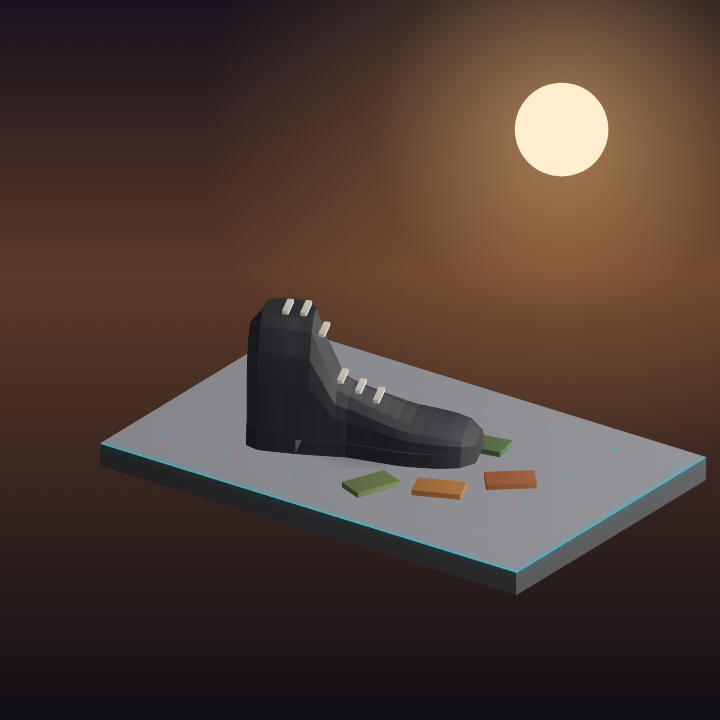
Boot among a few leaves
Tile 05 · leaves
Boot on a doorstep in low sun
Tile 06 · doorstep
Themes · redo one, leave the rest
Early autumnThis runSelected
School startStoredKept
GiftingStoredKept
Vision pass
School start and Gifting stay as they are.

Dry run

No brief written

The sample is spread across the folder, not the first three files. Listing stops here.

Tile 01 · skipped
Sample tile on grass
Tile 02 · in the sample
Tile 03 · skipped
Sample tile on wet concrete
Tile 04 · in the sample
Tile 05 · skipped
Sample tile on a doorstep
Tile 06 · in the sample

Unthemed carousels

A carousel is assigned only when at least half of its pictures already sit in a theme folder.

Weekend walk 4 of 6 match

Pictures share the outdoor low-sun set.

Staff room 1 of 6 match

One outdoor tile, five indoor. Below half, so it stays unthemed.

School start and Gifting are not candidates. Nothing in the shop is in those seasons yet.

Ready to assign Weekend walk only.

How it works

  1. Tie a theme to one or more folders of campaign pictures.
  2. Send a sample of those pictures to Google Gemini with the season note.
  3. Receive a plain-language photography brief.
  4. Redo one theme without touching the others.
  5. Run a test first to list the sample without writing a brief.
  6. Give image sets with no theme the theme their pictures match.

Pipeline

flowchart LR
  A["Campaign tiles"] --> B["Sample"]
  B --> C["Google Gemini"]
  D["Season note"] --> C
  C --> E["Photography brief"]
  E --> F["Later shot plans"]
  A --> G["Assign unthemed carousels"]