001.jpgQueued
Looks at each image in a mixed import folder and answers with one word, document or product, so handwritten sheets and photographs can be grouped.
A buying drop puts handwritten specification sheets and product photographs in one folder. Until each file is labelled, nobody can read the sheets, and the photographs have nothing to attach to.
Files are taken in name order, and each image is resized and shown to an image-reading model (LLaVA, run through Ollama) that is told to reply with one word. Documents go to a second model to be read. Product photos wait, and when a sheet has been read the waiting photos are filed with it. A set left incomplete at the end of the folder is reported and left unprocessed.
Interactive preview with sample data. Nothing is sent to a server.
Seven files, name order. Sheets and photographs are mixed. Each image gets one word.
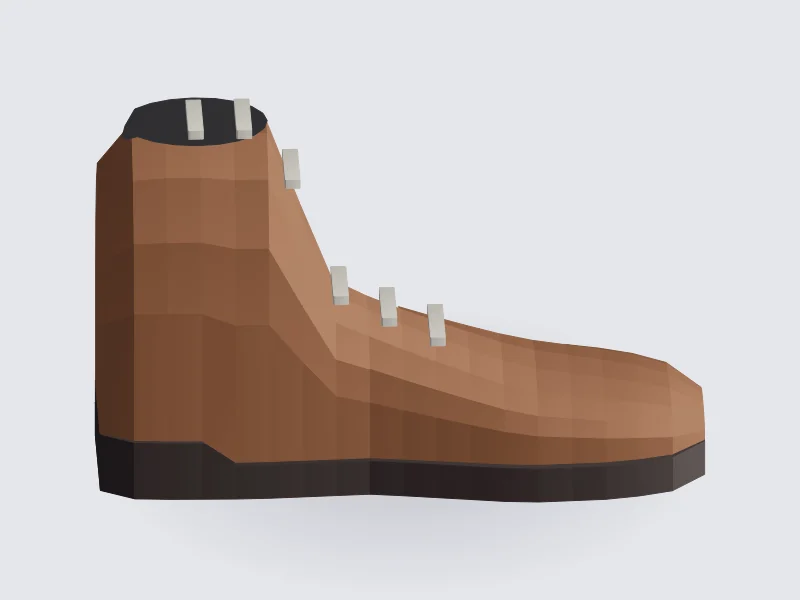
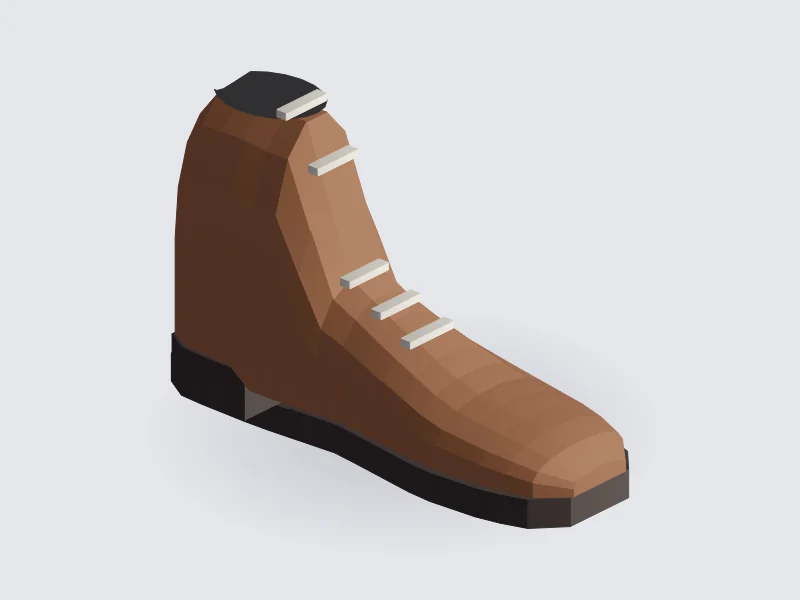
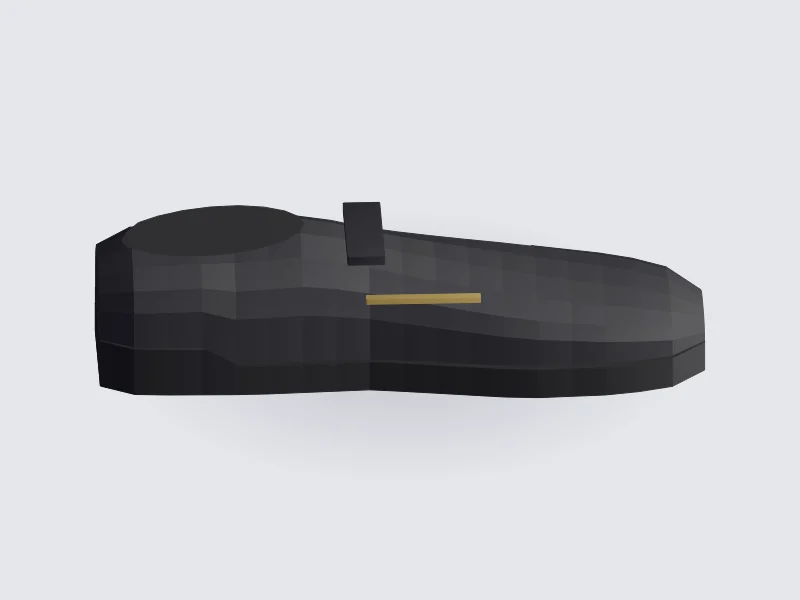
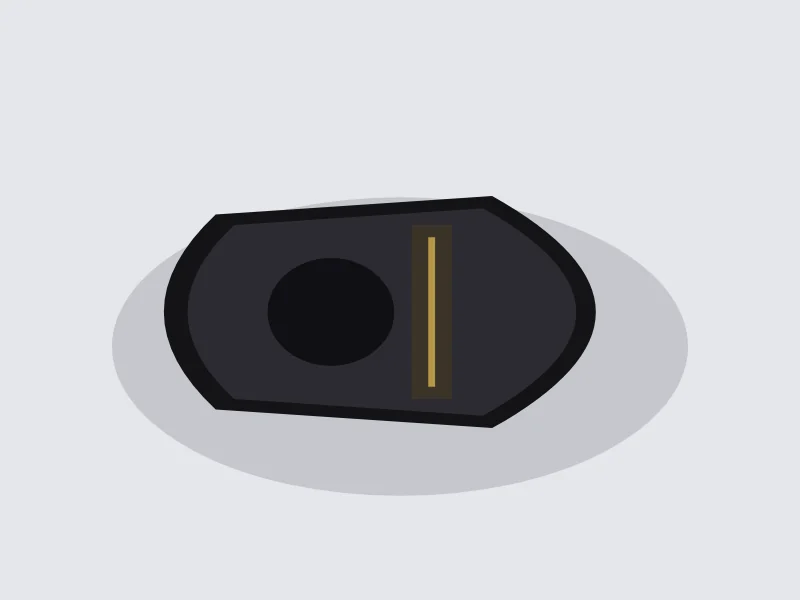
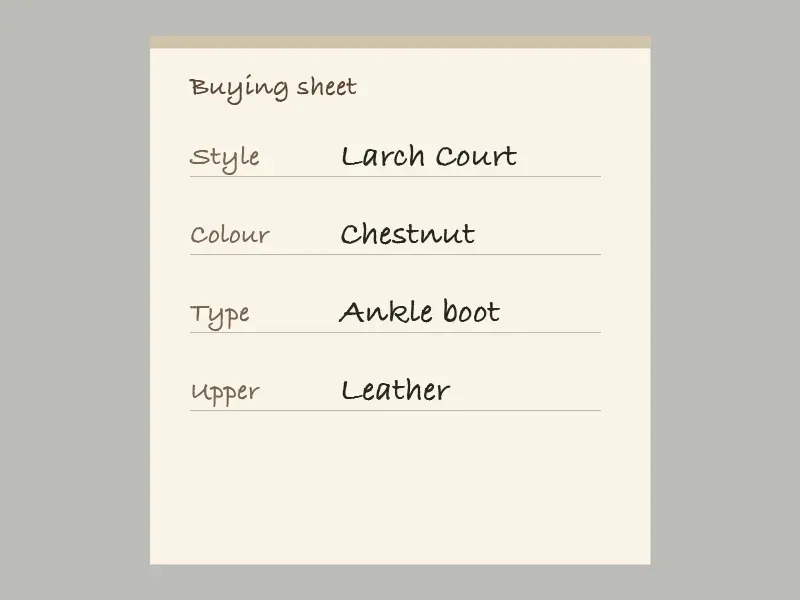
Larch Court sheet, then the two photographs behind it. Handed to the handwriting reader.
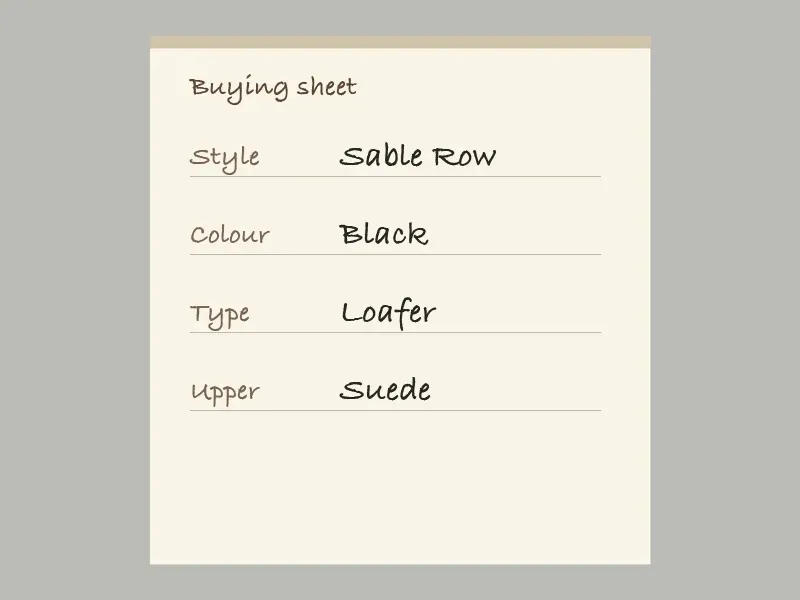
Sable Row sheet, then the side and the top. Filed as one colour.
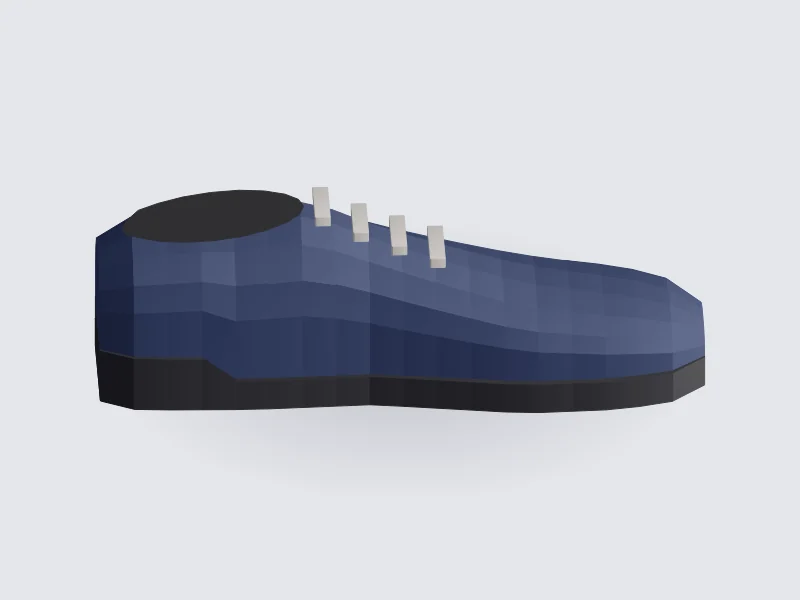
Product, and no sheet in front of it. Incomplete set. Left in the import folder.
The model may add a stop or a capital. Only letters are kept.
| File | Raw reply | Kept | Next |
|---|---|---|---|
| 001.jpg | document. | document | Handwriting reader |
| 002.jpg | product | product | Wait for the sheet |
| 003.jpg | Product | product | Wait for the sheet |
| 004.jpg | document! | document | Handwriting reader |
| 005.jpg | product | product | Wait for the sheet |
| 006.jpg | product. | product | Wait for the sheet |
| 007.jpg | product | product | Held |
Add a buying sheet in front of it and run the folder again, or move the file out. It is not attached to Sable Row.
flowchart LR
  A["Mixed folder"] --> B["LLaVA"]
  B --> C{"Document?"}
  C -->|Yes| D["Handwriting reader"]
  C -->|No| E["Wait as product"]
  D --> F["Group sheet and photos"]
  E --> F
  F --> G["Flag incomplete set"]