About Services Tools Blog Contact us

Photography Retouch and Upscale

Retouches portraits and site photographs for print, slides and the web: backgrounds removed, colour corrected and small frames enlarged to hold at print size.

  • Image Editing & Compositing
  • Cross-sector
  • Productised service
  • Productised
  • Local/private
  • 2026

The problem

Team pages, board packs and brochures reuse the same portraits and site photographs for years. The raw frame is usually the wrong crop, the wrong file size or too small for print. Each channel then got its own one-off edit, and the versions drifted apart.

What it does

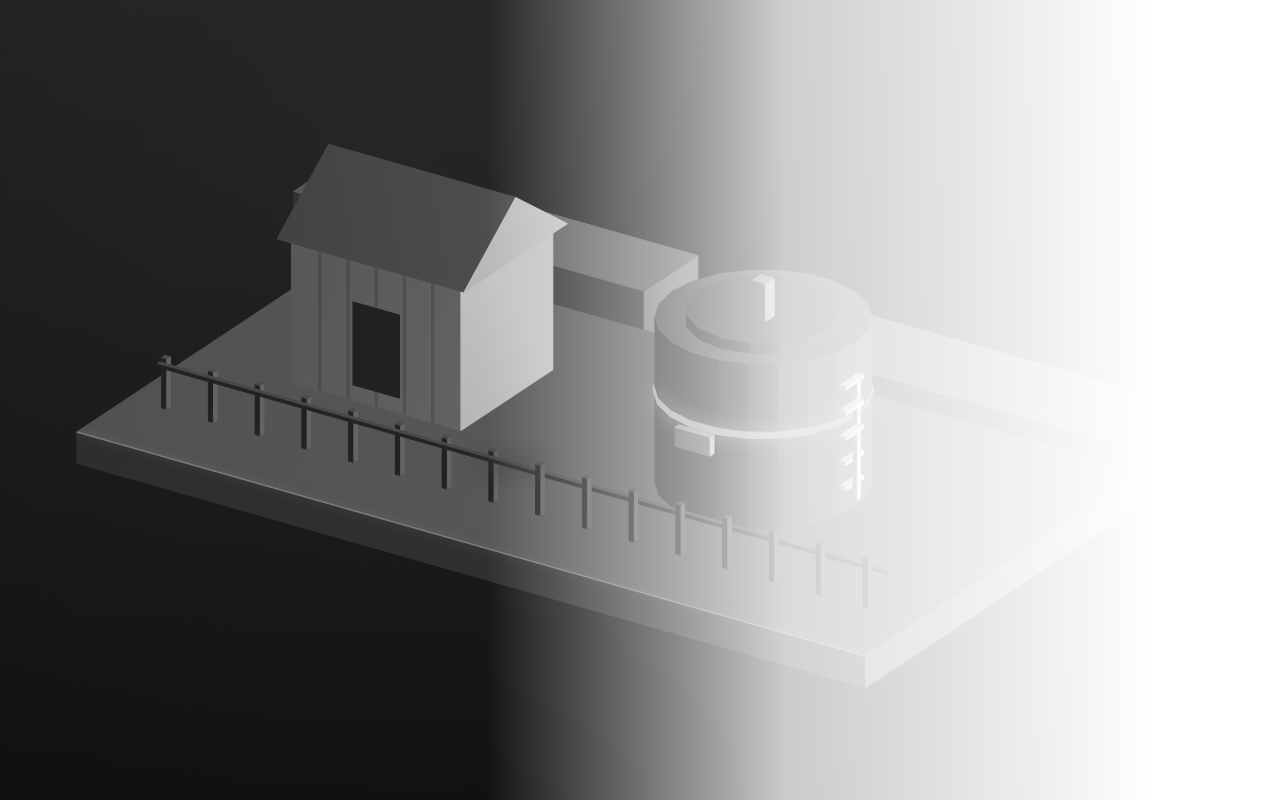
A person picks a raw frame and names where it will be used. The frame is retouched and cropped for that use, and cut out when the layout needs the person or the plant alone. At least one site photograph has been enlarged so a shareholder update can print it. Cover images can be finished as a greyscale picture that fades to white.

Outcomes

  • One shoot supplies the team pages, the slides and the print.
  • Print placements are sharp, because small web images were enlarged first.
  • Cover images fade to white without a second shoot.
  • The raw frame is kept, so a later crop is still possible.

Simplified mockup

Interactive preview with sample data. Nothing is sent to a server.

March shoot · four frames

raw kept
Raw cool cast
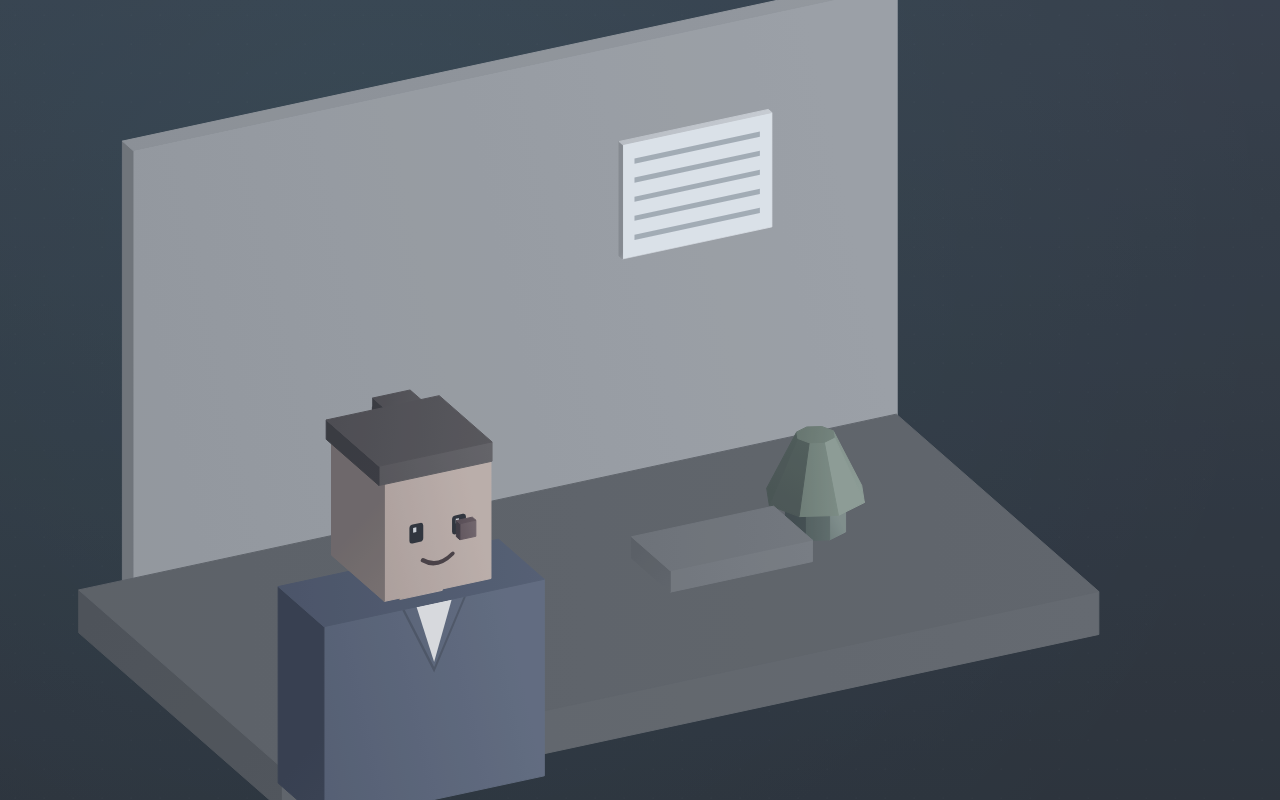
Uncropped portrait with the office still in frame

Wide frame, flat colour, a mark on the cheek. The office must not travel onto the team grid.

Finish for the team page
Raw stays in the camera folder

Yard vessel · shareholder update

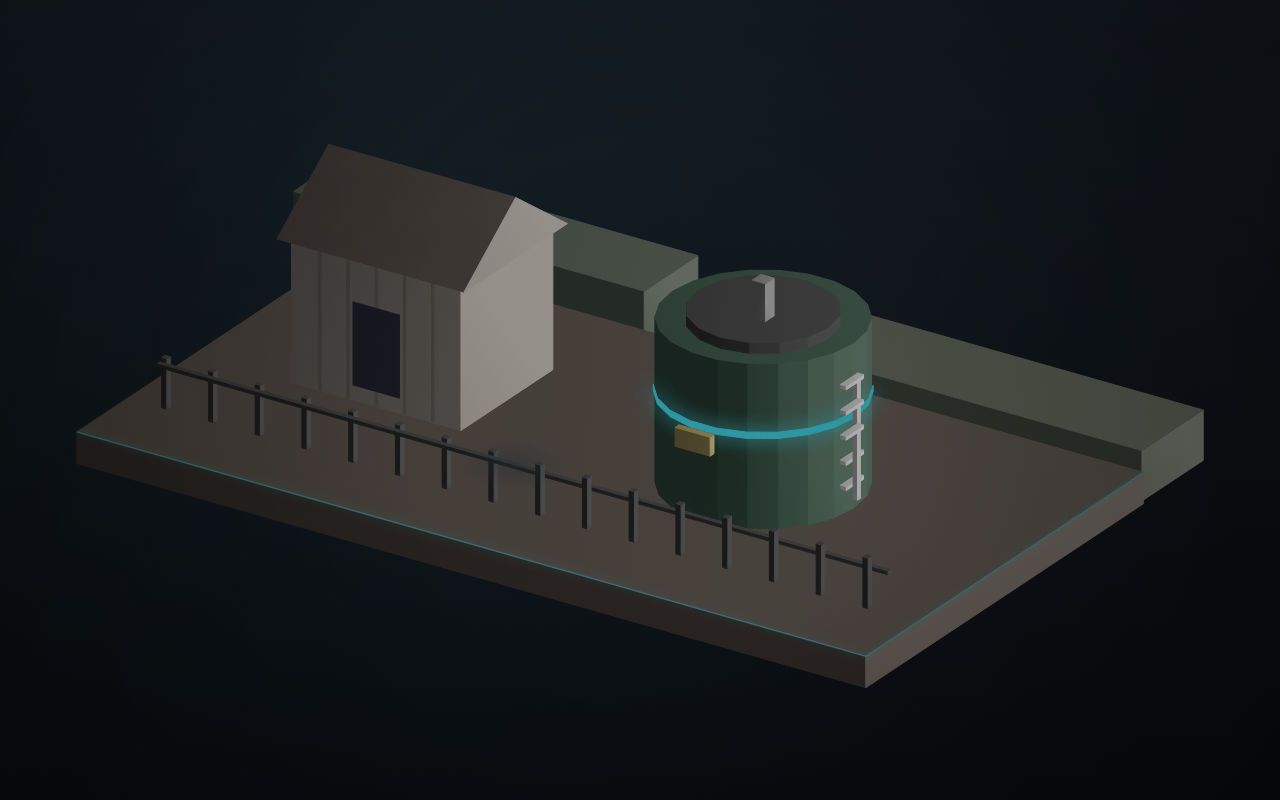
Camera frame 1,800 px
Yard photograph before the print upscale
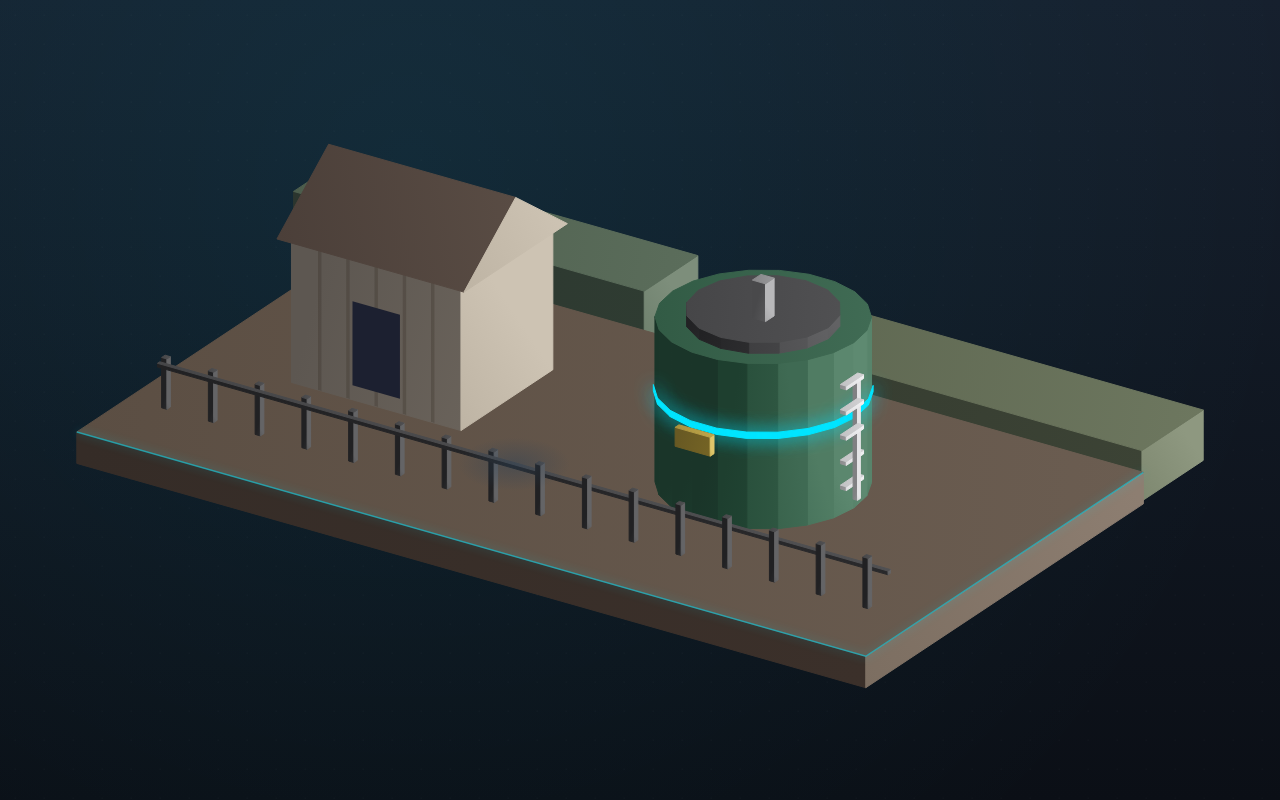
Retouched still short
Retouched yard, ready to be checked at print size
Web JPEG is 900 px and is not the source

Cover hero

Greyscale, fade to white same shoot
Cover hero fading from the yard to white
Headline sits on the white band

How it works

  1. Choose the raw frame and name the target: team page, slide, print or cover.
  2. Correct exposure, colour and blemishes on a working copy.
  3. Crop to suit the target, square for a team grid or wide for a cover.
  4. Cut the subject out when the background must not travel with it.
  5. Enlarge a frame that is short of print resolution and check it at the size it will be placed.
  6. File the finished image for the layout instead of leaving it in the camera folder.

Pipeline

flowchart LR
  A["Raw photograph"] --> B["Retouch"]
  B --> C["Crop for channel"]
  C --> D{"Cut-out needed?"}
  D -->|Yes| E["Isolated subject"]
  D -->|No| F["Finished still"]
  E --> G{"Print size?"}
  G -->|Short| H["Upscale"]
  H --> F

Output