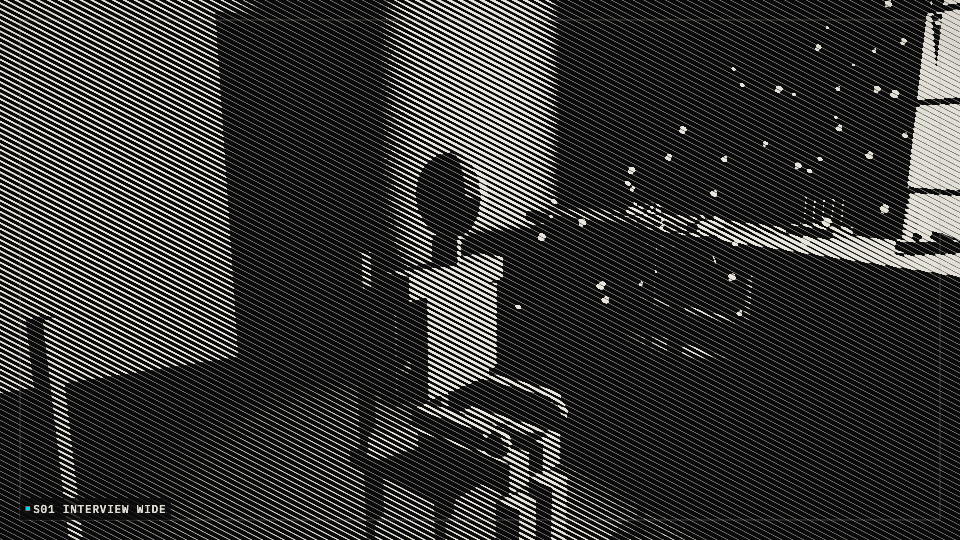
 S01
Interview wide11s
Cuts interviews, event footage and generated clips into a homepage film and shorter clips, and can build the edit timeline from an ordered folder of shots.
Every interview and every event meant rebuilding the homepage film and the social cuts by hand. Someone redid the selects, the dissolves and the portrait shots each time. The timeline started from nothing on every job.
You give it an ordered folder of clips. It returns a full HD edit with dissolves, matching audio fades between clips and a vertical pan on portrait shots, ready for colour correction and titles. Given an interview and supporting footage, it cuts a homepage film and shorter clips, and event footage becomes social and web files. Generated clips made from still images can sit in the same edit.
Interactive preview with sample data. Nothing is sent to a server.
Ordered folder, six shots. S02 and S04 are portrait and will pan. Joins are 1.0 s dissolves.
S01
 S02
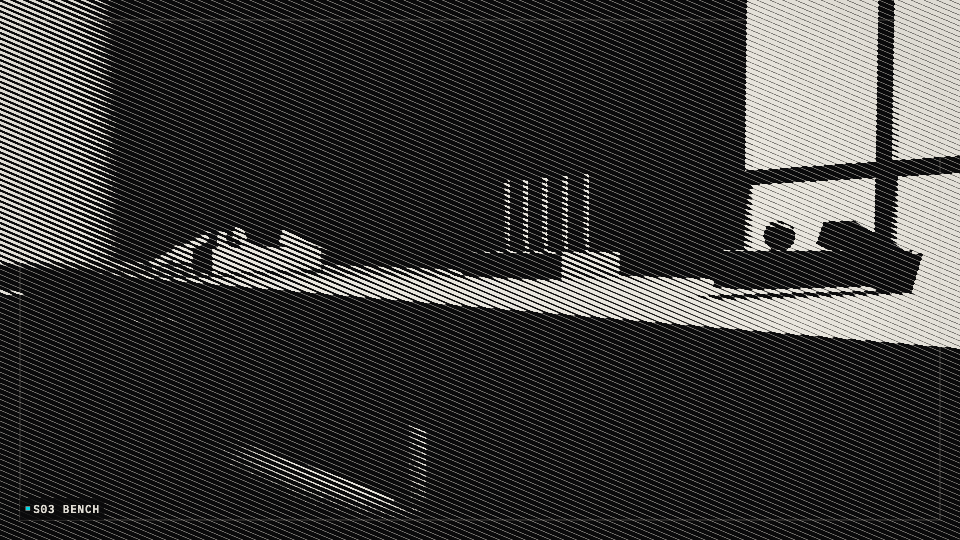 S03
 S04
 S05
 S06
S01S02 panS03S04 panS05S06
Playing the encoded homepage cut.
S01 to S06. 1920 × 1080. Five dissolves overlap by 1.0 s, so 50 s of selects become 45 s. Both portrait pans stay in.
S01 and S02 only. The close shot pans. One dissolve. Square and landscape masters can be made from the same in and out.
S03 bench into S04 doorway. The doorway pans. One dissolve. Used as a social cut.
S05 arch into S06 sign. One dissolve. The sign is also the cover frame.
| File | Range | Length | Status |
|---|---|---|---|
| reedmill-homepage-45.mp4 | S01–S06 | 45s | Ready |
| reedmill-interview-18.mp4 | S01–S02 | 18s | Ready |
| reedmill-workshop-14.mp4 | S03–S04 | 14s | Ready |
| reedmill-arrival-15.mp4 | S05–S06 | 15s | Ready |
Exported beside the timeline. The editor project is left open for the grade.
The timeline is the editable project. Exports are a starting master, not a locked picture.
flowchart LR
  A["Ordered clips"] --> B["Probe each file"]
  B --> C["Scale to frame"]
  C --> D["Dissolves and fades"]
  D --> E["Edit timeline"]
  E --> F["Homepage film"]
  E --> G["Short clips"]