1920 × 1080
30 fps timebase
Handle 15 frames
Dissolve 30 frames
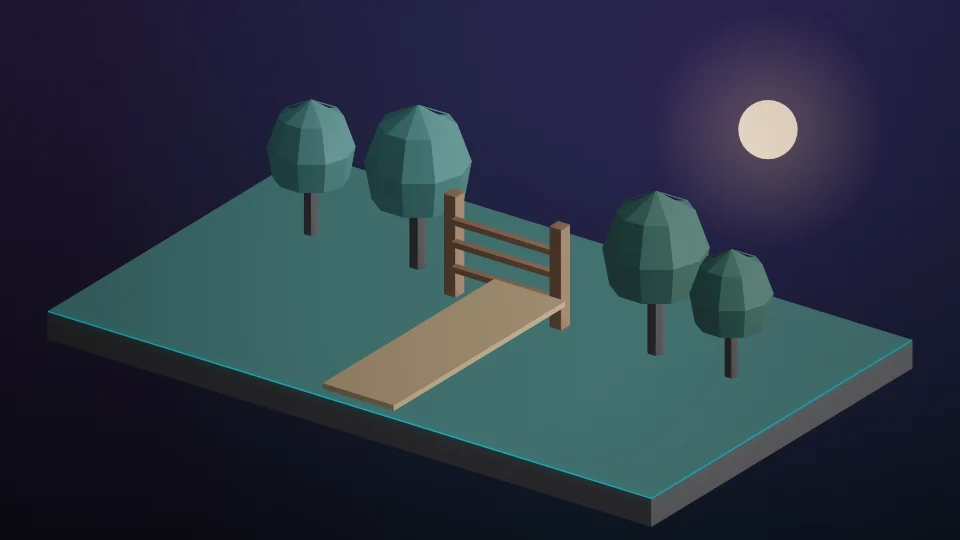
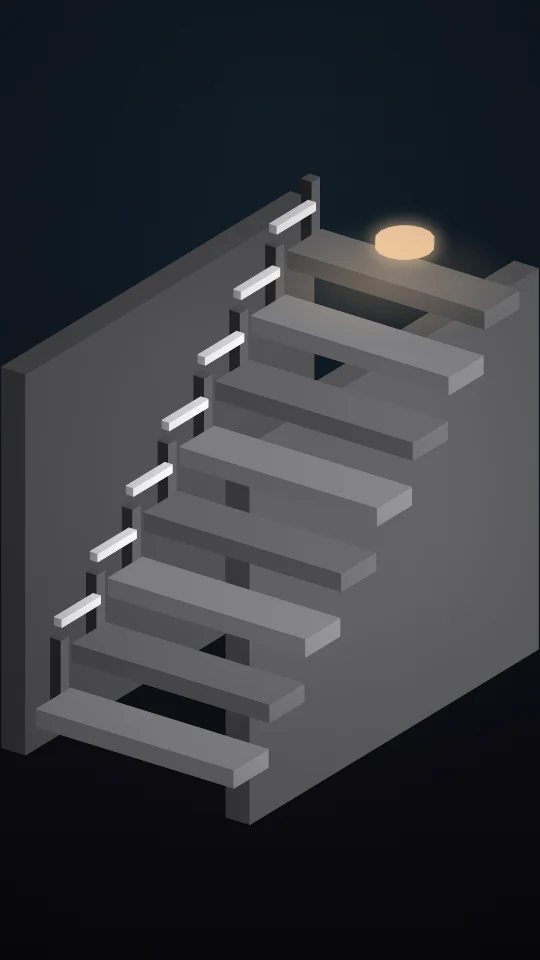
Name order yard-gate.mp4, stairwell.mp4, quay-dusk.mp4

Build
Three clips in name order. Swap, then build.
Sequence
0
Dissolves
0
Portrait pans
0
Frames
0
Timeline amber = 1.0 s dissolve
yard-gate · 50%
fill · 5.4 s
1s
stairwell · 177.8%
Pan top → bottom
1s
quay-dusk · 100%
fill · 5.0 s
00:00:00:0000:00:14:12
The portrait clip is scaled to fill, then the centre travels from the top of the frame to the bottom. Landscape clips only scale. A music bed runs under the preview.
Encoded name order. Swapping the cards does not re-render this file.
Source frames are placed on the 30 fps timebase. Fifteen frames are trimmed from each end so the dissolve has a handle.
autumn-yard / clips
| Clip | Size | fps | Source | Placed | Scale | Motion |
|---|---|---|---|---|---|---|
| yard-gate.mp4 | 3840 × 2160 | 24 | 192 f | 162 f | 50.0% | fill |
| stairwell.mp4 | 1080 × 1920 | 25 | 150 f | 120 f | 177.8% | portrait pan |
| quay-dusk.mp4 | 1920 × 1080 | 30 | 180 f | 150 f | 100.0% | fill |
Audio
Music bed
Under the preview, 120 bpm
Handles
15 f
Trimmed each side before the cut
Dissolve
30 f
Centred on the cut, 1.0 s
autumn-yard.xml ready
/Edits/autumn-yard/autumn-yard.xml
Media folder /Edits/autumn-yard/clips/. Absolute paths. Opens as a new project.
<?xml version="1.0" encoding="UTF-8"?>
<xmeml version="5">
<sequence>
<name>autumn-yard</name>
<rate><timebase>30</timebase></rate>
<width>1920</width><height>1080</height>
<clip index="1" name="yard-gate.mp4" scale="50"/>
<clip index="2" name="stairwell.mp4" scale="177.8" pan="top-to-bottom"/>
<clip index="3" name="quay-dusk.mp4" scale="100"/>
</sequence>
</xmeml>
Scale and pan summary
| Clip | Frame | Scale | Treatment |
|---|---|---|---|
| yard-gate.mp4 | 3840×2160 | 50.0% | fill |
| stairwell.mp4 | 1080×1920 | 177.8% | PORTRAIT pan |
| quay-dusk.mp4 | 1920×1080 | 100.0% | fill |