About Services Tools Blog Contact us

Portrait, Social Card and Icons

Crops a portrait to a fixed frame, saves web versions at several sizes and builds the share card, browser tab icon and phone icon from the practice's initials.

  • Brand Assets & QR
  • Professional services
  • Tool
  • Productised
  • Local/private
  • 2026

The problem

A practice site needs a headshot, a share card and icons at several sizes. Each one cut by hand came out with a slightly different crop. The browser tab icon was usually left until last and often never made.

What it does

One script turns the original portrait upright, crops a fixed region and saves it at several widths. A second script builds the social card and draws the initials into the browser tab icon and the phone home-screen icon. All of them come from the same crop.

Outcomes

  • The headshot, share image and icons all come from one crop.
  • The web and social sizes are written in a single run.
  • The monogram icons use the same brand colours as the portrait set.

Simplified mockup

Interactive preview with sample data. Nothing is sent to a server.

Portrait crop

Uncropped portrait of Abel Brant
Abel Brant AB

Principal, Alder Quay

Original 2400 × 3600, orientation applied

Fixed crop, head and shoulders

Writes 800, 480 and 240, JPEG and WebP

The box on the portrait is the kept region
Monogram AB is queued with the crop.

Share card

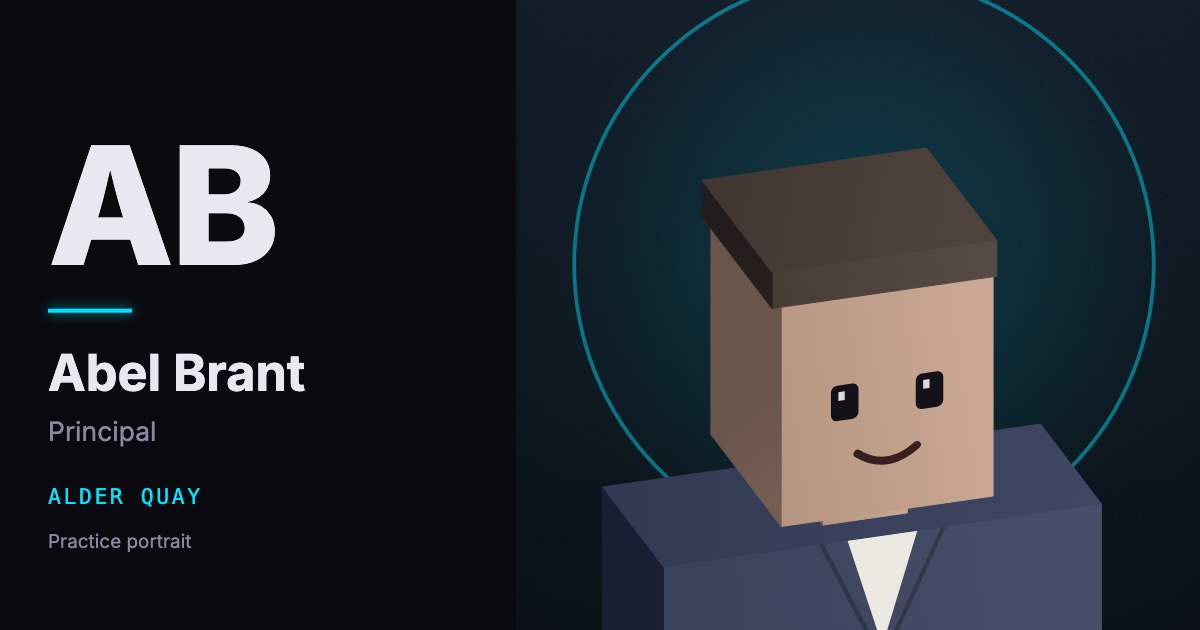
1200 × 630

The largest crop sits on the right. The navy panel carries the monogram and the name.
Monogram icons

The same two letters, AB, drawn for the favicon sizes and the home-screen icon.

180 pixel home-screen icon
180 px
Home screen
48 pixel icon
48 px
32 pixel favicon
32 px
16 pixel favicon
16 px
FileUsePixels
icon-180.pngHome screen180
icon-48.pngShortcut48
icon-32.pngFavicon32
icon-16.pngFavicon16

How it works

  1. Read the original portrait and turn it upright.
  2. Resize a fixed crop to three widths in two web image formats.
  3. Place the largest portrait on a 1200 by 630 social card with a colour panel and set type.
  4. Draw a two-letter monogram for the browser tab icon sizes and a 180 pixel phone icon.
  5. Run the scripts from the command line by the team. They refuse requests from the website.

Pipeline

flowchart LR
  A[Portrait] --> B[Crop]
  B --> C[Three widths]
  C --> D[Social card]
  E[Monogram] --> F[Favicon]
  E --> G[Touch icon]