Tree listed, nothing copied yet
Archive root
- logos/
- 2019-rebrand/logo-final-FINAL.png skip
- 2021-export/logo-rgb-copy.png skip
- current/lockup-primary.svg
- current/lockup-reversed.svg
- current/mark-mono.svg
- colour/
- palette.png
- palette-draft-hex.txt skip
- templates/
- letterhead.png
- cover.png
- letterhead-v3-old.png old
- filled-report-2022.pdf leave
brand-assets/
Destination is empty. Nine canonical files are still in the archive.



- logos/ 3
- lockup-primary.svg
- lockup-reversed.svg
- mark-mono.svg
- colour/ 1
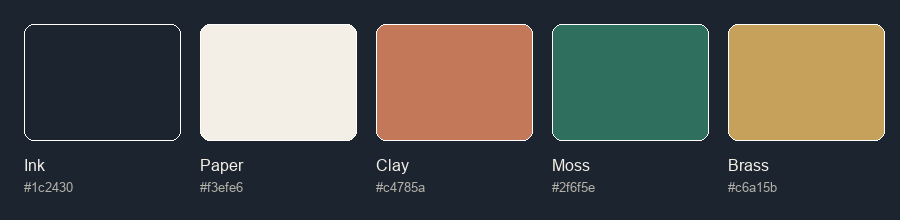
- palette.png
- icons/ 2
- bullet.svg
- mark-16.svg
- templates/ 2
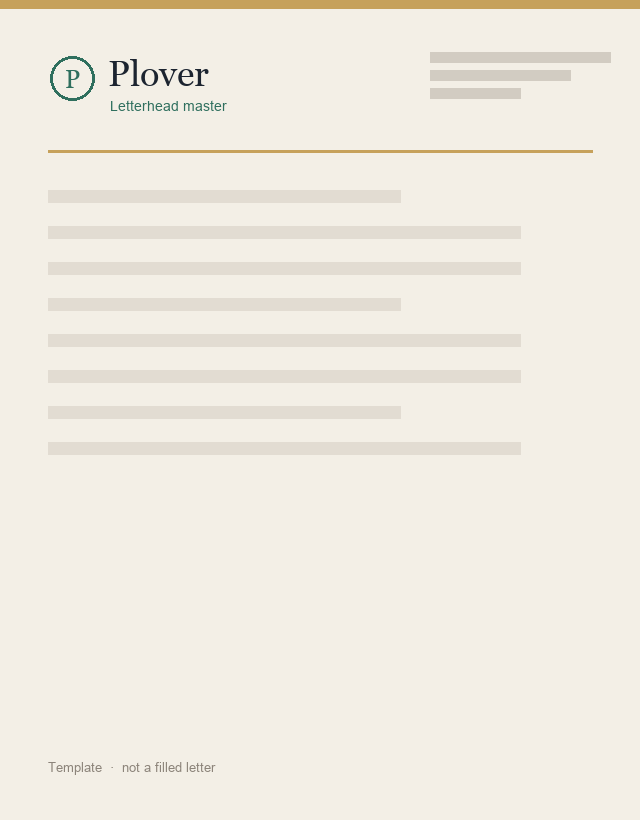
- letterhead.png
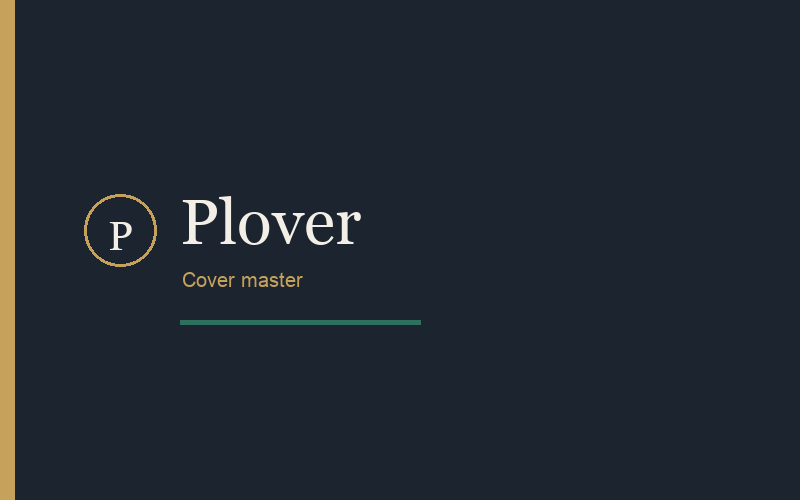
- cover.png
- backgrounds/ 1
- soft-wash.png
- fonts/ none canonical
- guidelines/ meeting notes left behind
Copied
0
matches the pack
Near-duplicates skipped
0
Left behind
| File | Why |
|---|---|
| logo-final-FINAL.png | near-duplicate of lockup-primary |
| logo-rgb-copy.png | near-duplicate of lockup-primary |
| palette-draft-hex.txt | draft of palette.png |
| letterhead-v3-old.png | older letterhead |
Not copied
| Path | Reason |
|---|---|
| logos/2019-rebrand/logo-final-FINAL.png | Same mark as the current primary lockup |
| logos/2021-export/logo-rgb-copy.png | Export of a file already collected |
| colour/palette-draft-hex.txt | Notes towards the palette card |
| templates/letterhead-v3-old.png | Superseded by the letterhead master |
| templates/filled-report-2022.pdf | Filled document, not a template |
| backgrounds/one-off-hero-2018.jpg | One-off export, not reusable art |
| guidelines/notes-meeting.rtf | Meeting notes, not a guideline |
Letterhead master
Cover master
Soft wash backgrounds/