Reads grouped product photographs, including label shots, and fills in the identity fields for that colour: what the product is and how it is described.
Visual Question Answering
Footwear retail
Pipeline
Productised
Hybrid
2026
The problem
A delivery of photographs does not name itself. Before any catalogue text could be written, staff had to open each group and decide what the product was, which colour it was and whether the label agreed.
What it does
The job picks up styles nobody has looked at yet. It sends the photographs, including label shots, to Google Gemini, with any text already read from the label, and Gemini fills in the identity details. A style that fails three times is left with the reason recorded. The same pass can be started from the import page.
Outcomes
A photo group gets identity fields without anyone opening each frame.
Label text and pictures are read together.
A style that will not read is stopped with a recorded reason.
The import page can start the same pass.
Simplified mockup
Interactive preview with sample data. Nothing is sent to a server.
Styles not yet read
AL-4418Ash Lane
Not looked at
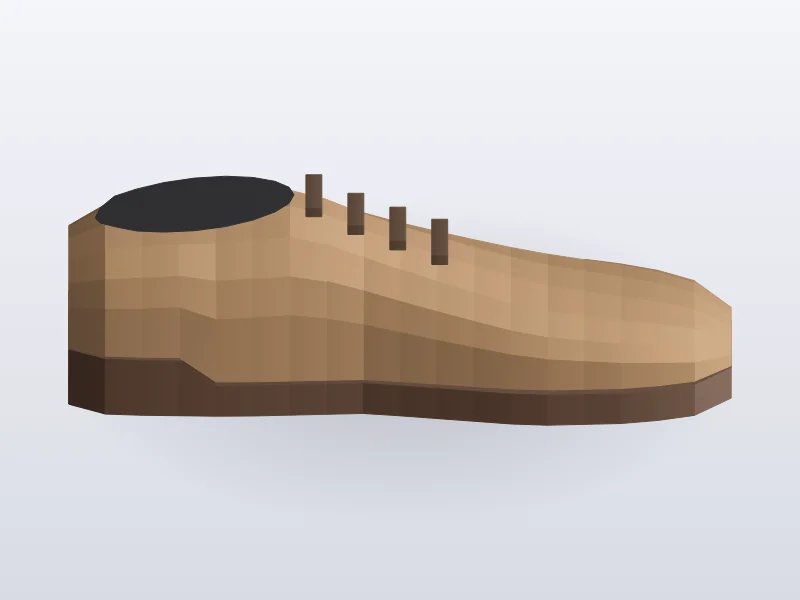
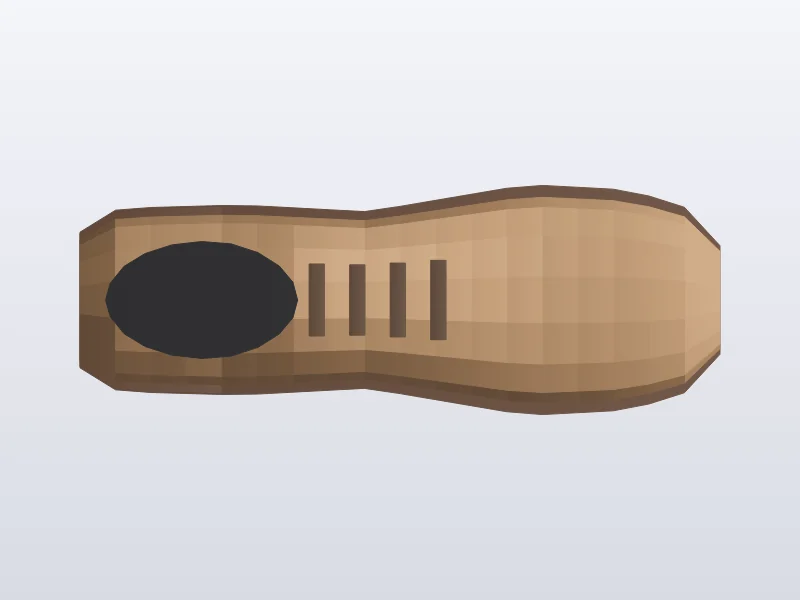
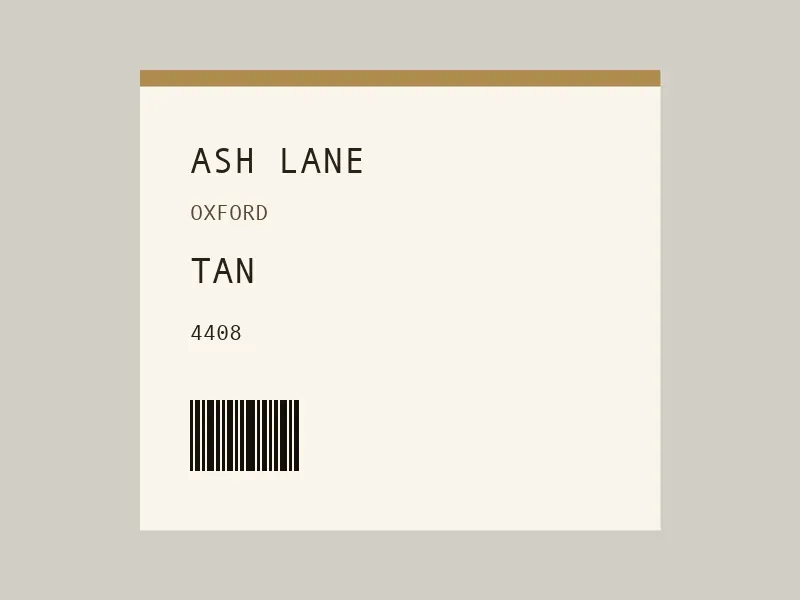
SideTopLabel
OCR on the frame: ASH LANE · TAN · 4408
Pictures, then the label, then the fields.
TypeNot read
ColourNot read
LineNot read
TypeOxford
ColourTan
LineTan leather oxford with closed lacing and a leather sole.
PL-1902Pewter Last
2 failures
SideTopLabel
1 No fields returned
2 Label could not be read
3 Unreadable label, stopped
Two failures stored. A third stops the style.
Reason stored. This style will not be picked up again.
Import page
The same vision pass can be started here. Styles already stopped are left alone.
Style
Name
Stills
Label
Status
AL-4418
Ash Lane
3
Yes
Not looked at
PL-1902
Pewter Last
3
Soft
2 failures
BR-2201
Briar Row
4
Yes
Not looked at
KC-1180
Kelp Court
2
No
Not looked at
Nothing queued yet.
Pass started from the import page. Pewter Last stays on its own retries.
How it works
Pick up styles that have not been looked at.
Send the grouped stills, including any label photograph, to Google Gemini.
Include text already read from the label with the pictures.
Write the identity fields: what the product is, the colour and a short description.
Stop the style after three failures and store the reason.
Start the same pass from the import page when needed.
Pipeline
flowchart LR
  A["Grouped stills"] --> B["Vision pass"]
  C["Label OCR text"] --> B
  B --> D{"Fields filled?"}
  D -->|Yes| E["Identity record"]
  D -->|No| F["Count failure"]
  F --> G{"Third failure?"}
  G -->|Yes| H["Store reason and stop"]