About Services Tools Blog Contact us

Reference-guided Image Restyle

Restyles a photograph from reference images, using FireRed-Image-Edit on your own computer or Google's Nano Banana, keeping the product's colour and construction.

  • Image Editing & Compositing
  • Cross-sector
  • Tool
  • Productised
  • Hybrid
  • 2026

The problem

A product photograph was right but the campaign setting was wrong. Repainting the scene in an editor risked changing the product's colour, material or construction. Each new setting also started again from scratch.

What it does

The product photo and the reference images are sent together, with an instruction saying which image is the product and which show the setting or style. FireRed-Image-Edit is used when the images must not leave the computer, and Nano Banana on Google Gemini otherwise. The previous result can be fed back in for a further edit, and variations can be made from the same brief.

Outcomes

  • One product photo can be placed in several settings.
  • The product's colour and construction stay the same.
  • Sensitive images can be restyled without leaving the computer.
  • A further edit starts from the last result and not from the original.

Simplified mockup

Interactive preview with sample data. Nothing is sent to a server.

Subject and street

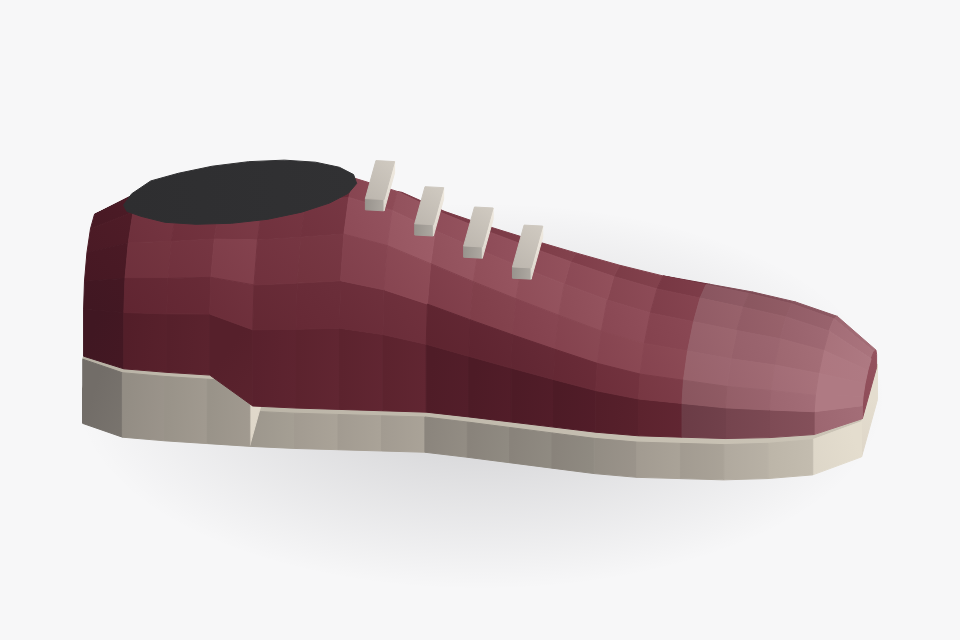
Subject the product
Oxblood derby on a plain white ground
Reference the setting
Wet grey cobbles, with no product in the frame
Result
Waiting for the restyle
One subject, one reference

Same brief, three settings

shoe held

Each still starts from the white subject. The derby is not redrawn.

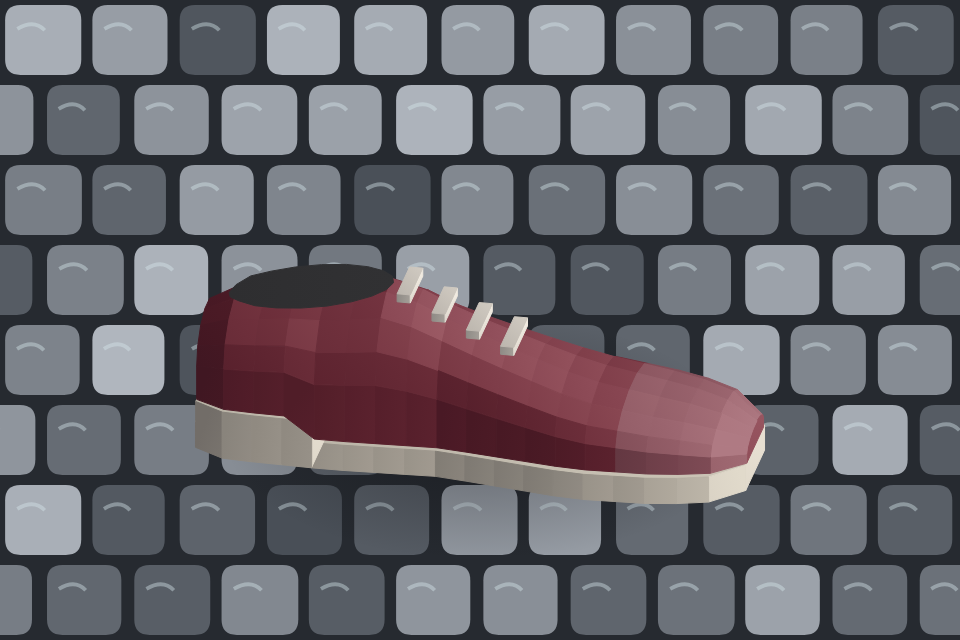
Wet cobbles reference 1
Derby on wet cobbles
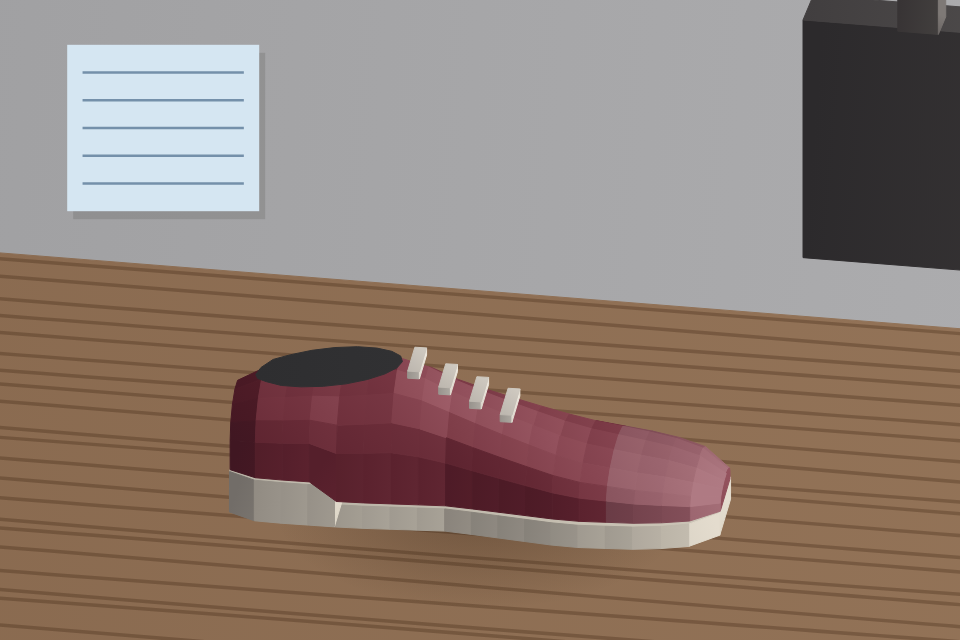
Workshop bench reference 2
The same derby on a timber workshop bench
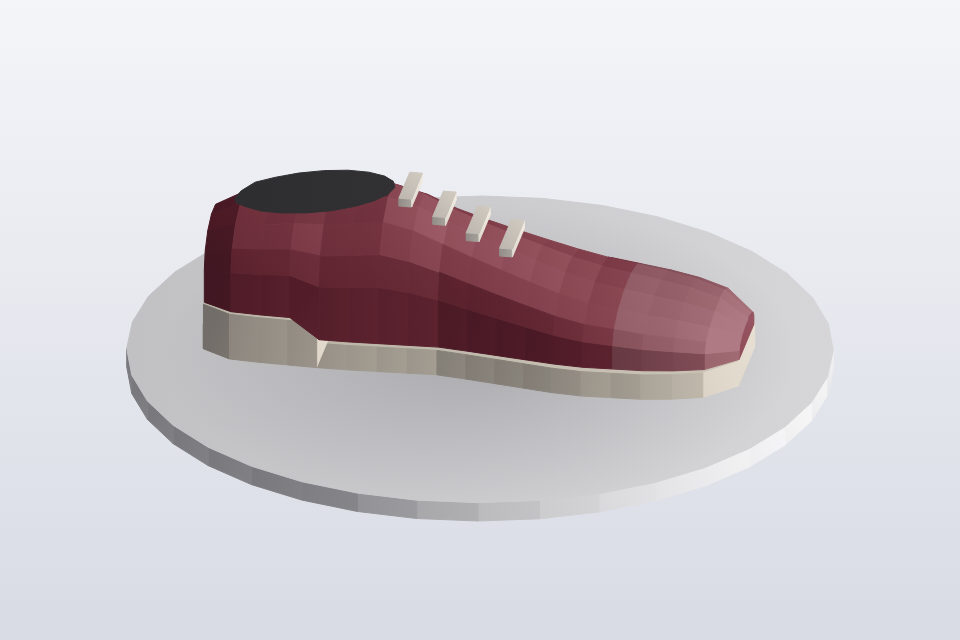
Grey plinth reference 3
The same derby on a plain grey studio plinth

Feed the result back in

Subject now previous output
The cobbles restyle, used as the subject of a further edit

Not the white original. The further edit starts here.

After the edit
Waiting for the edit
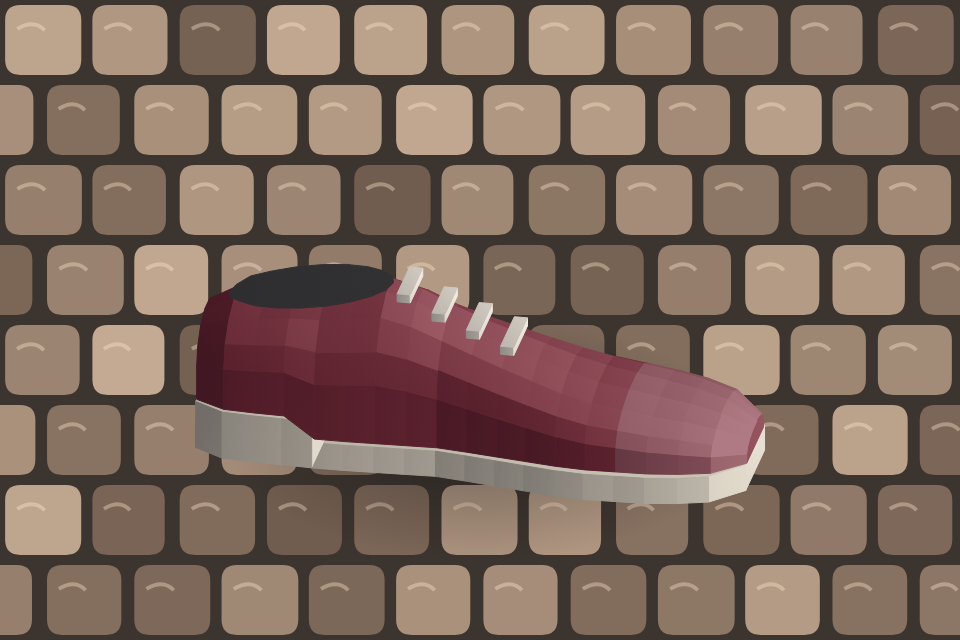
Pass 2 of the same shoe

How it works

  1. Pair the product photograph with one or more reference images.
  2. Name in the instruction which image is the product and which images set the style.
  3. Use FireRed-Image-Edit when the files must stay on the computer, and Nano Banana otherwise.
  4. Hold the product's colour, material and construction while the setting changes.
  5. Pass the result back in for a further edit if needed.
  6. Make variations from the same brief.

Pipeline

flowchart LR
  A["Subject photo"] --> C["Restyle"]
  B["Reference images"] --> C
  D["Instruction"] --> C
  C --> E{"Stay on machine?"}
  E -->|Yes| F["FireRed-Image-Edit"]
  E -->|No| G["Nano Banana"]
  F --> H["Restyled still"]
  G --> H

Output