About Services Tools Blog Contact us

Receipt Photo Crop for Filing

Finds the bright sheet in a phone photo of a receipt, crops to it and saves a smaller high-contrast greyscale JPEG. The camera original is left untouched.

  • Accounting & Reconciliation
  • Professional services
  • Tool
  • Productised
  • Local/private
  • 2026

The problem

Phone photos of receipts are too large to attach and include the table around the paper. Uploads failed, or the receipt stayed hard to read.

What it does

The tool finds the bright paper area, crops to it, scales it to the requested size and saves a high-contrast greyscale JPEG. The camera original is left untouched, and a batch folder can keep the original file names. It does not read the receipt text. It only prepares the file so it can be attached to the matching bank transaction.

Outcomes

  • Each receipt is a tight crop and not a photo of the whole table.
  • The file is much smaller, so an accounts attachment accepts it.
  • The original photo is kept for the record.
  • A batch folder keeps its file names.

Simplified mockup

Interactive preview with sample data. Nothing is sent to a server.

IMG_1842.JPG 3.8 MB

Camera original Original kept
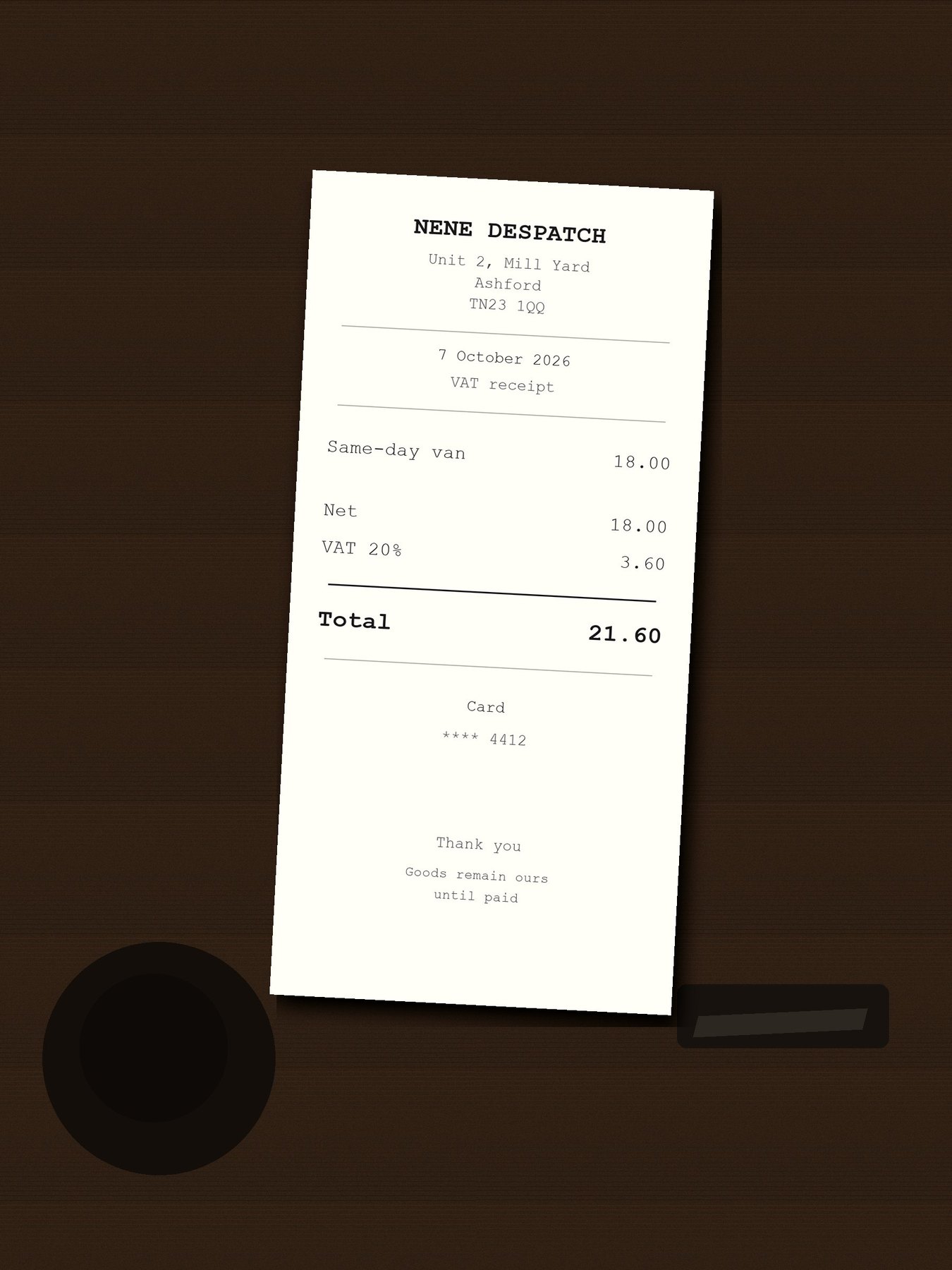
Phone photo of a receipt on a dark table

The table, the cup and the pen stay in this file. It is not overwritten.

Filing copy
Crop not written yet

Long edge 1400 px · quality 75 · contrast 1.6. The words on the receipt are not read.
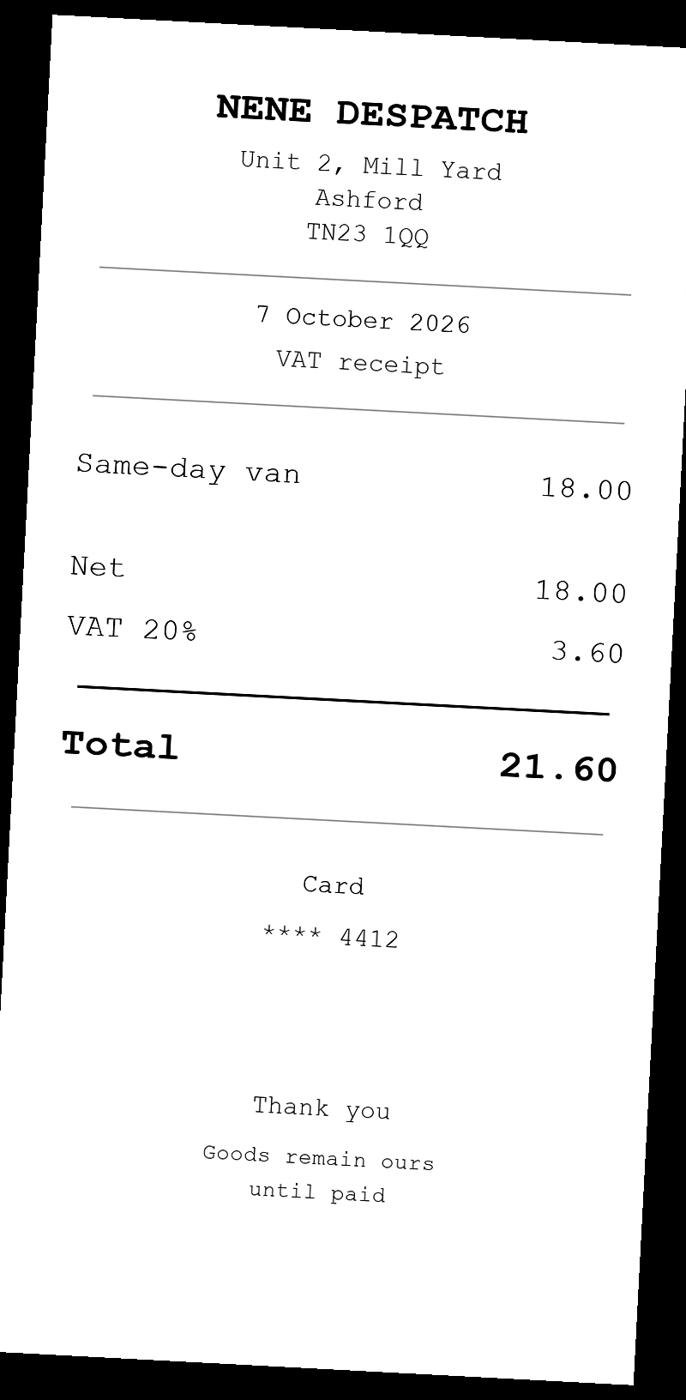
IMG_1842.JPG is 3.8 MB and includes the table

Folder of three Names unchanged

When a folder is set, each prepared JPEG keeps the camera filename so the batch can be mapped back. The originals stay in the source folder.

October expenses
Camera filePrepared nameOriginalFiling copy
IMG_1838.JPGIMG_1838.JPGKept210 KB
IMG_1842.JPGIMG_1842.JPGKept180 KB
IMG_1855.JPGIMG_1855.JPGKept240 KB

This run

Long edge
1400
pixels
Quality
75
JPEG
Contrast
1.6
after greyscale
What is left alone
FileWhat happened
IMG_1842.JPGCamera original, still 3.8 MB, still in colour
IMG_1842-receipt.jpgNew file. Crop, greyscale, 1400 px, about 180 KB

A single photo is named with -receipt beside the source. A folder keeps the original filenames. Neither path reads the supplier, the date or the total.

How it works

  1. Open one photo or a folder of photos.
  2. Find the bright paper area and crop to it.
  3. Scale the image to the requested size.
  4. Convert to greyscale and boost the contrast.
  5. Save a JPEG next to the original and leave the camera original untouched.

Pipeline

flowchart LR
  Photo[Phone photo] --> Find[Find the paper]
  Find --> Crop[Crop]
  Crop --> Grey[Greyscale contrast]
  Grey --> Jpeg[Smaller JPEG]
  Jpeg --> File[Ready to attach]