aw26-colourways.csv · 6 size rows
portal-logins.csv · 4 desks, secrets masked
Size rows 2 rows, 1 colourway
| Brand | Style | Colour | Size | Code |
|---|---|---|---|---|
| Wrenfield | Harbour Loafer | Cognac | UK 4 | WF1840 |
| Wrenfield | Harbour Loafer | Cognac | UK 5 | WF1840 |
| Calderwell | Ridge Chelsea | Black | UK 8 | CW2201 |
| Larch & Co | Marsh Brogue | Oak | UK 9 | LC3310 |
| Sable Row | Quay Sandal | Sand | UK 4 | SR0090 |
| Fenrow | Court Pump | Burgundy | UK 6 | FR4410 |
Harbour Loafer sizes 4 and 5 share a folder. Fenrow has no portal row, so that colourway will be skipped.
Sign-in sheet Secrets not printed
| Desk | Account | Secret | Covers |
|---|---|---|---|
| Wrenfield media desk | desk-wren | •••••••• | Harbour Loafer |
| Calderwell assets | desk-calder | •••••••• | Ridge Chelsea |
| Larch studio | desk-larch | •••••••• | Marsh Brogue |
| Sable catalogue | desk-sable | •••••••• | Quay Sandal |
Fenrow is on the product sheet and not on this list. Court Pump is planned as a skip. The manifest keeps the account name and never the secret.
Size rows
6
Colourways
5
Folders planned
4
Dry-run plan
| Colourway | Sizes | Folder | Cap | Status |
|---|---|---|---|---|
| Harbour Loafer, Cognac | 4, 5 | Wrenfield/WF1840/Cognac | 3 | SharedSaved |
| Ridge Chelsea, Black | 8 | Calderwell/CW2201/Black | 2 | ReadySaved |
| Marsh Brogue, Oak | 9 | Larch/LC3310/Oak | 2 | ReadySaved |
| Quay Sandal, Sand | 4 | Sable/SR0090/Sand | 1 | ReadySaved |
| Court Pump, Burgundy | 6 | No folder | 0 | No portalSkipped |
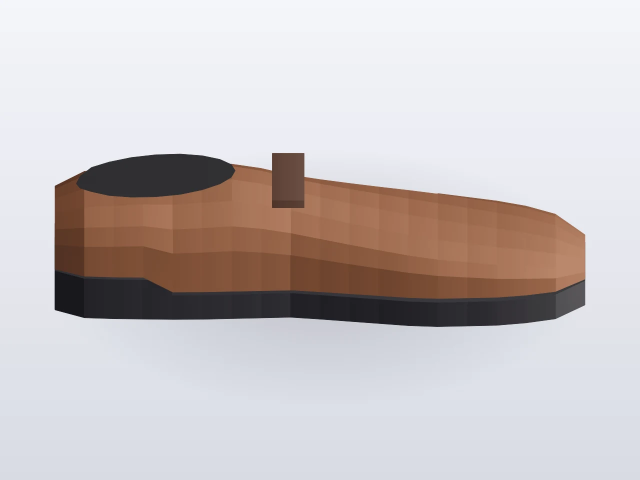
sizes 4 and 5
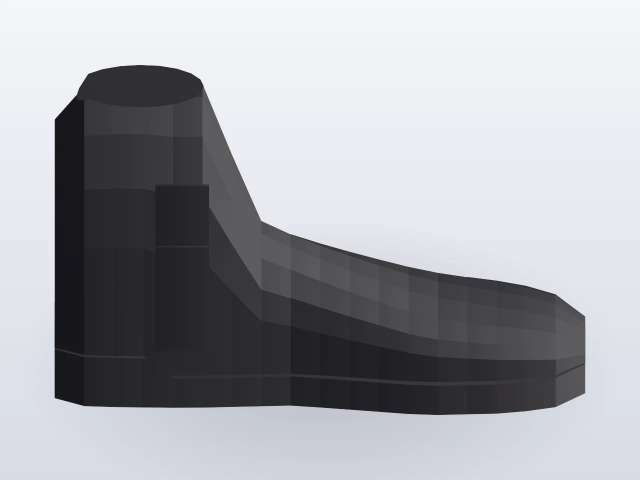
size 8
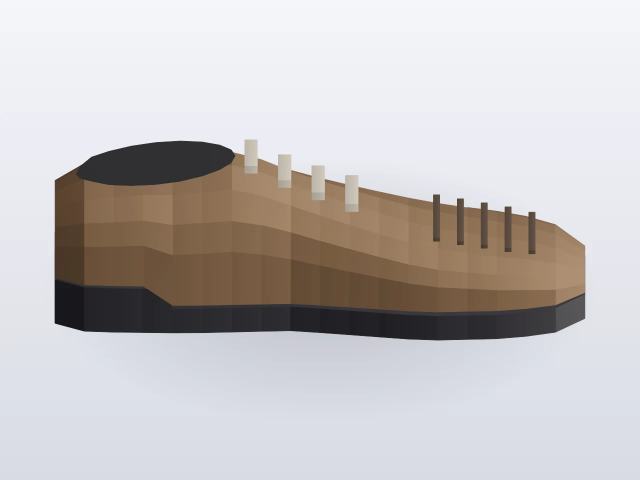
size 9
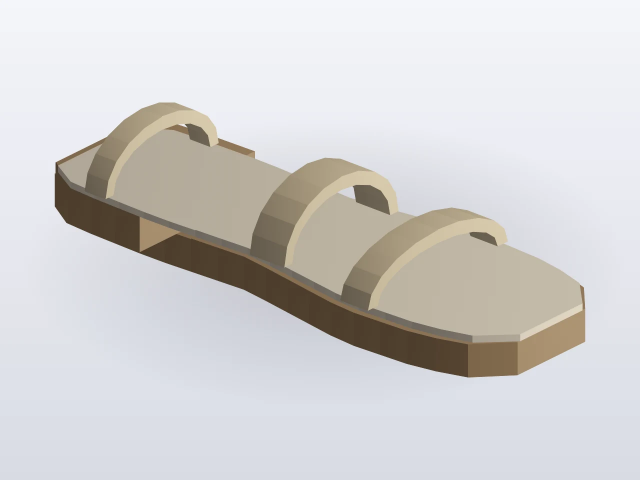
size 4
Sheets are loaded. Live run stays off.