Source file
Click to load the thin supplier file
Mock research only. Nothing is fetched from the web. Barcodes and customs codes are never guessed.
Research
Load the file to start
Rows as received highlighted cells are required and empty
| Code | Colour | Size | Price | Title | Category | Image |
|---|---|---|---|---|---|---|
| NW-220 | Tan | UK 4 | £54.00 | empty | empty | empty |
| NW-220 | Tan | UK 5 | £54.00 | empty | empty | empty |
| NW-318 | Navy | UK 11 | £42.00 | empty | empty | empty |
| NW-318 | Navy | UK 12 | £42.00 | empty | empty | empty |
| NW-404 | Oak | UK 8 | £79.00 | empty | empty | empty |
Fields filled
0
Left blank
0
not invented
Images saved
0
Backup
09:42
8 Oct 2026
Draft rows shop column layout
| Code | Size | Still blank | Title | Category | Image |
|---|---|---|---|---|---|
| NW-220 | UK 4 | clear | Alden Row tan derby Tan derby with a plain toe and a leather sole. |
Women / Derbies | 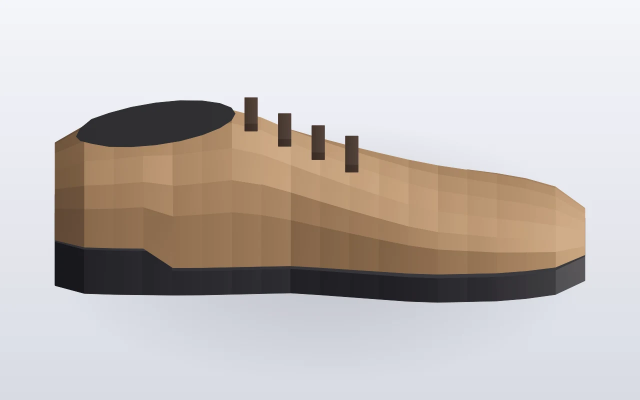 |
| NW-220 | UK 5 | barcode · not invented | Alden Row tan derby Tan derby with a plain toe and a leather sole. |
Women / Derbies | |
| NW-318 | UK 11 | customs · not invented | Keppel navy school shoe Navy school shoe with a hook-and-loop strap. |
Children / School shoes | 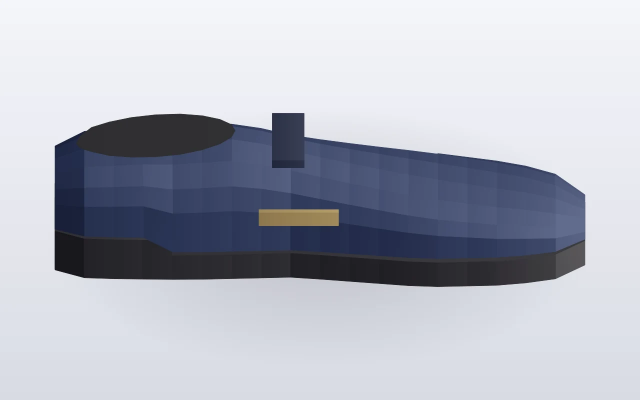 |
| NW-318 | UK 12 | barcode · not invented | Keppel navy school shoe Navy school shoe with a hook-and-loop strap. |
Children / School shoes | |
| NW-404 | UK 8 | clear | Brindle oak loafer Oak loafer with a saddle seam. |
Men / Loafers | 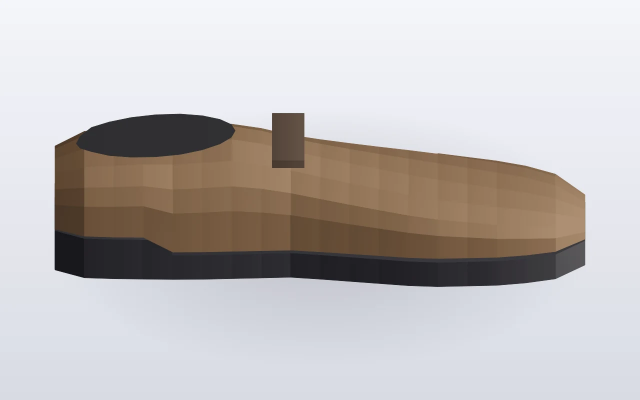 |
Previous file
backed up
northwharf-ss26.csv.bak-2026-10-08-0942
Draft
5
rows in shop columns
Image folder
3
beside the draft
product_images/
Packshots from a signed-in media library are a separate step. These three are the public stills saved with the draft.
| Code | Size | Field | Decision |
|---|---|---|---|
| NW-220 | UK 5 | Barcode | not invented |
| NW-318 | UK 11 | Customs code | not invented |
| NW-318 | UK 12 | Barcode | not invented |
Filled from public facts
- Titles and short descriptions
- Category paths
- Three images in the folder
Left blank on purpose
Two barcodes and one customs code had no public match. They stay empty so the shop does not publish a guessed number.
NW-220 UK 4 and NW-404 already carried a barcode and a customs code on the source row.