About Services Tools Blog Contact us

Packshot Product Descriptions

Writes a short product paragraph and a feature list for each packshot, in a direct tone, and saves it against the image so a photo is never described twice.

  • Copywriting & Text Generation
  • Footwear retail
  • Pipeline
  • Productised
  • Local/private
  • 2025

The problem

Every new colourway needs shop copy, and writing it by hand from a photograph takes too long across a whole season. So folders of packshots sat with no description at all. Where several people did write them, brand names and hedging phrases crept in and the tone differed from product to product.

What it does

The tool looks at each packshot with an image-reading model (LLaVA, run through Ollama). It is told what the product is for and to leave brand names out, and it returns an about paragraph and feature bullets. The text is saved against the image. If a specification sheet has been paired with the photographs, its text can go into the same request.

Outcomes

  • A season of packshots gets descriptions without anyone starting from a blank page.
  • Every description uses the same tone and none repeats a brand name from the photograph.
  • An image that already has copy is skipped on the next run.

Simplified mockup

Interactive preview with sample data. Nothing is sent to a server.

Packshot desk

3 of 3
Chestnut oxford already has copy. Two shots are waiting.
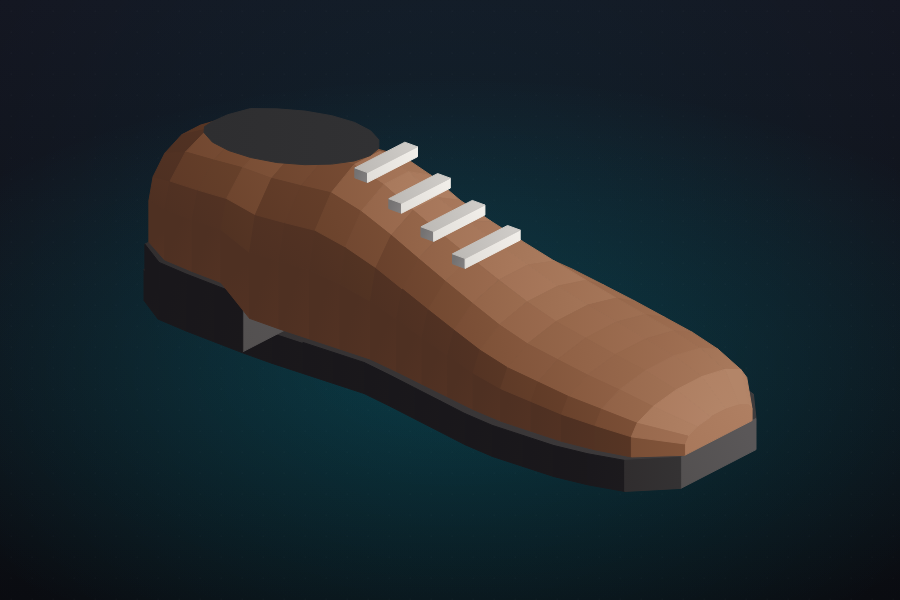
Chestnut apron oxford, side view
Chestnut oxford Described

HL-2041

You can wear this chestnut oxford from the school gate to a weekend lunch. The leather upper is polished, the apron toe is stitched, and the sole is a firm leather welt with a low stacked heel.

  • Polished leather upper
  • Stitched apron toe
  • Low stacked heel
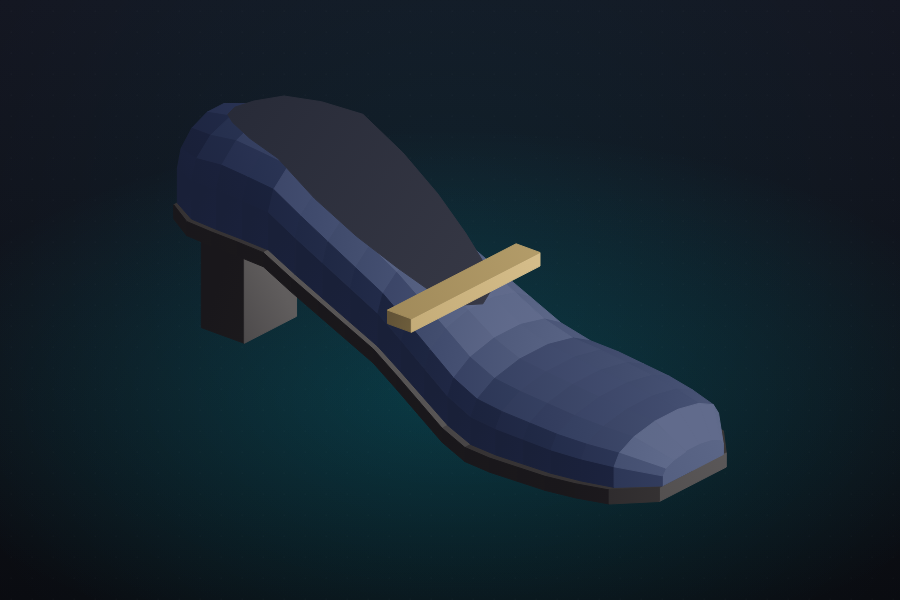
Navy court shoe with an instep buckle
Navy court shoe Waiting

HL-2188

Heel tab in the fixture: Northstep

No copy stored on this image.

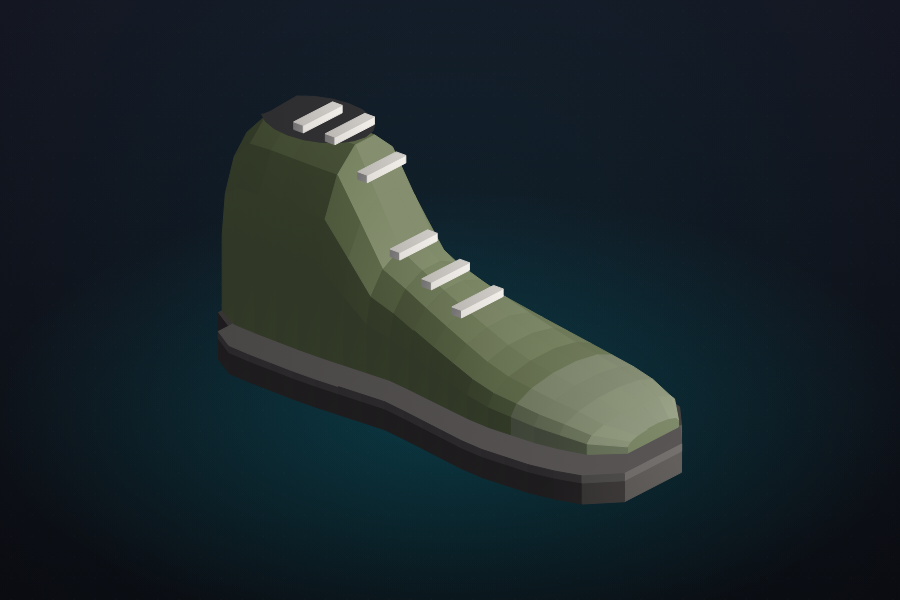
Olive hiker with a lug sole
Olive hiker Waiting

HL-2304

Paired sheet: oiled leather, padded collar, lug sole.

No copy stored on this image.

Fixed prompt

Same words for every shot
What the model is told
  1. Write an about paragraph, then feature bullets.
  2. Use you, not I. Say what the shoe is for.
  3. Stay definite. Do not write appears or seems.
  4. Describe visible materials, not a brand name.
  5. If a specification sheet is paired, use those facts.
  6. Skip any image that already has copy.
Banned in the saved text
brand names appears seems I · we think

The heel tab on HL-2188 carries a brand word. That word is a fixture for the check. It must not survive into the paragraph.

Saved shape
[About the product]
[Features]

Skip log

Described in the season
0
Still waiting
0
Repeated calls avoided
0
Shots described each week
FileFolderWhy
HL-1902.jpgautumn-schoolcopy stored, skipped
HL-1918.jpgautumn-schoolcopy stored, skipped
HL-2041.pngautumn-schoolcopy stored, skipped
HL-2188.pngautumn-schoolwaiting
HL-2304.pngautumn-schoolwaiting, sheet paired

How it works

  1. Check the product folders for packshot photographs and skip any image that already has copy.
  2. Send each new image to the model with a fixed brief for tone, length and banned phrasing.
  3. Receive an about paragraph and a short feature list.
  4. Store the text beside the file name so image and copy can be shown together.
  5. Add specification text from a paired sheet to the request when there is one.

Pipeline

flowchart LR
  Folders[Packshot folders] --> Skip[Skip described images]
  Skip --> Vision[LLaVA]
  Vision --> Copy[Paragraph and bullets]
  Copy --> Store[Save on image row]
  Store --> Cards[Browse as cards]

Output