About Services Tools Blog Contact us

Narrated Video from a Script

Builds a narrated film from recorded narration, background stills, timed captions and a thumbnail. It can stop at an audio-only version when no picture edit is needed.

  • Presentation & Video Production
  • Cross-sector
  • Pipeline
  • Productised
  • Local/private
  • 2025

The problem

A recorded script is only a set of audio pieces. Before it can be listed it still needs a picture edit, captions that match the voice and a thumbnail still.

What it does

The narration pieces are ordered and cleaned in Adobe Audition, then laid on an Adobe Premiere Pro timeline with background stills and a texture layer. A caption file carries the timed lines, and a thumbnail is made from a frame and title text. The film, caption file and thumbnail are exported together. A script that is not ready for pictures stays as an audio-only project.

Outcomes

  • The listing gets a film, a caption file and a thumbnail.
  • Each caption line is timed to the narration.
  • An unfinished script stays as audio and gets no placeholder picture edit.

Simplified mockup

Interactive preview with sample data. Nothing is sent to a server.

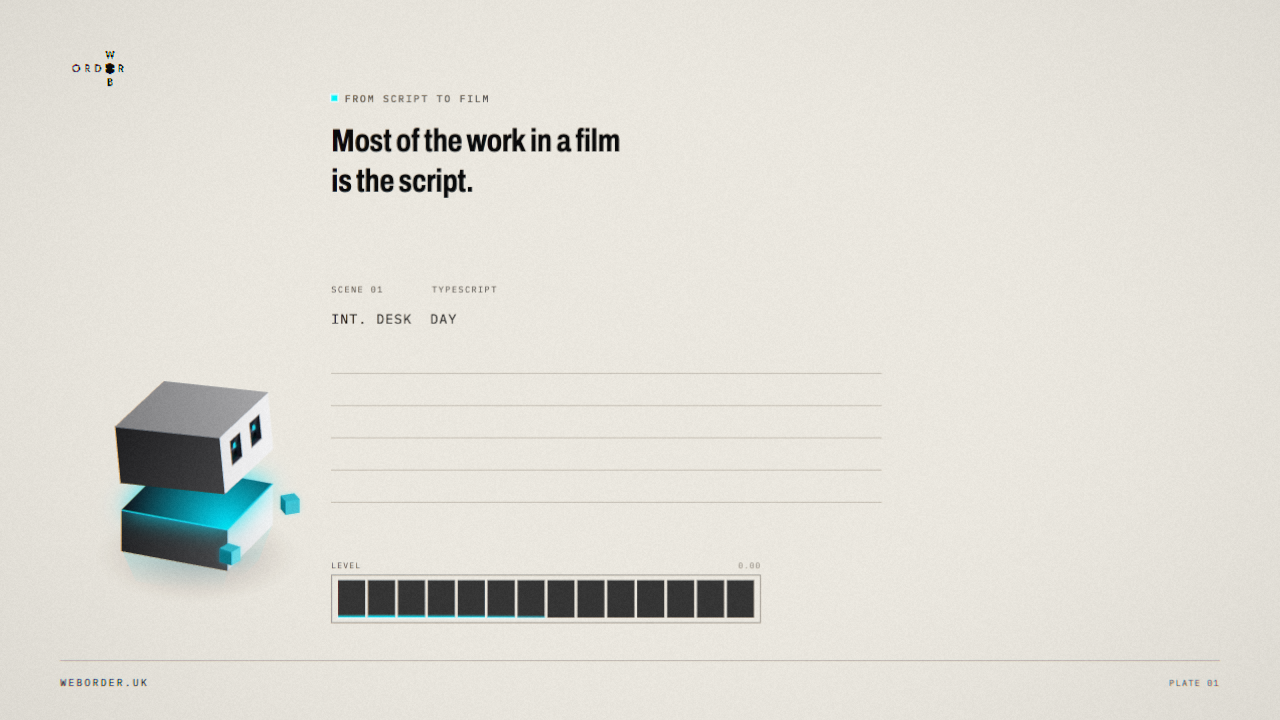
From script to film

0:19
Preview
Thumbnail
Poster from the narrated film

A frame from the film, used as the listing still.

Picture timeline speech with Dash
0:01
Script

Most of the work in a film is the script.

0:04
Voice

Once that is right, a cloned voice reads it. No studio to book.

0:09
Captions

Captions follow every word, so it still works with the sound off.

0:13
Publish

The film, the caption file and the thumbnail are ready the same day.

Cued at 0:00

Closing the week

Picture track
No picture cut. Stills are not invented for a script that is not ready.
Speech chunks
InChunkLinePicture
0:00OrdersEvery order this week has been dispatched.none
0:11PricesTwo suppliers have changed their prices.none
0:22OffersNext week’s offers go live on Monday.none
Picture export stays off

Last picture export

08:40 today
FileWhat it isLength
script-to-film.mp4Film0:19
script-to-film.srtCaption file4 lines
poster.pngListing still1280 × 720
closing-the-week.sessionAudio onlyno picture

How it works

  1. Order and clean the narration pieces in Adobe Audition.
  2. Lay the pieces on the Adobe Premiere Pro timeline against background stills.
  3. Time the caption lines to the narration.
  4. Make a thumbnail from a frame and title text.
  5. Export the film, the caption file and the thumbnail together.
  6. Leave a script that is not ready for pictures as an audio-only project.

Pipeline

flowchart LR
  A[Speech chunks] --> B[Audio session]
  B --> C[Picture timeline]
  D[Stills] --> C
  C --> E[Captions]
  C --> F[Thumbnail]
  E --> G[Export]

Output

Sample output

Narrated film: Dash, the Web Order mascot, with word-timed captions and the cloned house voice