Folder 4 parts
| File | Part |
|---|---|
| harbour-spring.layout | Layout file |
| harbour-spring.exchange | Exchange file |
| harbour-spring.pdf | |
| Links/ | 3 linked images |
The exchange file is already in the folder, so the layout app stays closed.
PDF preview
Read
Ready to read harbour-spring-leaflet
Pages
0
Text blocks
0
Linked images
0
Styles
0
Text blocks
| Page | Style | Font | pt | Box | Text |
|---|---|---|---|---|---|
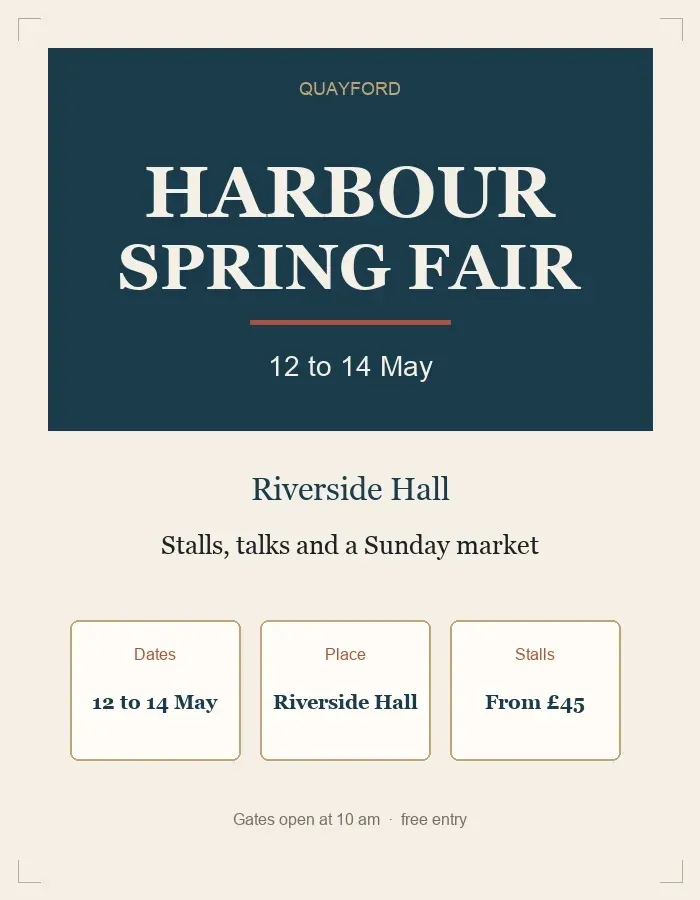
| 1 | Heading | Quay Display | 28 | 48, 120, 500, 70 | Harbour Spring Fair |
| 1 | Subhead | Quay Display | 14 | 48, 210, 240, 22 | 12 to 14 May |
| 1 | Body | Mill Serif | 11 | 48, 280, 400, 28 | Stalls, talks and a Sunday market |
| 1 | Caption | Mill Serif | 9 | 48, 320, 260, 16 | Riverside Hall, Quayford |
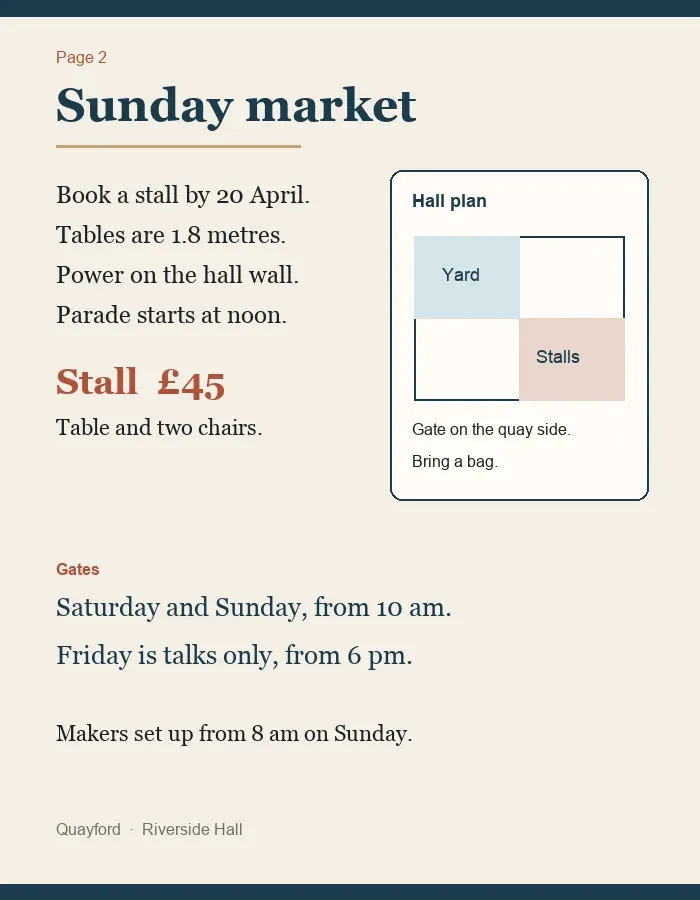
| 2 | Heading | Quay Display | 22 | 56, 78, 360, 48 | Sunday market |
| 2 | Body | Mill Serif | 11 | 56, 180, 300, 140 | Book a stall by 20 April. Tables are 1.8 metres. |
| 2 | Price | Quay Display | 18 | 56, 360, 220, 40 | Stall £45 |
Linked images
| File | Pixels | Checksum | |
|---|---|---|---|
 | quay-banner.png | 2400 × 800 | a3c91e04 |
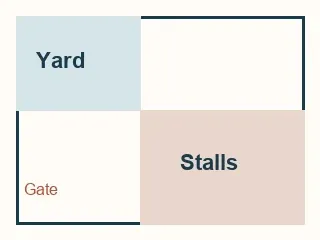 | stall-map.png | 1600 × 1200 | 18bb7d22 |
 | bunting.png | 900 × 600 | e04f6ac9 |
Same read, as markdown
# Harbour Spring Fair

## Page 1
**Heading** Harbour Spring Fair
**Subhead** 12 to 14 May
**Body** Stalls, talks and a Sunday market
**Caption** Riverside Hall, Quayford

## Page 2
**Heading** Sunday market
**Body** Book a stall by 20 April. Tables are 1.8 metres.
**Price** Stall £45

## Links
- quay-banner.png, 2400 by 800, checksum a3c91e04
- stall-map.png, 1600 by 1200, checksum 18bb7d22
- bunting.png, 900 by 600, checksum e04f6ac9
Same read, as JSON
{
  "package": "harbour-spring-leaflet",
  "blocks": [
    {
      "page": 1,
      "style": "Heading",
      "font": "Quay Display",
      "pt": 28,
      "box": [48, 120, 500, 70],
      "text": "Harbour Spring Fair"
    },
    {
      "page": 1,
      "style": "Subhead",
      "font": "Quay Display",
      "pt": 14,
      "box": [48, 210, 240, 22],
      "text": "12 to 14 May"
    },
    {
      "page": 1,
      "style": "Body",
      "font": "Mill Serif",
      "pt": 11,
      "box": [48, 280, 400, 28],
      "text": "Stalls, talks and a Sunday market"
    },
    {
      "page": 1,
      "style": "Caption",
      "font": "Mill Serif",
      "pt": 9,
      "box": [48, 320, 260, 16],
      "text": "Riverside Hall, Quayford"
    },
    {
      "page": 2,
      "style": "Heading",
      "font": "Quay Display",
      "pt": 22,
      "box": [56, 78, 360, 48],
      "text": "Sunday market"
    },
    {
      "page": 2,
      "style": "Body",
      "font": "Mill Serif",
      "pt": 11,
      "box": [56, 180, 300, 140],
      "text": "Book a stall by 20 April. Tables are 1.8 metres."
    },
    {
      "page": 2,
      "style": "Price",
      "font": "Quay Display",
      "pt": 18,
      "box": [56, 360, 220, 40],
      "text": "Stall £45"
    }
  ],
  "links": [
    {"file": "quay-banner.png", "px": [2400, 800], "checksum": "a3c91e04"},
    {"file": "stall-map.png", "px": [1600, 1200], "checksum": "18bb7d22"},
    {"file": "bunting.png", "px": [900, 600], "checksum": "e04f6ac9"}
  ]
}