Square backgrounds built from the logo's shapes in six styles (raised, translucent, cut-out, faded, engraved and outline), plus versions with a photograph inside the logo.
Brand Assets & QR
Mining and exploration
Tool
Productised
Local/private
2026
The problem
Posts with no hero photograph still need a background that looks like the brand. A flat colour block does not carry the identity. Redrawing each treatment by hand makes the logo's proportions drift from one to the next.
What it does
A drawing program loads the logo shapes and brand colours and renders the logo at a large square size in each style. A second step can place a photograph inside chosen parts of the logo. The backgrounds are saved as square PNG files. A PowerPoint review deck shows one background per slide, so the set can be chosen quickly.
Outcomes
A set of on-brand square backgrounds exists without a photoshoot.
Every style keeps the logo's proportions.
The review deck shows every background in one pass.
Simplified mockup
Interactive preview with sample data. Nothing is sent to a server.
Background plates
8 squares
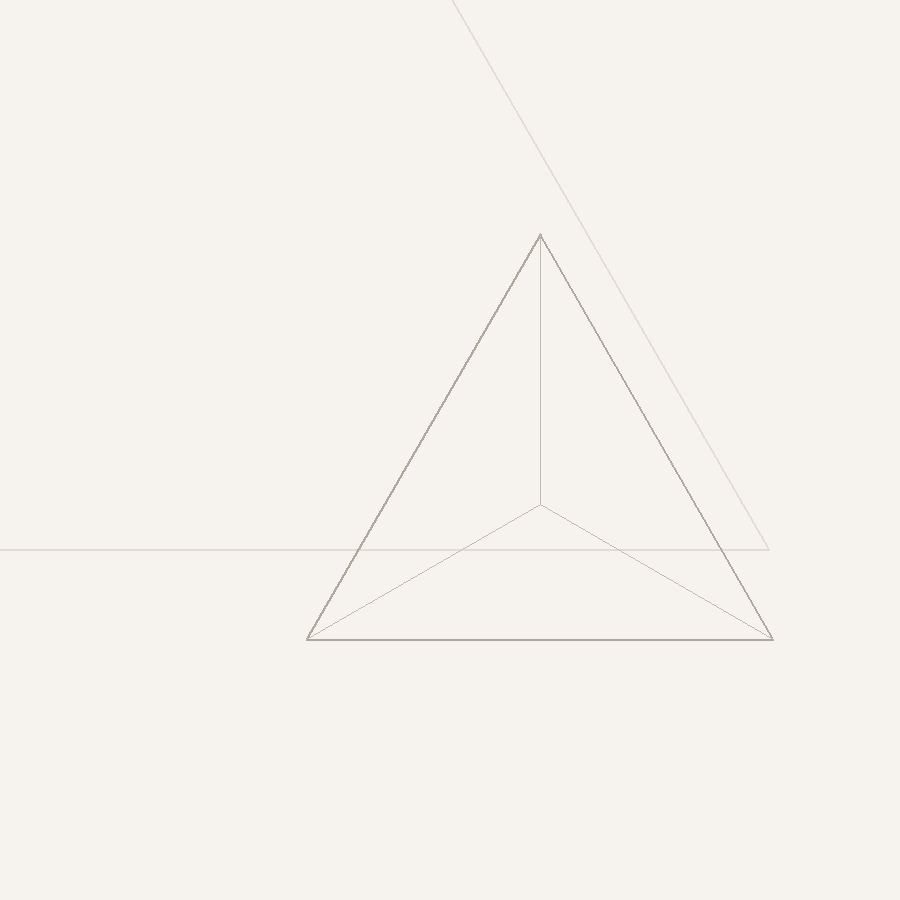
One peak, six still treatments and two facet bakes. Choose a plate to open it full frame.
Full frame
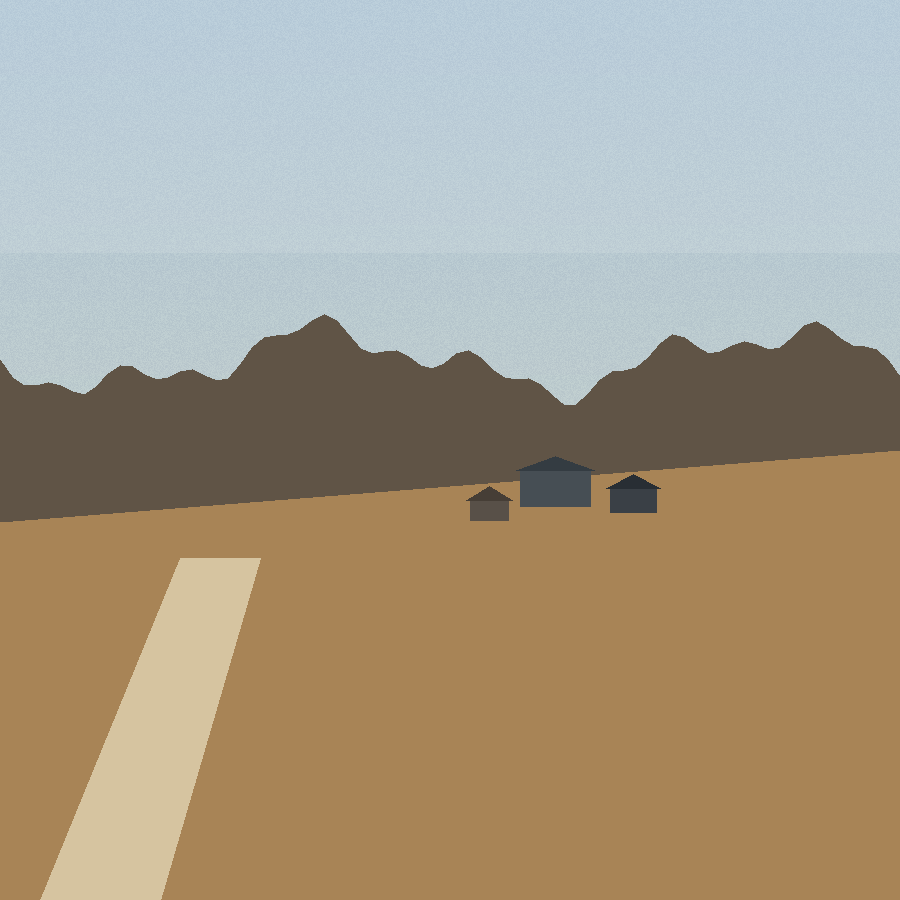
Sample field frame
Photo window
Review deck
One slide per plate
Slide order follows the plate numbers.
8 slides. One plate each. Photo split and photo window close the set.
01Relief
02Veil
03Window
04Ghost
05Engraved
06Contour
07Photo split
08Photo window
How it works
Load the logo shapes and brand colours as the only drawing source.
Draw the raised, translucent, cut-out, faded, engraved and outline backgrounds.
Add an optional photograph inside chosen parts of the logo.
Save the backgrounds as square PNG images.
Build a PowerPoint review deck with one slide per background.
Pipeline
flowchart LR
  A[Logo geometry] --> B[Renderer]
  C[Brand colours] --> B
  B --> D[Still plates]
  E[Photograph] --> F[Facet bake]
  D --> F
  F --> G[Review deck]

 Relief
 Veil
 Window
 Ghost
 Engraved
 Contour
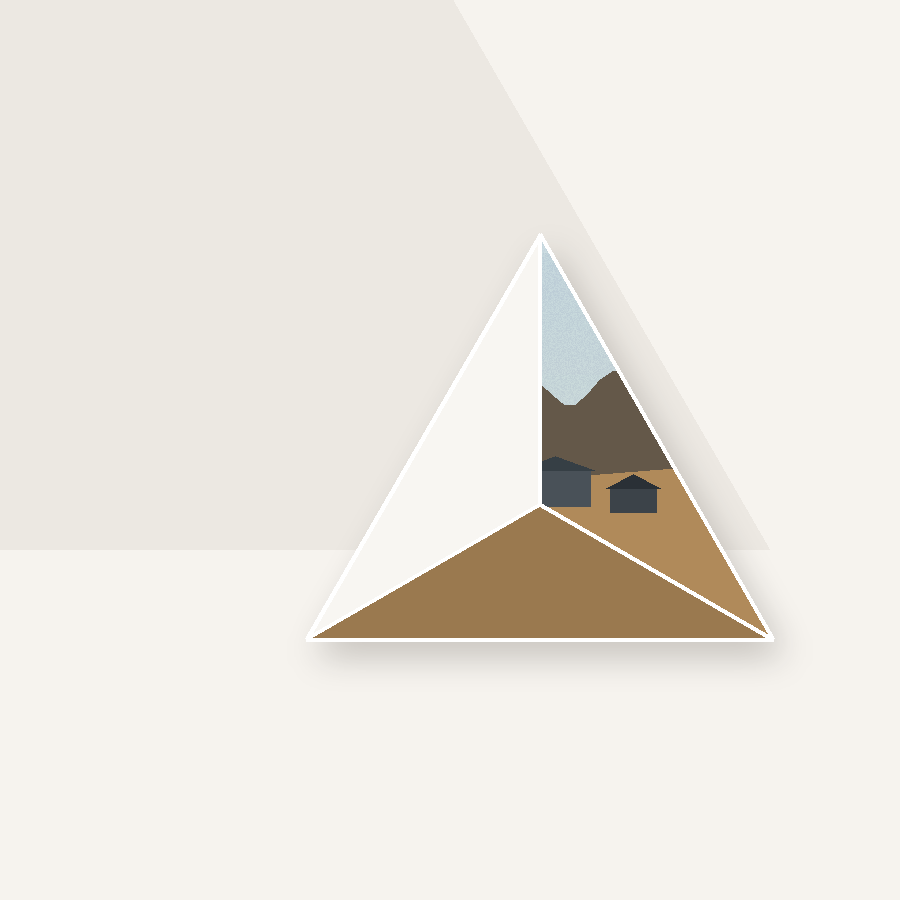 Photo split