Staff record how a style fits, with photographs and a spoken note, on a signed-in mobile form. An editor then publishes the comfort panel, gallery and fit details on the product page.
Size & Fit Tools
Footwear retail
Dashboard feature
Productised
Hybrid
2025
The problem
What a shoe feels like, including the shape, lining, footbed, heel and whether the insole comes out, lived in someone's head, an email or a paper note. Getting a reviewed panel onto the product page took repeated changes and a manual publish. So most styles never got one.
What it does
On the shop floor, signed-in staff photograph the shoe, record a spoken note and answer the fit questions. They can list, search, edit and delete records, and review the gallery. When a record is ready, an editor publishes the comfort panel on the product page with the gallery and the fit details. The capture app works, and the hosted files are the live versions.
Outcomes
What staff learn about fit on the shop floor ends up in the product record.
Photos and a spoken note sit beside the structured fit fields.
A product page shows a reviewed comfort panel instead of a loose file.
Signed-in staff can search, edit and remove records.
Simplified mockup
Interactive preview with sample data. Nothing is sent to a server.
Court 4418
Children
Black court · three crops
0:12
Spoken note on the device. Not published yet.
Fit fields
Ready to save
SavedCourt 4418 is on the record list. Search leather to find it.
Fit records
Signed-in list
Style
Note
Status
Court 4418
Leather lined, insole lifts out
Just saved
Lace trainer 2201
Textile lining, roomy toe
Draft
Strap sandal 1180
Open heel, no insole
Draft
Delete asks for confirmation, then removes that row.
Remove strap sandal 1180? This cannot be undone in the demo.
Waiting
Strap sandal 1180 was removed by signed-in staff.
Product page
Editor Not on the page
Court 4418 has photos, a 12-second note and the fit fields. Nothing is on the product page until you publish.
Ready
Comfort panel Live
Spoken note, 0:12. Firm in the heel, the insole lifts out, and there is a little room across the toes on this last.
Attributes
Last
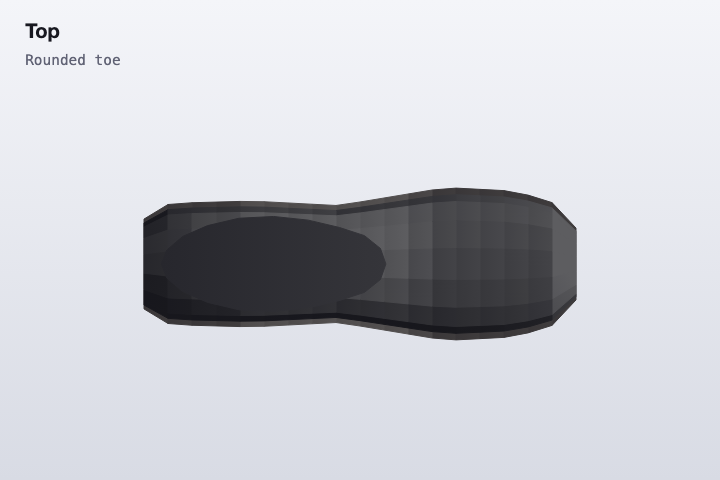
Medium volume, rounded toe
Lining
Leather lined
Footbed
Cushioned, covered
Heel
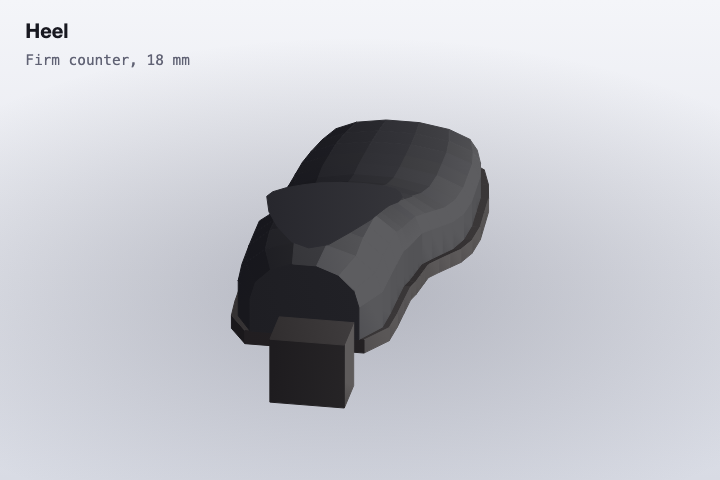
Firm counter, 18 mm
Removable insole
Yes
How it works
Staff sign in on a phone and open or create the style.
Take photographs and record a spoken note.
Answer the fit questions: shape, lining, footbed, heel and removable insole.
Save the record to the list, where it can be searched and edited.
An editor reviews the gallery and the note.
Publish to put the comfort panel on the product page.
Pipeline
flowchart LR
  A[StaffSignIn] --> B[PhotosAndVoice]
  B --> C[FitFields]
  C --> D[RecordList]
  D --> E[EditorReview]
  E --> F[PublishPanel]
Output
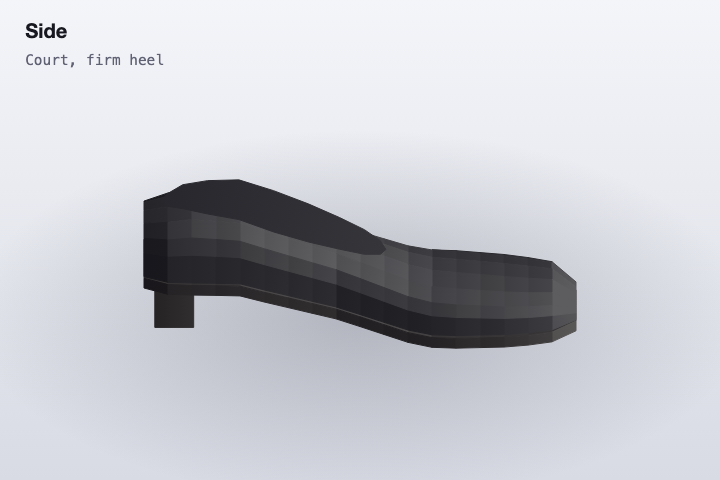
Side crop of the sample court shoeTop crop showing the rounded toeHeel counter crop