About Services Tools Blog Contact us

Colourway Drop Grouping

Turns a drop of photos and a closing voice clip into one or more draft colourways, so staff do not have to wait on the import page.

  • Classification & Tagging
  • Footwear retail
  • Scheduled worker
  • Productised
  • Local/private
  • 2026

The problem

Files left ungrouped never reach picture analysis, copywriting or the photo studio. Two different shoes dropped together would end up on one card. Someone had to stay on the import page to sort them.

What it does

Grouping is a button on the import page and a job that runs every five minutes. A drop is grouped once its newest file is more than half an hour old, so an upload in progress is not cut in half. If the photos show two different shoes, the drop becomes two drafts. Each draft then waits for the picture and voice analysis.

Outcomes

  • Draft cards are created without anyone waiting on the import page.
  • An upload in progress is left alone until it goes quiet.
  • A drop of two shoes becomes two colourways.
  • Each draft is queued for picture and voice analysis.

Simplified mockup

Interactive preview with sample data. Nothing is sent to a server.

Afternoon drop Ungrouped

Stills
6
Newest file
35 min
Quiet enough to group
Drafts
0
Ungrouped files Quiet 35 min
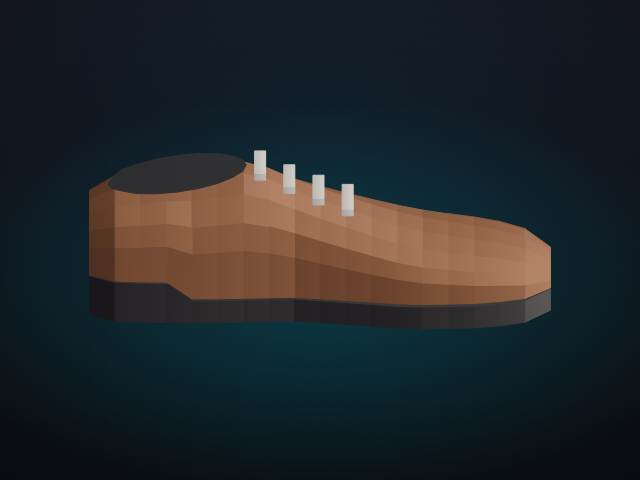
Chestnut derby, side viewChestnut · side
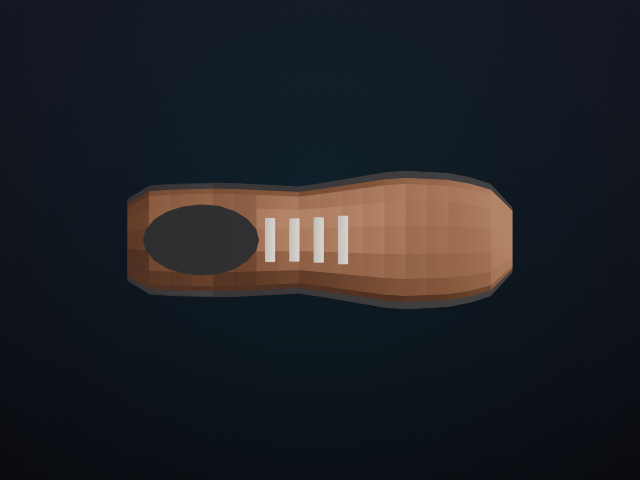
Chestnut derby, top viewChestnut · top
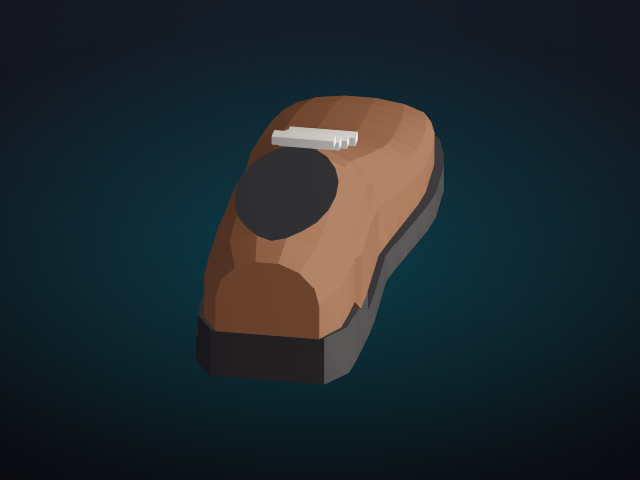
Chestnut derby, heel viewChestnut · heel
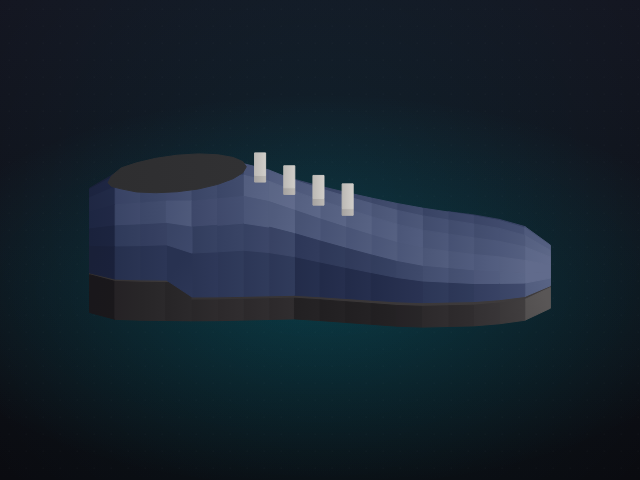
Navy oxford, side viewNavy · side
Navy oxford, top viewNavy · top
Navy oxford, heel viewNavy · heel
Clip closing-note.m4a · 0:18 Staff voice at the end of the drop
Grouping
Newest file was quiet for 35 minutes

Other drops

The afternoon drop is on Import
Still arriving
Morning sitting
3 stills · newest file 4 min
Leave intact
Under 30 min
Bench row
5 stills · newest file 22 min
Not quiet yet
Drafted
Yesterday’s pair
1 colourway · grouped 09:05
In analysis

An upload still in progress is never cut in half. The five-minute job only takes a drop once the newest file is older than half an hour.

Minutes since the newest file

Eligible once the bar passes 30

The open drop is the 35 minute bar. Anything shorter stays in the import column.

Quiet window
30 min
Job
5 min
Mixed stills
Split

How it works

  1. Watch the import folder for stills and a closing voice clip.
  2. Wait until the newest file is more than half an hour old.
  3. Group the drop from the import page or from the five-minute job.
  4. Split the drop if the stills show two different shoes.
  5. Create one draft colourway per shoe and leave it waiting for analysis.

Pipeline

flowchart LR
  A[Stills and clip] --> B[Quiet period]
  B --> C[Group]
  C --> D[One shoe]
  C --> E[Second shoe]
  D --> F[Draft colourway]
  E --> F