About Services Tools Blog Contact us

Phone Media Intake

A job that runs every minute, picks up phone photos and clips dropped into Downloads and files them ready for product set-up.

  • Scheduled Workers & Sync
  • Footwear retail
  • Scheduled worker
  • Bespoke
  • Local/private
  • 2026

The problem

Shop staff photograph a delivery on a phone and the files then sat in Downloads until someone uploaded them by hand. A file still being copied could be picked up too early and arrive cut short. Two overlapping runs could import the same files twice.

What it does

Each minute the job looks for new photos and clips with phone camera file names. It leaves a file alone until the file has sat unchanged for fifteen seconds. Each finished file is copied into the product intake folder and the original is moved into a dated folder. A safeguard stops two overlapping runs importing the same files.

Outcomes

  • Phone photos reach product intake without a manual upload.
  • A file that is still copying is left until the next minute.
  • Originals sit in a dated folder and no longer pile up in Downloads.
  • The safeguard stops a file being imported twice.

Simplified mockup

Interactive preview with sample data. Nothing is sent to a server.

Downloads

1 still copying
Phone drop IMG_ and VID_ names
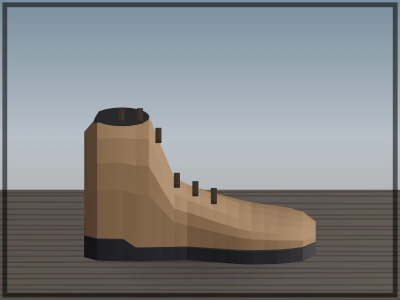
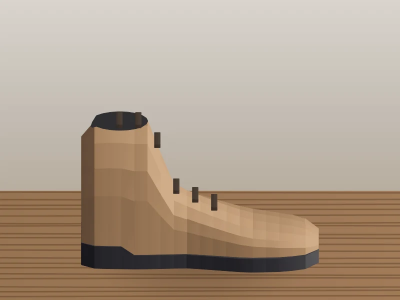
Tan ankle boot on a wooden table
IMG_4418.JPG
Still · settled 2 min
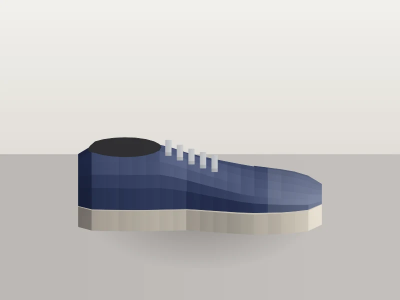
Navy trainer on a pale floor
IMG_4419.JPG
Still · settled 1 min
Clip frame of a boot on a bench
VID_4421.MOV
Clip · 8s · settled 38s
Cream court shoe, file still writing
IMG_4422.JPG
Still copying
Age 4s · needs 15s
Minute wake
Waiting for the next minute
Moves this wake

Nothing queued yet. Finished files will leave Downloads.

Intake queue

Product intake
Waiting for grouping
FileKindQueuedState
IMG_4402.JPGStill09:14:11Grouped
IMG_4403.JPGStill09:14:11Grouped
VID_4390.MOVClip08:02:44Waiting

IMG_4422.JPG is not here. It is still being copied into Downloads.

Dated archive

2026-10-09
FileKindArchived
IMG_4388.JPGStill09 Oct, 16:42
IMG_4389.JPGStill09 Oct, 16:42
VID_4390.MOVClip09 Oct, 16:42
2026-10-08
6 stills and 1 clip from the morning delivery.

How it works

  1. Run every minute on a timer, not from the website.
  2. Find new photos and clips whose names match a phone camera pattern.
  3. Leave a file that has not sat unchanged for fifteen seconds.
  4. Copy finished files into the product intake folder.
  5. Move the originals into a dated folder.
  6. Use a safeguard so an overlapping run skips files already being handled.

Pipeline

flowchart LR
  Phone["Downloads"] --> Wait["Wait fifteen seconds"]
  Wait --> Copy["Copy to intake"]
  Copy --> Archive["Dated folder"]
  Lock["Lock"] --> Copy
  Copy --> Queue["Intake queue"]

Output