Three documents in this batch
Ledger match
0
INV-2408 agrees
Receipt, no ledger
0
Arithmetic holds
Till mismatch
0
Printed total is high
INV-2408 text layer
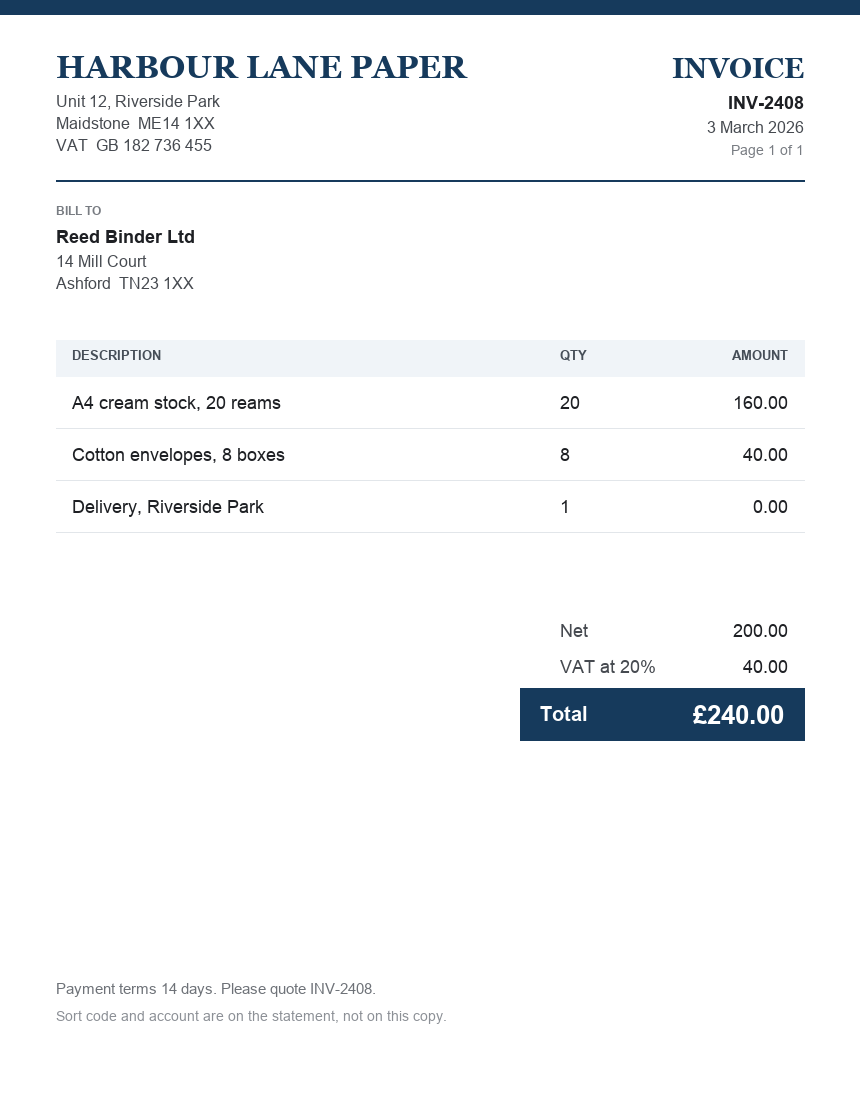
- Supplier
- Harbour Lane Paper
- Date
- 3 March 2026
- Net
- £200.00
- VAT
- £40.00
- Total
- £240.00
ledger £240.00
VAT number 182736455 is in the source. Net plus VAT equals the total.
Receipt photo OCR
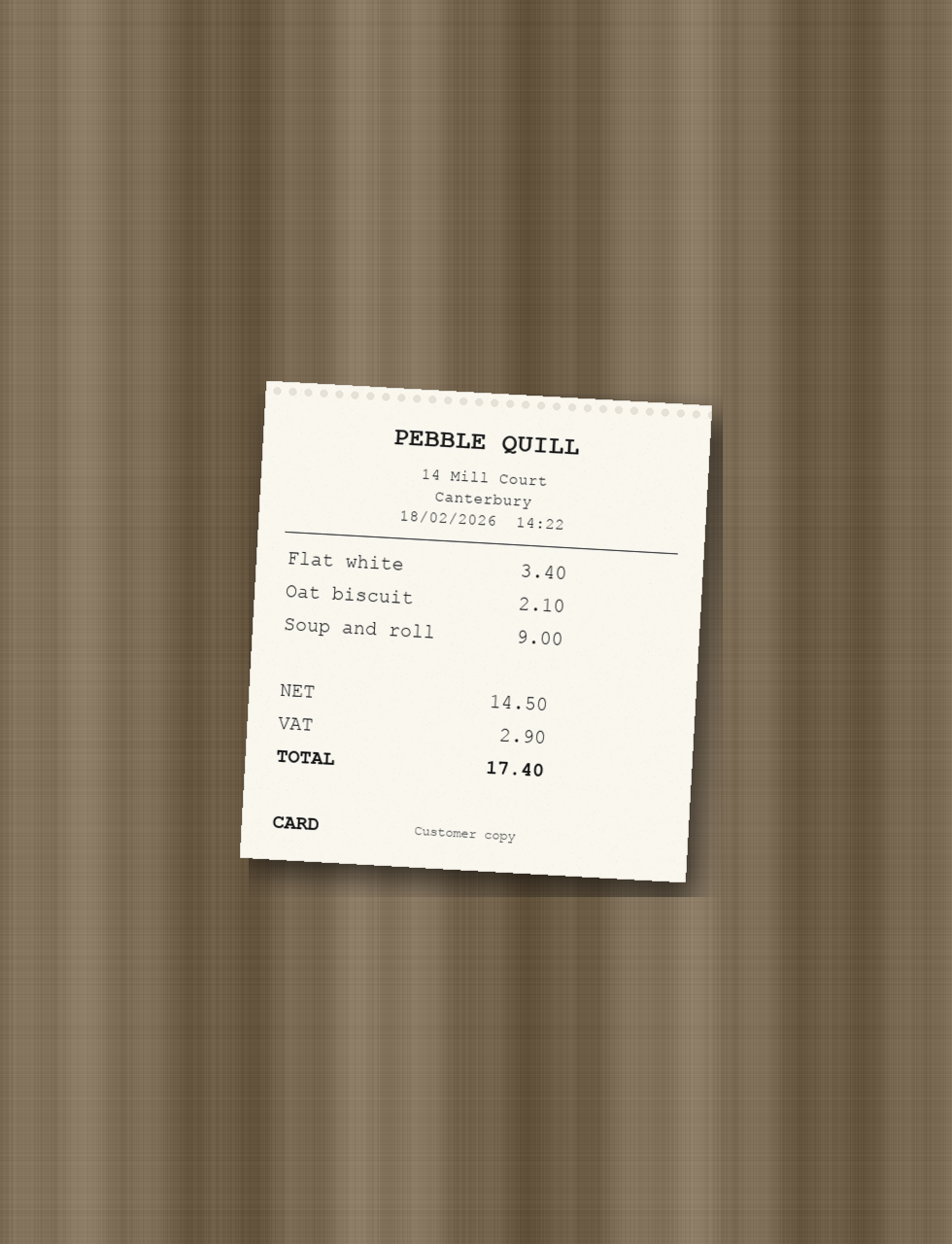
- Supplier
- Pebble Quill
- Date
- 18 February 2026
- Net
- £14.50
- VAT
- £2.90
- Total
- £17.40
balanced no ledger figure
14.50 plus 2.90 equals the printed total. Nothing on the ledger to score.
Till slip blurry scan
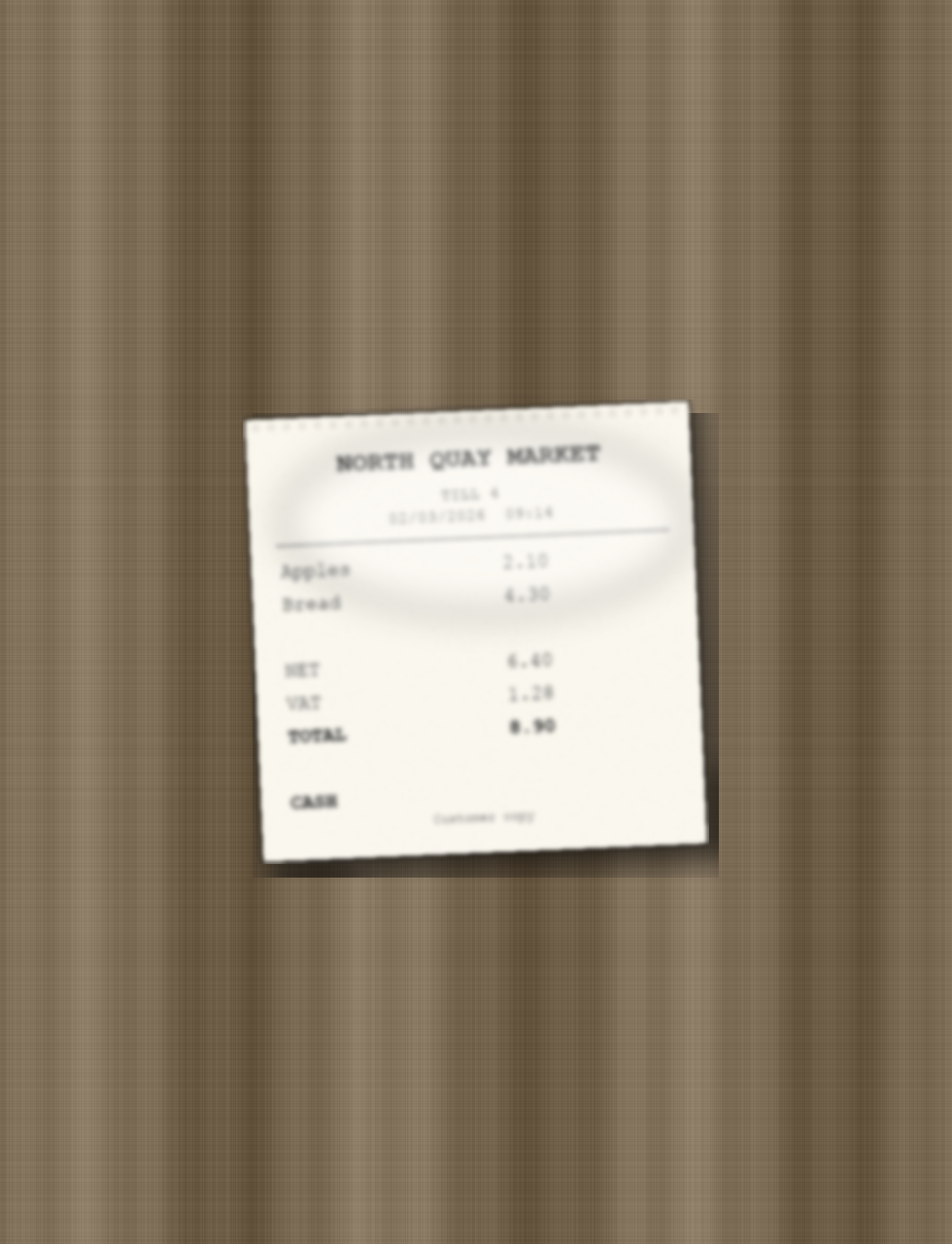
- Supplier
- North Quay Market
- Date
- 2 March 2026
- Net
- £6.40
- VAT
- £1.28
- Total
- £8.90
mismatch
6.40 plus 1.28 is 7.68, not the printed 8.90. Held back from the ledger.
Rule
Net + VAT = total
Otherwise the card is a mismatch
VAT number
Digits in source
A number the page does not contain is dropped
Ledger
Optional
Scored when a figure is supplied
This batch against the sample ledger
| Document | Net | VAT | Net + VAT | Printed | Ledger | Verdict |
|---|---|---|---|---|---|---|
| INV-2408 Harbour Lane Paper | 200.00 | 40.00 | 240.00 | 240.00 | 240.00 | match |
| Pebble Quill receipt | 14.50 | 2.90 | 17.40 | 17.40 | none | balanced |
| North Quay Market till 4 | 6.40 | 1.28 | 7.68 | 8.90 | none | mismatch |
INV-2408.pdf text layer
The total is already in the text, so on-device OCR is skipped.
HARBOUR LANE PAPER
INV-2408
3 March 2026
Net 200.00
VAT 40.00
Total 240.00
VAT GB 182 736 455
receipt.jpg OCR
no text layer
Phone photo of a thermal receipt. Read on the device, then the same field block as the invoice.
till.jpg OCR
low contrast
Blur and a flash patch. The fields still come back, and the arithmetic check rejects the printed total.
Documents this week