Brief
Template
Locked house blocks: header, hero, three photographs, button, footer. A teal range variant uses the same blocks.
Photographs are already on the brief
Photographs
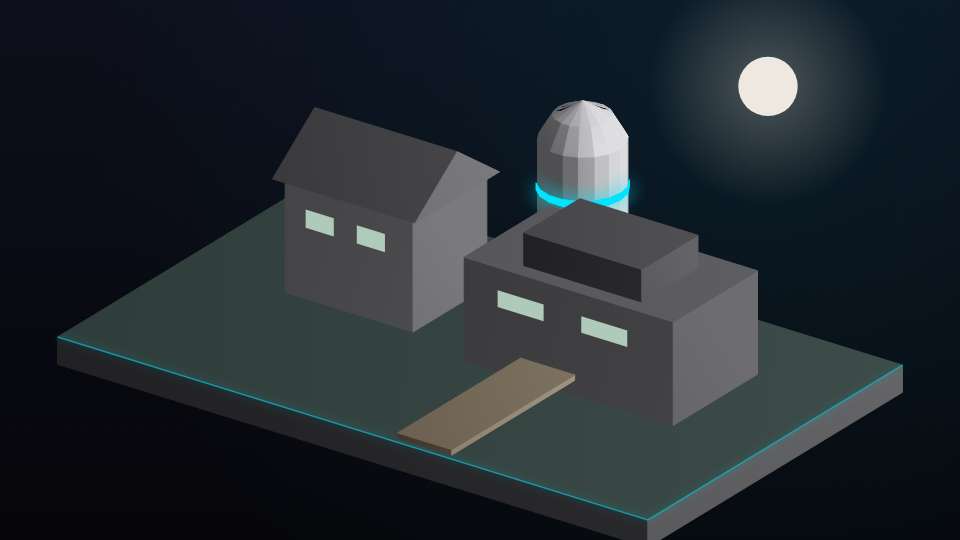

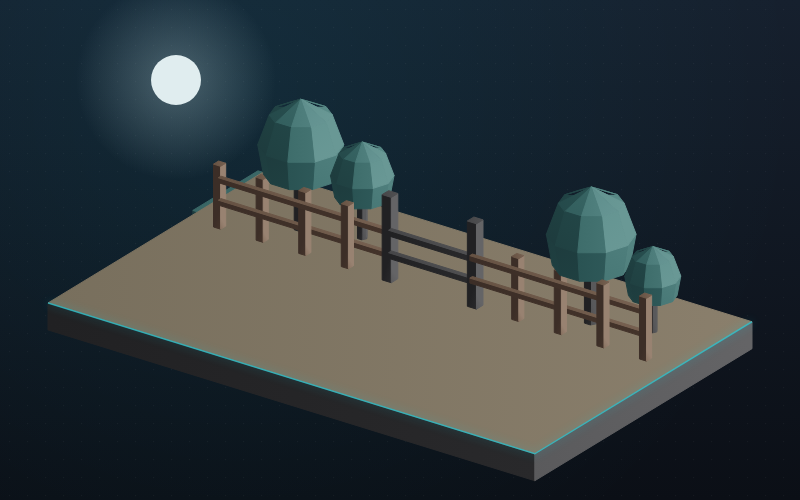
From Works desk · Brindleford open day · 18 March 2026
Phone
Wednesday 18 March, 10:00 to 15:00, at Brindleford Treatment Works.
Confirm your placeDesktop · house template
You are invited to the Brindleford open day.
Site tours from 10:00, a short briefing, and lunch for people who asked for works news. Wednesday 18 March 2026.
You receive this because you asked for works news. Unsubscribe is in the footer of every send.
Range variant
Same blocks, range colour, for a send that is only about the housing range.
site_contacts.csv · 48 rows
Consent, bounces and duplicates are still mixed in
Sample of the file
| Name | Consent | Bounce |
|---|---|---|
| Rowan Hale | Yes | None |
| Visitor line 12 | Missing | None |
| Caleb Nwosu | Withdrawn | None |
| Greta Holm | Yes | None |
| Nadia Crowe | Not ticked | None |
| Hugo Pell | Yes | None |
Ready
0
Consent removed
0
Hard bounces
0
Taken out of the segment
| Row | Reason |
|---|---|
| Visitor line 12 | Consent missing |
| Caleb Nwosu | Consent withdrawn |
| Nadia Crowe | Consent not ticked |
Seed inbox
| Check | Result |
|---|---|
| Images | Pass |
| From-address | Pass |
| Footer unsubscribe | Pass |
| Event link | Fail |
Confirm your place does not resolve
House sending domain
SPFPass
DKIMPass
DMARCPass
Authentication is already passing. The hold is the broken event link, not the domain.
Event link
Pass
The button now opens the event page. The campaign can be scheduled.
Schedule stays off while a check fails
Audience
0
consented contacts
Suppressed
0
consent failures
Send
Tue 10 Mar
07:30
07:30
Opens by day
Filed on the campaign
Opens0
Clicks0
Bounces0